From Instagram Followers to CSV Leads for B2B SaaS
From Instagram followers to CSV leads for B2B SaaS. Learn how to export, filter, verify emails, and turn followers into qualified leads ready for cold outreach.

On this page (7 sections)
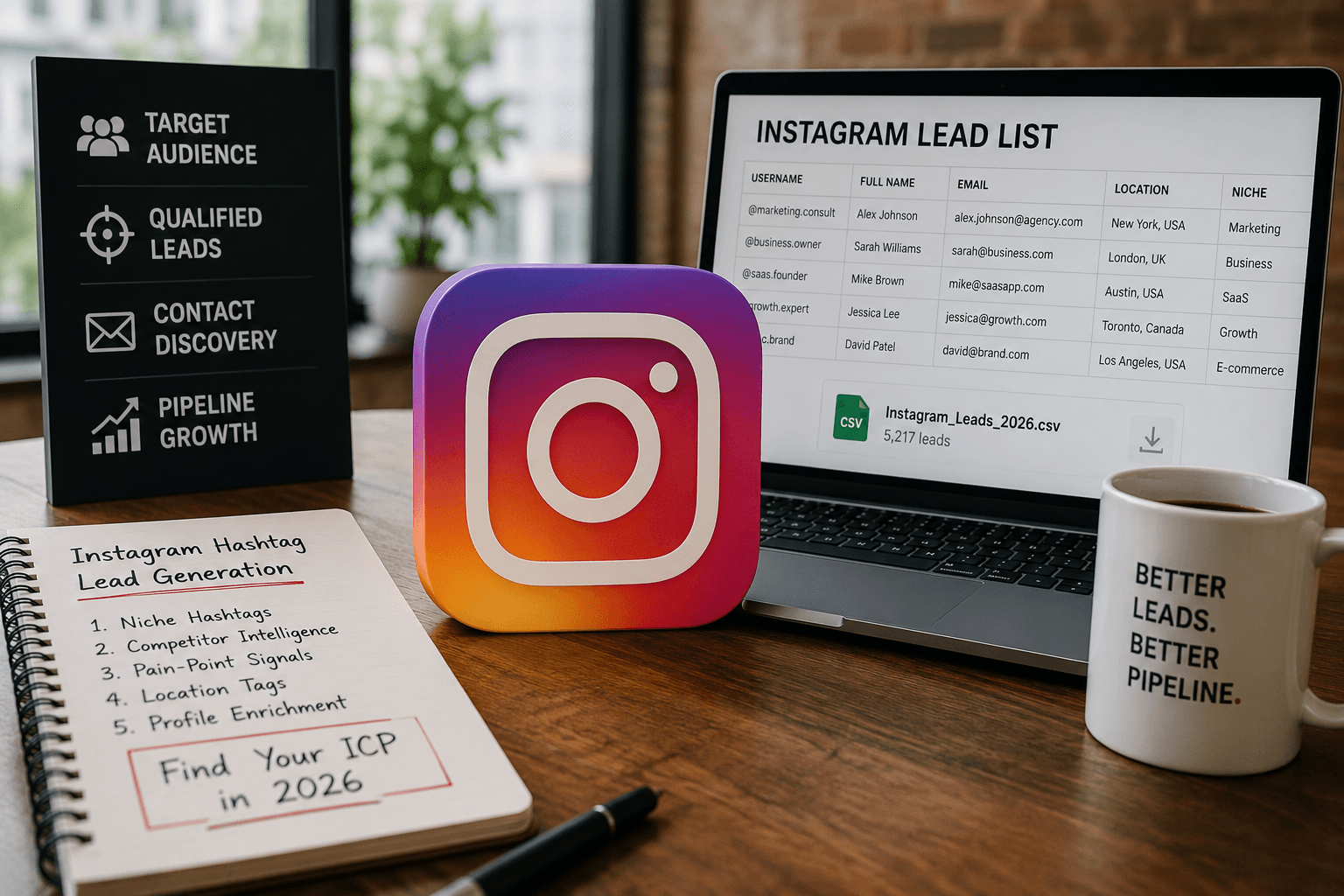
From Instagram followers to CSV leads for B2B SaaS is no longer a vanity move, it is a full‑funnel growth strategy for modern outbound teams. When you export Instagram followers to CSV or Excel with the right Instagram follower export tool or IG exporter, you turn raw audience data into a structured lead asset you can actually sell to. For B2B SaaS, that means using Instagram followers to email list workflows that end in CRM, cold email, and real revenue.
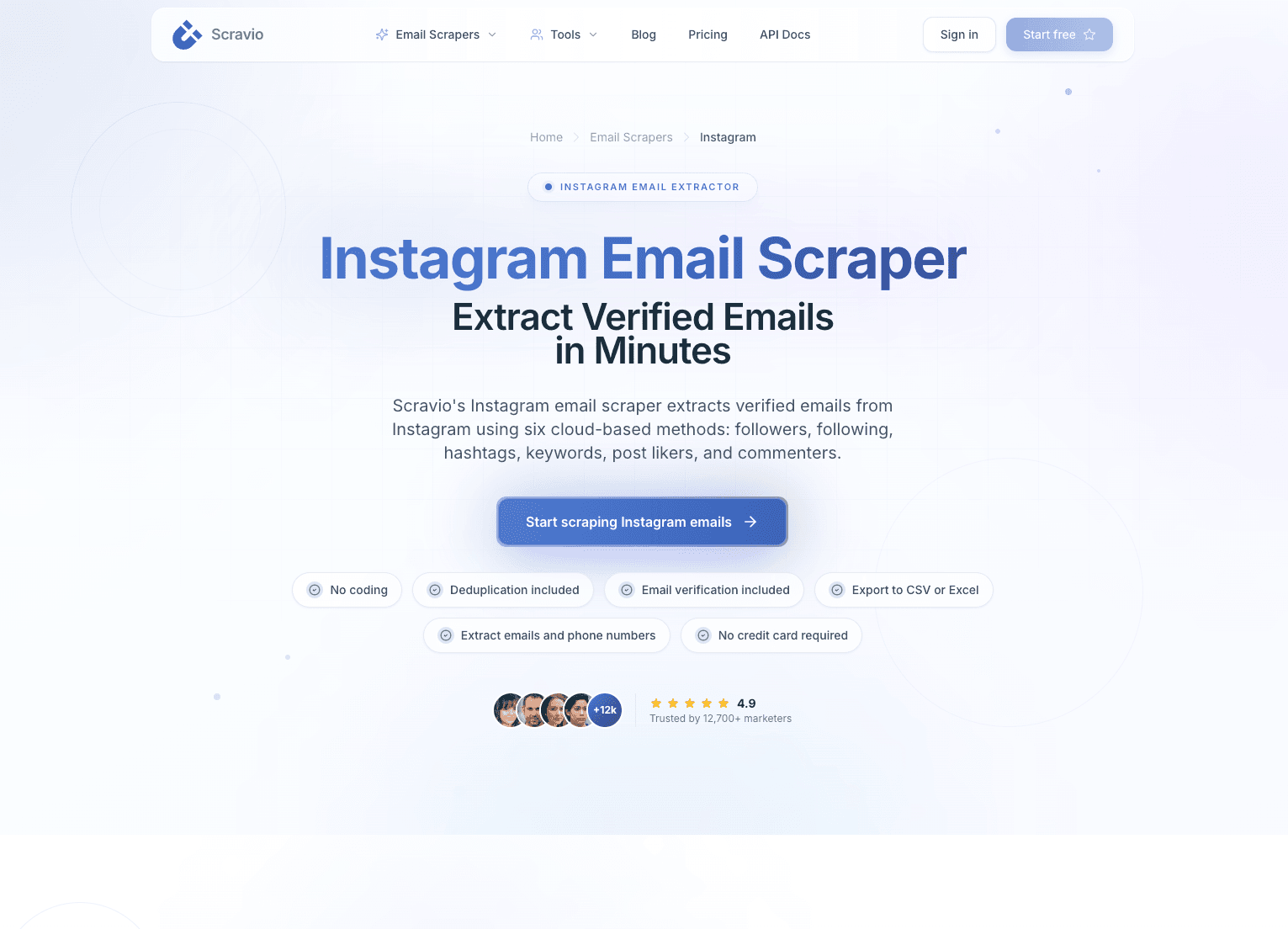
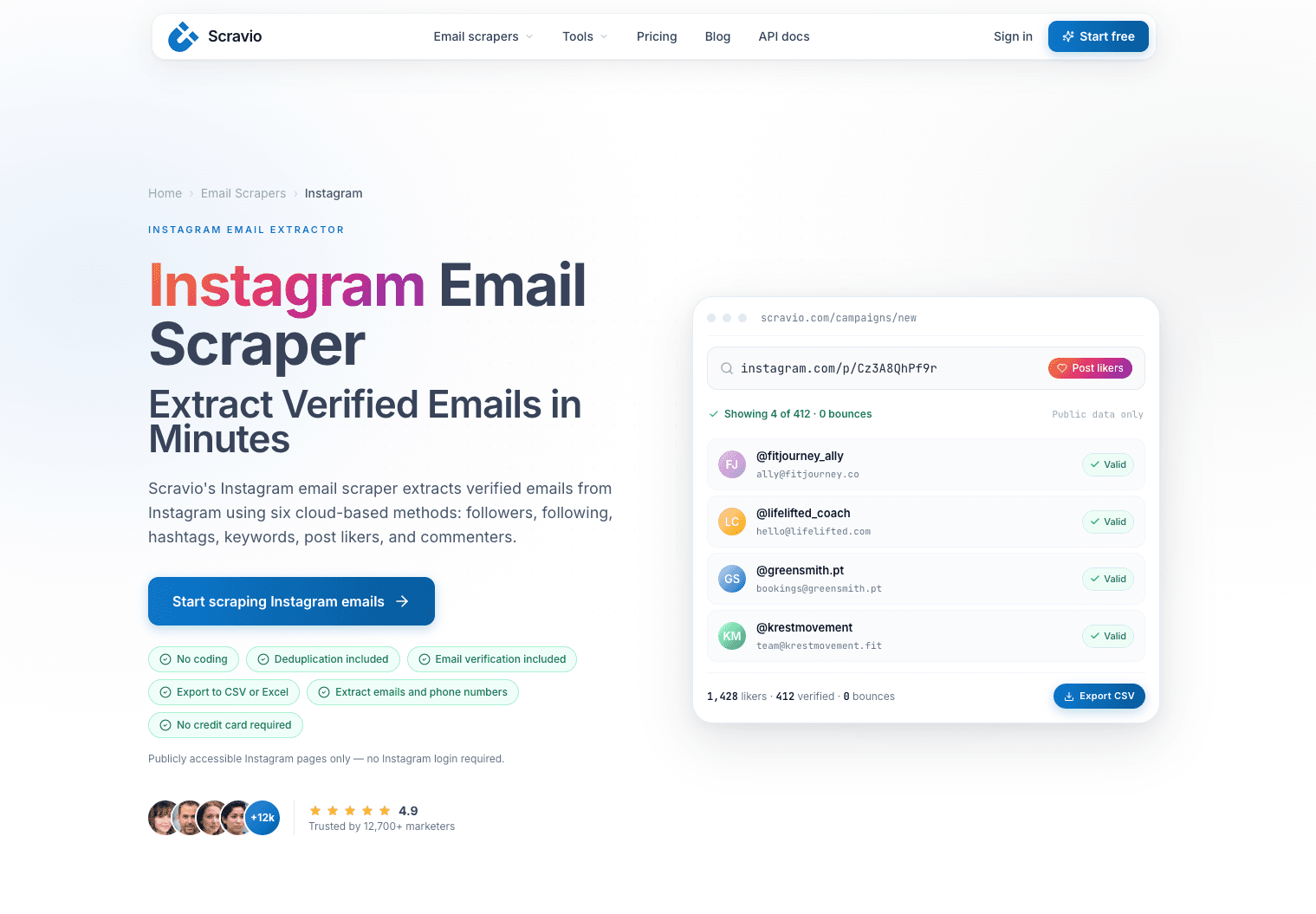
In this guide on From Instagram Followers to CSV Leads for B2B SaaS, you will see a practical, end‑to‑end workflow instead of random scraping tips. We will walk through how to export Instagram followers, extract Instagram followers from public Instagram accounts, clean and filter them for ICP, verify and dedupe emails, and then import those Instagram leads to CRM and outreach tools like your cold email platform. By the end, you will know both how to get B2B leads from Instagram by yourself and what to expect from a dedicated Instagram follower export tool such as Scravio.
What Makes an Instagram Follower a Qualified B2B SaaS Lead?
Not every follower is a B2B SaaS lead, even if they follow your brand or a competitor's Instagram page. The real difference between a follower and a lead is intent, business context, and their ability to buy or influence a purchase.
Entity: Instagram follower → Attribute: general audience → Value: low, mixed intent
Entity: B2B SaaS lead → Attribute: business relevance → Value: decision or influence on buying
You mainly care about followers who look like:
-
SaaS founders, co‑founders, and product builders.
-
Marketers, growth leads, performance advertisers.
-
Agencies, consultants, and creator businesses that buy or recommend tools.
-
In‑house teams at B2B companies (sales, RevOps, marketing, success).
Their bio and behavior often reveal business intent:
-
Bio keywords: "SaaS", "agency", "B2B", "growth marketing", "funnels", "automation", "CRM".
-
Links to a website, landing page, or portfolio from their Instagram profile.
-
Content about tools, funnels, campaigns, or case studies, not only daily life or entertainment.
For B2B SaaS, you only want a subset of followers to go into your Instagram followers database CSV. If you send 100% of your Instagram followers list into the lead list, you will dilute it with personal, low‑intent, or bot accounts, which kills reply rates and hurts domain reputation. The mindset shift is simple: from "scrape everyone" to "curate a qualified B2B Instagram lead list".
Step-by-Step Workflow: From Instagram Followers to CSV Leads
This section breaks down the real‑world workflow that turns Instagram followers to CSV into an operational B2B lead engine.
Step 1: Choose Instagram Accounts to Extract Followers From
The first decision is where to export Instagram followers to CSV from. The best results come from accounts that already aggregate your ICP.
Good source accounts:
-
Competitor SaaS brands with similar target users.
-
Niche KOLs talking about cold email, growth marketing, sales automation, B2B funnels.
-
Industry communities: "SaaS founders", "B2B marketers", "startup growth".
-
Agencies and consultants serving your ideal customers.
Entity: Source account → Attribute: audience overlap → Value: high ICP density
Prioritize:
-
Public Instagram accounts (easier to extract Instagram followers from).
-
Followers that match your geography and price segment.
-
Pages where comments and posts show business conversations, not just memes.
You can also look at a competitor's profile or target account where your ideal Instagram users already engage and plan to export follower lists from those profiles.
Step 2: Export Followers from Those Accounts
Once you have a shortlist of source accounts, you can download Instagram followers list with:
-
An IG follower export tool.
-
A browser extension or Chrome extension type follower export tool.
-
A cloud‑based Instagram followers scraper tool.
Typical actions:
-
Input the target username into the IG export tool.
-
Run the export process to export IG followers to CSV or Excel format.
-
Store exported data separately per source account so you can track performance by origin.
Many tools let you export your Instagram followers and following from your own account, but for lead generation you usually care about public target account followers. A good third‑party tool will work on publicly available Instagram data only and output a CSV or Excel file for further analysis, without asking for unsafe Instagram credentials or credit card just to test.
Using a dedicated instagram followers export Chrome extension or cloud IG tools helps you avoid manual copy‑paste and rate‑limit issues. At this stage, you only care about completeness and accuracy; filtering comes later.
Step 3: Collect Basic Public Profile Data for Each Follower
After extraction, you enrich each follower with public profile attributes. Think of this as building the schema of your future Instagram followers database CSV file.
For each profile, capture:
-
Username
-
Profile URL
-
Full name or business name
-
Bio text
-
Website URL (if present)
-
Follower count
-
Location / country (if visible)
Entity: Profile → Attribute: public data → Value: fields for scoring and personalization
You must keep this step strictly within public data only. That means:
-
No passwords.
-
No hidden fields.
-
No DMs or private accounts.
Only use what any visitor can see on a public account or public Instagram profile. This is both a compliance and reputation safeguard.
Step 4: Extract Available Contact Information (Emails, Websites)
Now you move from "profiles" to "contacts". This is where an instagram email scraper or instagram b2b email scraper comes in.
You want to:
-
Extract Instagram emails exposed in the bio or "Email" button.
-
Capture website URLs and check those domains for contact details.
-
Map emails and websites into their own dedicated columns in your dataset.
Entity: Instagram bio → Attribute: email link → Value: cold email entry point
Entity: Website → Attribute: domain → Value: company identity
When you scrape Instagram emails, prioritise business addresses ([email protected]) over free providers when you target mid‑market or enterprise buyers. For creators and solopreneurs, Gmail or Outlook emails can still be high quality as long as the profile shows clear business intent.
This step is what turns a basic export followers job into a true lead generation pipeline instead of just saving follower data for vanity metrics.
Step 5: Organize Followers and Contacts into a Structured Table
At this point, you have a lot of raw data. To make it usable, you combine everything into a clear table before you export Instagram followers to CSV as a final file.
Recommended columns:
-
Username
-
Profile URL
-
Full name / business name
-
Bio
-
Website
-
Email
-
Source account (which Instagram account they were exported from)
-
Export date
Entity: Raw list → Attribute: structured schema → Value: CRM‑ready table
Quick cleanups:
-
Remove rows with no bio and no website and no email (very low signal).
-
Drop obvious spam or irrelevant niches (e.g., pure entertainment fan pages for B2B SaaS).
This is the stage that turns "Instagram followers to email list" into a structured, analyzable lead list rather than a chaotic dump. If needed, you can keep a copy of the raw CSV format output from the tool and a "cleaned" version for imports into Google Sheets, Excel, or your CRM.
Step 6: Clean and Normalize the Data Before Export
Before you call this a lead list, you need basic data hygiene. Normalization improves both analytics and deliverability.
Key clean‑up actions:
-
Standardize email formats (lowercase, trim spaces, fix obvious typos).
-
Normalize URLs (add protocol, unify www vs non‑www).
-
Fix encoding for names and bios (especially in multilingual datasets).
-
Remove duplicates by (username + email).
Entity: Raw CSV → Attribute: inconsistencies → Value: normalized list
This step matters when you export your Instagram followers to CRM like HubSpot or when you import Instagram followers to HubSpot via CSV. Clean data means fewer import errors and better segmentation later, whether your exported data lives in an Excel file, Google Sheets, or directly in your CRM.
Step 7: Export the Final Lead List as a CSV File
Once the table is clean, you can export Instagram followers to CSV as your final B2B lead file.
Best practices:
-
Include only the columns your CRM or cold email platform really needs.
-
Use UTF‑8 encoding to avoid broken characters.
-
Keep a versioned naming convention, such as instagram_leads_sourceX_2026-05-08.csv.
Now you have Instagram leads CSV for cold email and can plug it into your existing outreach stack. If you use a tool like Scravio, most of these steps—extraction, structuring, and export—are automated in one click, so you focus on ICP logic instead of manual data work and save time compared to juggling multiple other tools.
How to Structure and Filter Your Instagram-to-CSV File for B2B SaaS ICP Fit
Once you have Instagram followers to CSV, the real leverage comes from how you structure and filter that file for ICP fit.
Must-Have Columns in an Instagram B2B Lead CSV
These columns are non‑negotiable if you care about results.
-
Username – for identity and dedupe.
-
Profile URL – to quickly review accounts or use in personalization.
-
Full name / business name – for friendly, natural cold email greetings.
-
Bio – to infer intent, role, and niche.
-
Website – to identify companies and domains.
-
Email – your primary outbound channel.
-
Source account – to track which Instagram page brings the best B2B Instagram leads.
-
Export date – to know how "fresh" a contact is.
Entity: CSV column → Attribute: purpose → Value: segmentation or personalization
Without this structure, you cannot segment effectively or run serious B2B Instagram marketing strategy based on your follower data.
Optional Fields That Make Segmentation and Personalization Easier
Optional columns add sophistication.
-
Location / country – for geography‑based sequences.
-
Follower count – proxy for influence or reach.
-
Niche / category – e.g., SaaS, agency, ecommerce, creator.
-
Role tag – founder, marketer, consultant, etc.
-
ICP fit score – simple numeric score (1–3 or 1–5) based on your rules.
Entity: Lead → Attribute: ICP fit score → Value: prioritization
These attributes help you define tighter segments like "SaaS founders in EU" or "marketing agencies in US with >5k followers" and personalise messages accordingly. You can even push this structured data into Google Sheets first for quick filters before importing it into your CRM.
Filtering Rules to Match Your B2B SaaS ICP
Filtering is where how to get B2B leads from Instagram becomes a clear, repeatable playbook.
Sample rules:
-
Bio contains: "SaaS", "B2B", "agency", "growth", "marketing", "consultant".
-
Domain TLDs and content indicate business use (e.g.,
company.cominstead offanpage.me). -
Follower count above a minimum threshold if you care about influence.
-
Location in markets where you actively sell.
Entity: Filter rule → Attribute: condition → Value: include or exclude
From there, you can create micro‑segments for targeted cold email sequences. This is far more effective than blasting the same template to everyone in your Instagram leads to CSV file.
Removing Personal, Low-Intent, and Bot Accounts
Cleaning out low‑intent and fake accounts is critical.
Common signals of accounts to remove:
-
Usernames with random strings and no profile picture.
-
Bios with only emojis or generic quotes and no business indicators.
-
No posts, or only personal lifestyle content unrelated to business.
If you keep these profiles in your Instagram followers export list, they:
-
Drag down your open and click‑through rates.
-
Increase spam complaints.
-
Waste your email sending volume and sales team time.
Your goal is a lean list of high‑intent contacts, not a bloated email dump, even if your export tool offers unlimited exports or a generous free plan.
Email Verification and Deduplication for Instagram CSV Leads
Even the best instagram b2b email scraper will produce some invalid or risky emails, so verification and dedupe are mandatory.
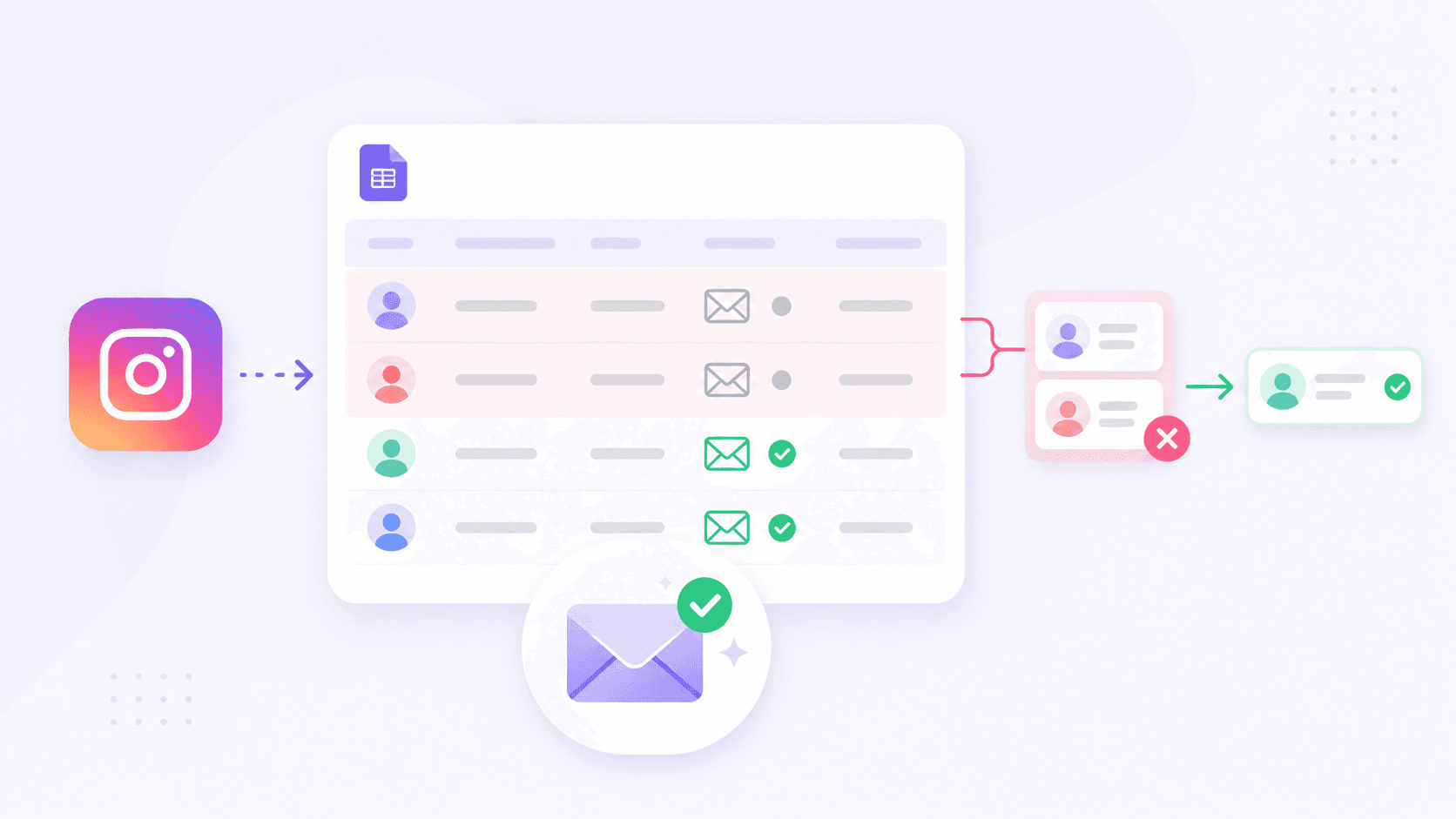
Why Raw Instagram Email Lists Are Risky
Entity: Raw email list → Attribute: deliverability risk → Value: high
Risks of skipping verification:
-
High bounce rate from invalid or outdated addresses.
-
Hitting spam traps and degraded IP/domain reputation.
-
ESP or SMTP providers flagging or throttling your account.
If you send cold email to an unverified Instagram followers to email list, every other campaign on that domain suffers.
How to Verify Emails in Your CSV
The basic verification workflow:
-
Upload your Instagram leads CSV file to an email verification tool.
-
Let it categorize addresses into valid, risky, and invalid.
-
Keep valid, consider risky case‑by‑case, and remove invalid emails from your lead list.
Entity: Email → Attribute: status → Value: valid / risky / invalid
You can also use verification results to tune your ICP rules. For example, if a specific exported account produces many invalid emails, it might not be worth further scraping.
Deduplication Rules to Keep Your List Clean
Deduplication keeps your metrics accurate and your outreach respectful.
Common dedupe rules:
-
Primary: unique by email address.
-
Secondary: dedupe by username if multiple emails share the same account.
-
Optional: dedupe by domain if you want a cap per company.
Entity: Lead list → Attribute: duplicates → Value: removed
This prevents sending multiple sequences to the same person or company, lowering the risk of spam complaints and making reporting more reliable.
How B2B SaaS Teams Use Instagram CSV Leads for Outreach
A clean instagram followers to csv file becomes powerful when plugged into your outreach stack.
Importing Instagram CSV Leads into CRM and Tools
You can export Instagram followers to CRM systems like HubSpot, Pipedrive, or Close by importing the CSV.
Best practices:
-
Map CSV fields to CRM fields consistently (email, name, company, source, tags).
-
Tag the import as "Instagram leads" or even "Instagram – [source account]".
-
Create a dedicated list or view to track performance of this channel.
Entity: CRM → Attribute: lead source → Value: Instagram
This makes it easy to compare conversion rates from Instagram vs LinkedIn, paid ads, or other channels. Some teams even maintain separate views for "followers and following" lists exported from different campaigns or hashtags.
Segmenting Leads by ICP, Niche, and Source
With structured fields, you can segment your instagram leads to CRM by:
-
ICP fit score.
-
Role (founder vs marketer vs agency).
-
Niche (SaaS, ecommerce, info products, etc.).
-
Source account or hashtag strategy.
Segmentation unlocks more precise messaging and offer matching, which is the real advantage of having an instagram followers database csv instead of a flat email list.
Creating Cold Email Sequences with Instagram Context
This is where you convert Instagram leads to actual conversations.
Tactics:
-
Open emails by referencing their Instagram bio or niche.
-
Mention the context: "Found you via [account] / hashtag / niche."
-
Tie your B2B SaaS value proposition to what they post or sell.
Instead of a generic "we help businesses grow revenue", you can say "we help SaaS and agency teams who are already using Instagram to drive traffic to landing pages convert more of that traffic into demos and trials". Context signals that your email is relevant, not random spam, and it is exactly why having structured Instagram data in CSV or Excel format matters.
Compliance Checklist for Using Instagram Follower Data
Compliance is part of long‑term success, especially when you scale instagram b2b leads.
Use Only Public and Relevant Data
Stick to public and relevant data only.
-
Do not attempt to access private accounts or bypass platform security.
-
Collect only what you need for B2B outreach (no sensitive categories).
-
Avoid scraping data that clearly has no business relevance.
Entity: Data scope → Attribute: visibility → Value: public
Respect Privacy and Email Regulations
Key principles under GDPR, CAN‑SPAM, and similar frameworks (high level, not legal advice):
-
Provide an easy way to opt out or unsubscribe.
-
Be transparent about who you are and why you are emailing.
-
Avoid deceptive subject lines and misleading claims.
If you treat people respectfully and keep relevance high, you reduce complaints and maintain a good sender reputation.
Align with Platform Policies and Deliverability Best Practices
Instagram and email providers both have usage and anti‑abuse policies.
Good behaviors:
-
Avoid aggressive, high‑volume blasts from new domains.
-
Warm up domains and IPs gradually.
-
Monitor engagement and remove unresponsive or negative contacts.
Entity: Sending behavior → Attribute: reputation → Value: inbox placement
Compliance is not just about risk reduction; it directly impacts whether your emails land in the inbox or spam.
Best Practices for Building a Clean Instagram-to-CSV Lead List
Over time, small process improvements make your instagram followers to csv pipeline significantly stronger.
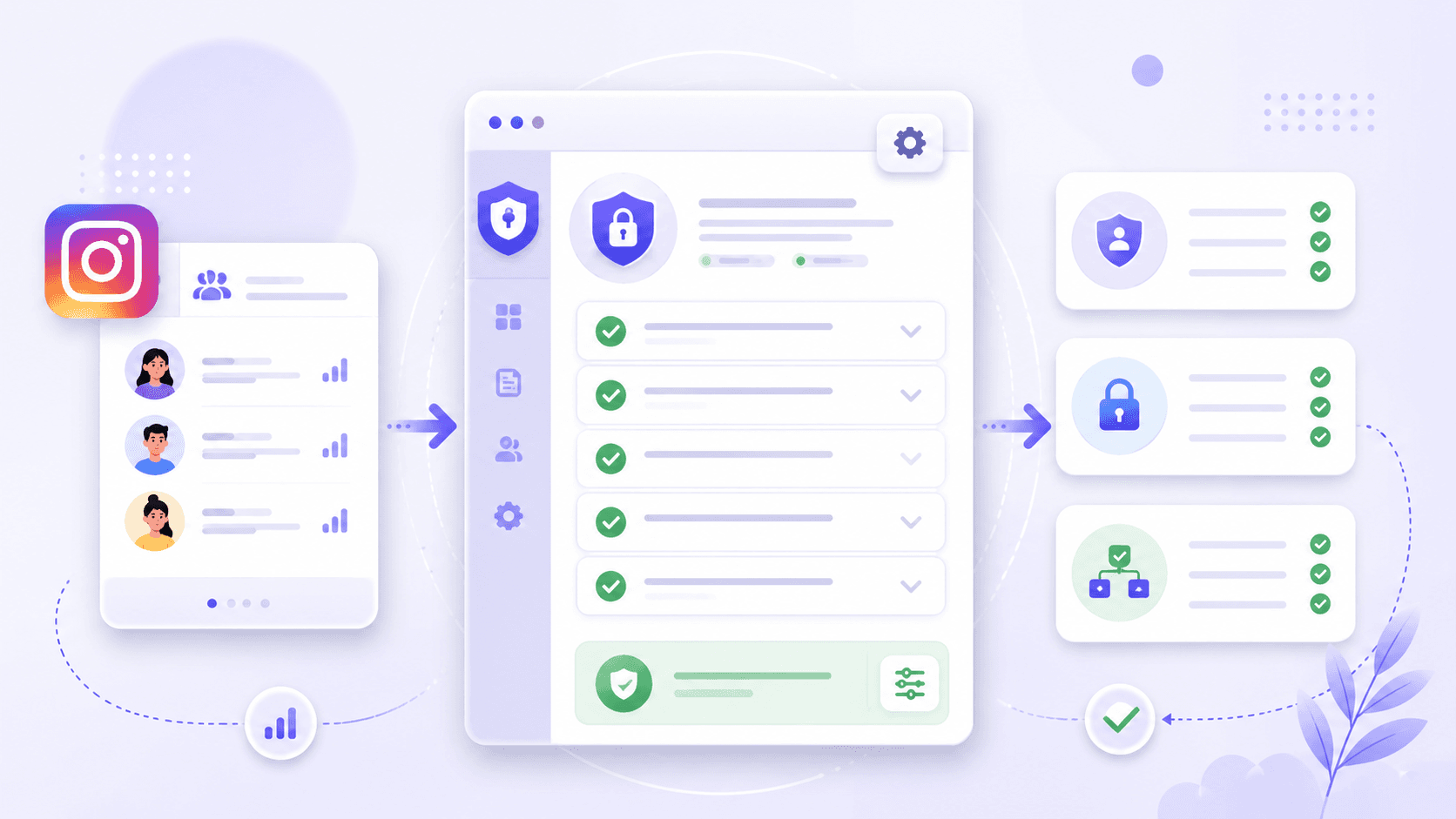
Focus on Lead Quality, Not Just Volume
A smaller, well‑filtered Instagram leads csv for cold email will outperform a massive, unfiltered dump.
Quality focus means:
-
Higher reply rates.
-
Better conversation quality.
-
Less stress on your email infrastructure and sales team.
Entity: Lead list → Attribute: quality vs volume → Value: sustainable performance
Standardize Your Workflow and Documentation
Turn your process into a documented playbook:
-
export → structure → filter → verify → dedupe → export CSV → import → outreach.
-
Define ICP, filtering rules, and dedupe logic in a shared doc.
-
Save sample CSV templates your team can reuse.
This removes guesswork and lets new team members ramp into your Instagram B2B lead generation system quickly.
Regularly Review and Refresh Your Instagram Lead Lists
Markets and products change, so your list should too.
Rituals:
-
Periodically audit a sample of your CSV leads to check if they still match your ICP.
-
Refresh source accounts if old ones stop attracting your ideal audience.
-
Update filters as your pricing, positioning, or target markets evolve.
Entity: Lead list → Attribute: freshness → Value: relevance
Frequently asked questions
Can I export Instagram followers to a CSV file?
Yes. With an instagram follower export tool or instagram followers scraper tool, you can export Instagram followers to CSV or Excel format and then convert that into a lead list.
Can Instagram followers really become B2B SaaS leads?
Yes, if you filter by role, niche, and intent, Instagram followers can become qualified B2B SaaS leads and perform well in cold email sequences.
What data should an Instagram B2B lead CSV include?
At minimum: username, profile URL, full name or business name, bio, website, email, source account, and export date.
Is it legal to use Instagram follower data for lead generation?
Using public data for B2B outreach can be acceptable if you respect platform terms, only use publicly available Instagram data, and follow regulations like GDPR and CAN‑SPAM.
Should I verify emails before doing cold outreach?
Always. Verifying the emails in your Instagram leads CSV reduces bounce rate, protects your sender reputation, and improves long‑term deliverability.
How do I avoid low‑quality or irrelevant followers in my CSV?
Use filtering rules based on bio keywords, domain type, niche, role, and activity signals to remove personal, entertainment‑only, and bot accounts.
Can I import Instagram CSV leads into my CRM or email tool?
Yes. Most CRMs and cold email tools let you import Instagram leads to CRM via CSV with custom field mapping and tagging.
What is the best way to find B2B SaaS leads from Instagram followers?
Target niche accounts where your ICP gathers, export Instagram followers to CSV, structure and filter the data, verify emails, and run segmented cold email sequences with Instagram‑aware personalization.
Start your first campaign with 100 free credits
Verified emails from Instagram, Facebook, LinkedIn, X, YouTube, and TikTok — all in one cloud workflow. No card required.