
01
Use niche plus location
Searches like dentist Miami or breakfast restaurant Austin usually return more relevant listings than broad category searches. Specific queries make the data easier to review and more useful for lead generation.
Scravio's cloud-based Google Maps email scraper and business email extractor helps you pull publicly visible emails, phone numbers, websites, and contact details from Google Maps listings.
Then verify, deduplicate, and export them for outreach, prospecting, and CRM workflows.
Publicly visible business information only — no Google login, cookies, or browser extension required.
Sample campaign preview
A Google Maps email scraper helps you collect business contact details from Google Maps listings and linked public sources. Instead of checking listings manually, you can pull business names, phone numbers, websites, Google Maps URLs, and business emails into one structured export.
Some users search for this as a Google Maps scraper, Google Maps email extractor, Google Maps data scraper, or Google Maps email finder. The core goal is the same: turn Google Maps data into clean lead lists for outreach and lead generation.
Also known as
What it pulls into one export
Choose the keyword you want to target, select a location, and set the radius around that area. Specific queries such as “dentist Miami” return cleaner, more relevant Google Maps listings than broad category searches.
Choose your scrape size and the number of emails you want to collect. Scravio stops automatically when your target is reached, so each run stays aligned with your lead generation goal and credit budget.
Start the campaign, let Scravio verify and deduplicate the data, then export the final list to CSV or Excel. The structured file drops straight into Google Sheets, your CRM, or your outreach workflow.
Each Google Maps listing is structured into useful data groups, so the output works for more than just collecting emails — it is a full business record you can qualify and act on.
Scravio exports structured data for lead generation, CRM enrichment, and prospect research, ready for CSV, Excel, and Google Sheets. The exact fields depend on what each business makes publicly available.
Fields may differ depending on what each business makes publicly accessible.
The Scravio email scraper combines Google Maps extraction with verification, deduplication, and export workflows — so you get clean, outreach-ready lead lists, not just raw scraped rows.
You do not need to connect a Google account, pass browser cookies, or keep a session alive. Scravio runs in the cloud, so the workflow stays simple and low-risk for users who just want to scrape data and export results.
Scravio verifies emails during scraping, so you are not left with a raw spreadsheet full of untested contact data. This is especially useful for lead generation teams that care about deliverability and bounce reduction.
Duplicate listings are filtered automatically, which matters when you run campaigns across overlapping keywords, nearby regions, or multiple cities. Your export stays clean without manual cleanup.
Scravio is built as an intuitive interface for non-technical teams. You do not need scripts, code examples, or manual web scraping workflows to get started — enter a keyword and area, then launch.
Instead of combining one tool for scraping, another for email verification, and another for spreadsheet cleanup, Scravio handles the core workflow in one place. That means less friction, fewer handoffs, and more time saved.
Scravio works with public data and publicly visible business information only. The platform does not require private Google account access, cookies, or hidden sources to start scraping.
Teams use the Google Maps email scraper for local lead generation, prospecting, and market research across cities and niches.
Build local lead lists for client acquisition, then hand over clean, verified business contacts ready for outreach.
Prospect by niche and region, pulling business emails and phone numbers that match your ideal customer profile.
Enter new markets and find potential customers fast, without manually clicking through Google Maps listings.
Source businesses for outreach and partnerships, with website and social context to qualify each lead.
Research services across multiple cities, with automatic deduplication keeping overlapping results clean.
Searches that combine a niche with a location return the most relevant Google Maps listings. Try one of these to see the business data Scravio returns.
Small tactical choices make Google Maps scraping cleaner and more useful. Four habits high-performing teams build into every campaign.
Searches like dentist Miami or breakfast restaurant Austin usually return more relevant listings than broad category searches. Specific queries make the data easier to review and more useful for lead generation.
Run a smaller batch first, review the detailed information, then expand into more cities, services, or adjacent niches once you confirm the data quality.
For sales outreach, a smaller list of verified emails is often better than a larger list of unverified contacts. Clean data helps save time and improves workflow quality.
Business websites and social media profiles can reveal extra context, services, brand positioning, and contact details that help you qualify leads before outreach.
Scravio works with public data and publicly visible business information only.
The platform does not require private Google account access, cookies, or hidden sources to start scraping.
Built-in verification and deduplication support cleaner, more responsible data collection workflows.
You are responsible for how you use the exported data in sales outreach and marketing campaigns. Follow the laws and policies that apply in your region, and use contact information responsibly.
Scravio exports CSV and Excel files that are easy to import into Google Sheets, CRM systems, and outreach tools. Structured exports make it easier to handle segmentation, campaign setup, prospect research, and CRM enrichment.
Scravio also offers email scraping workflows for Instagram, Facebook, X, YouTube, LinkedIn, and TikTok, plus other public sources.
Dive deeper with our step-by-step guides on email scraping strategies and best practices.
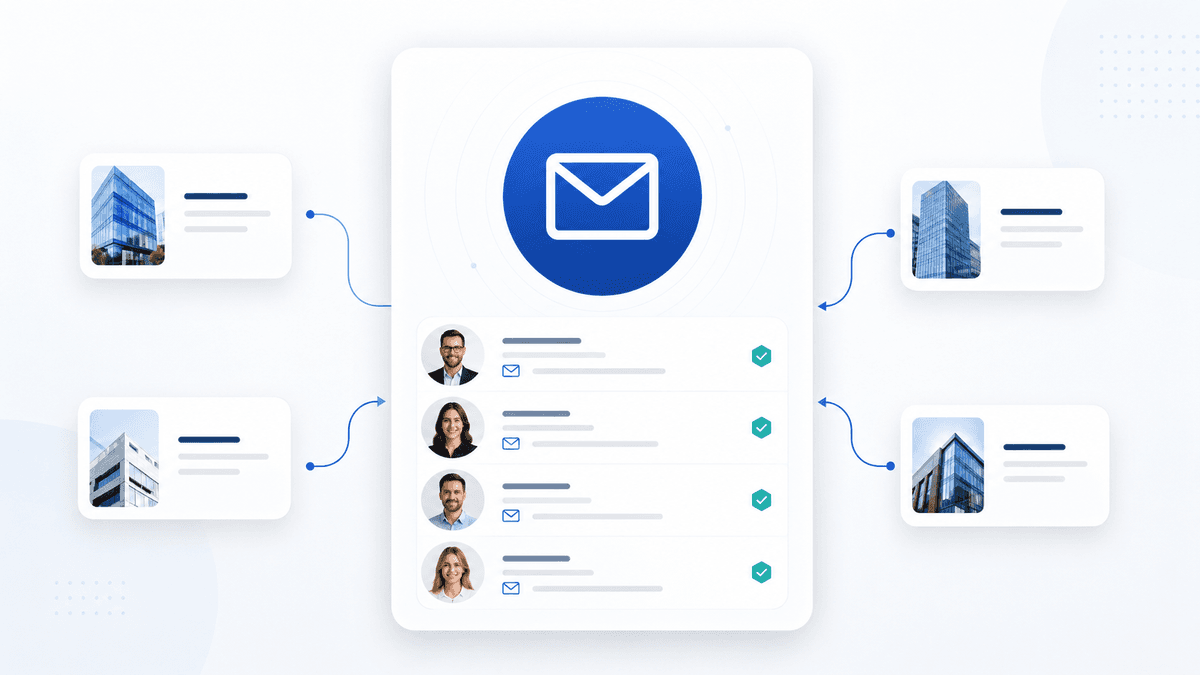
Turn publicly available data into a verified B2B contact list with a structured email scraping workflow — define ICP, scrape from the right sources, verify, segment, and run controlled cold outreach without burning sender reputation.
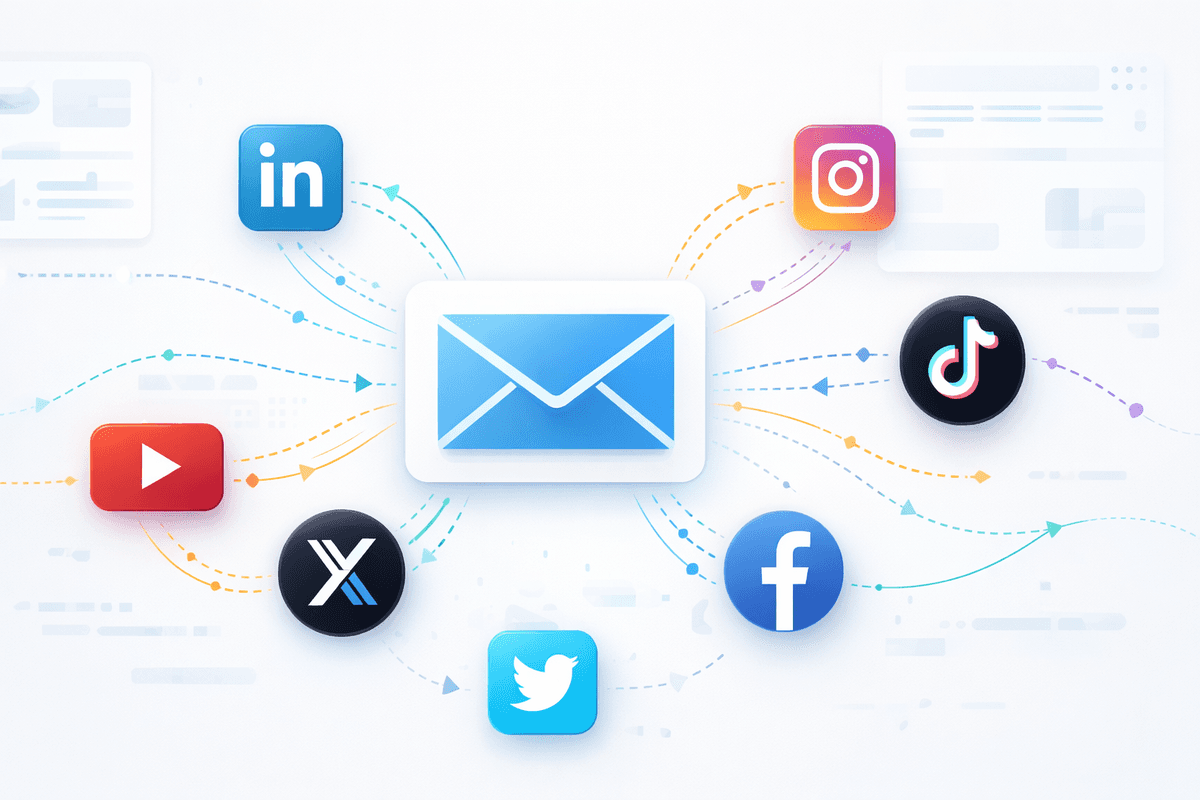
A practical 2026 comparison of the best email scraper tools — ranked by data quality, verification, source coverage, and workflow fit — so SaaS teams, agencies, and outbound teams can match the right tool to how they actually build lead lists.
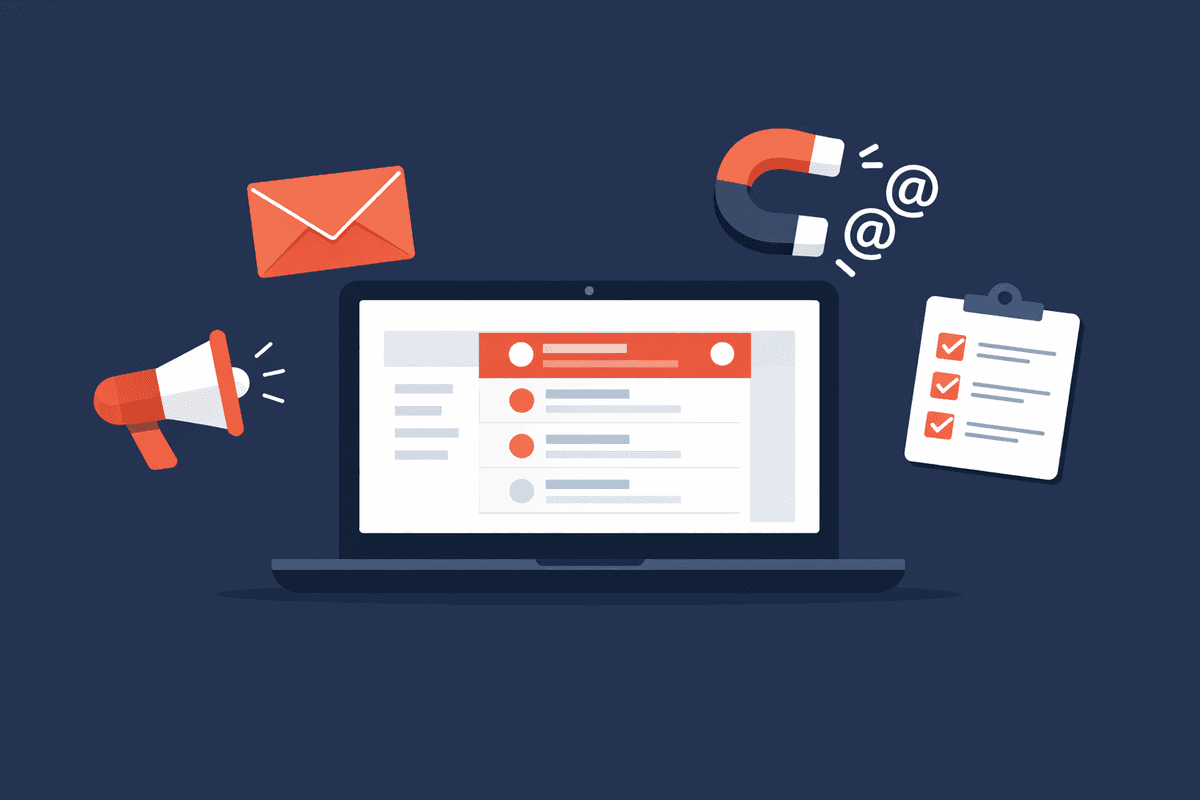
6 proven methods to collect email addresses for marketing — from website opt-ins and social media to email finders, Google operators, LinkedIn, and why buying lists is a mistake.
Common questions about the Scravio Google Maps email scraper.
No. Scravio does not require your Google login, cookies, or a browser extension. The Google Maps email scraper runs in the cloud and works with publicly visible business information only.
In many cases, emails are found from linked business websites or other publicly visible contact pages rather than directly from the Google Maps listing itself.
Scravio exports CSV and Excel files that are easy to import into Google Sheets, CRM systems, and outreach tools.
No. Scravio can also collect business names, addresses, phone numbers, websites, Google Maps URLs, opening hours, ratings, reviews, and other public business details when available.
Yes. Scravio supports searches across multiple cities, and duplicate filtering helps keep your export cleaner when results overlap.
Yes. The workflow is built for lead generation, prospecting, and outreach teams that need cleaner business data and contact details, not just raw rows.
Manual Google Maps research is slow. Scravio helps you scrape Google Maps listings, extract emails and contact details, verify emails, remove duplicates, and export cleaner data in just a few minutes.
That means less time spent on repetitive data scraping and more time reaching potential clients, qualifying businesses, and launching campaigns with cleaner exports.