How to Get Email Addresses for Marketing in 2026 (6 Methods)
6 ways to get email addresses for marketing and cold emailing. From website opt-ins to social media scraping — methods that actually work in 2026.

On this page (9 sections)
I've watched loads of email marketers blow thousands of dollars on Facebook ads, only to be left with an all but empty email list. Meanwhile, their competitors are quietly collecting email addresses from 5,000 to 20,000 people who actually fit the bill and making a nice profit every time they press send. The gap has nothing to do with talent or budget -- it's that loads of people make the mistake of overcomplicating the process of getting email addresses for marketing, or of relying on a single channel that never comes close to doing its job.
Email marketing consistently brings in the highest ROI of any digital marketing channel - about $35-42 for every $1 they spend. In fact, email marketing is nearly 40 times as effective as social media at acquiring new customers. Yet most business owners still don't have a system in place to collect email addresses en masse. This guide breaks down 6 methods that actually work for building your email list in a way that's both honest and legal.
Some of these methods have probably been mentioned before. A few might even surprise you. But ultimately, they all work if you get them right.
First rule before we dive in: every single method here uses information that's publicly available, or people have given explicit permission to be contacted, no buying up dodgy lists or scraping private accounts - we've also left out all the dodgy shortcuts that tend to kill off your deliverability. Your email list is only as good as the trust you've built up with those on it - and since email lists naturally shrink by about 22.5% per year due to people switching to new accounts, job changes, or unsubscribing, you'll need a system that's constantly on the go to collect email addresses and replace what you lose over time
Before You Start: Know Exactly Who You Want to Reach
Skip this step, and everything else starts to go south. I've watched email marketers collect 10,000 email addresses but only get a paltry 0.3% reply rate because they unthinkingly scrape random profiles without bothering to do any proper targeting. But then you see something like a company founder who's managed to get 400 subscribers handpicked from a genuinely relevant list - and from a straightforward email marketing campaign, that guy raked in $50 pipeline.
The reason for the difference? Knowing your Ideal Customer Profile inside out.
Rather than just chucking "small business owners" out there - which is pretty much useless - try to get really, really specific:
-
Industry: E-commerce, SaaS, local services, the creator economy - what kind of business are they running?
-
Role: Are they the founder, marketing director, head of growth, or a procurement manager?
-
Company size: Is it a solo operation or a 10-50-strong team? What kind of revenue are they seeing? $1M to $10M - that kind of thing?
-
Location: If you're only after people in the US, say it; if it's the EU or Southeast Asia, that's a different ball game.
-
Intent signals: Are these people running ads? Hiring marketers? Active on social media? Did they just get funded?
Here's what a real ICP looks like:
"US-based DTC ecommerce brands doing $500k to $5M a year, selling fashion or beauty products, and have an active Instagram profile with 10k + followers - and they've got a founder or marketing director as the decision maker."
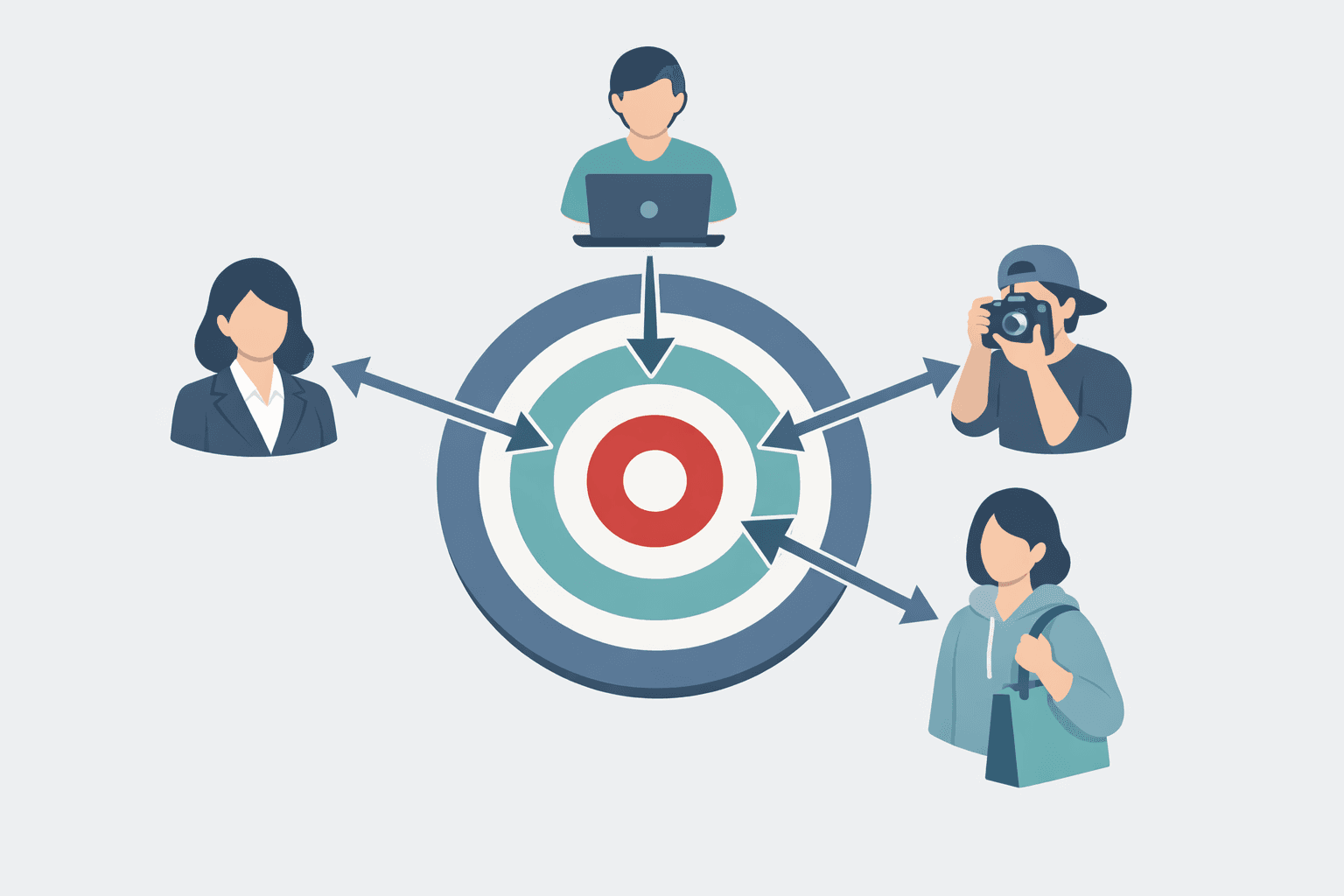
Next, map out where your target audience actually likes to hang out online. Is it Instagram? LinkedIn? Industry Slack groups? A particular subreddit? Or it's trade shows. Wherever they are, get to know those places, because it'll determine which methods are worth investing time in. If they live on LinkedIn, don't waste your time with Instagram hashtags. If they're all creators and influencers, then B2B email finders are just going to be a waste of time.
Now, start with 2 or 3 realistic ICPs max. Any more than that, and you're just going to spread your email marketing efforts way too thin. The more precise you are about who you want to collect email addresses from, the better those email marketing results are going to be.
Method 1: Build an Opt-In Email List From Your Own Website
Your website's got a crucial role to play in building your email list - and not doing it is costing you money - because organic optin collection is basically the foundation of any email marketing strategy, and it's well know that opt in subscribers convert at a far higher rate - a whoppng 3-5 times higher - than the random cold email lists you may be buying.
The bottom line is this: your business needs to be capturing email addresses from your website - pronto. Because if it's not right now, you're probably throwing cash out the window.
The goal is simple: create opt-in opportunities across your website that turn casual visitors into actual email subscribers. The best approach combines a clear pitch for why someone should opt in with a process that is as smooth and hassle-free as possible.
Where to Put Your Signup Forms
Having signup forms plastered around your website where the traffic's high can give a significant boost to your lead capture. Focus on areas where people are already showing signs of engagement - like :
Your homepage ( slap your value proposition right up front, not that tired old "subscribe to our newsletter" - nobody pays attention to that anymore), your top blog posts (inline after the intro and at the 70% scroll mark), your pricing page ( grab customers while they're comparing options) and post-purchase pages (turn those one-off customers into repeat subscribers).
But don't just stop there, think outside the box a bit: consider inline and fixed options in your header, footer, or sidebar that stay visible as people scroll through your blog - those are great places to pop up with a signup form. Sticky bars are another good option - they're non-intrusive and stay visible at the top or bottom of your site, even when people are reading content. And dedicated email splash pages (standalone pages that exist solely to capture emails) are a great way to drive traffic from social channels or ads to a single conversion point.
Keep it simple with your signup forms - email only, or email plus first name at most. Every extra field you add just kills conversion - it's like you're putting a speed bump in the way. A two-field signup form that converts at 3% beats a five-field version that's only converting at 0.8% every single time. That's the power of reducing friction in your signup process.
Place your opt-in elements in natural pause points - like after a great stat in a blog post, next to a product comparison, or at the bottom of a post that delivered useful info. The best websites have multiple opt-in touchpoints without making it feel pushy. You want to make the process seamless.
Lead Magnets That Make People Want to Sign Up
Just saying "subscribe to our newsletter" is basically a hard pass - we all know that converts terribly. To build an effective email list, you need to attract subscribers with high-value incentives and make it easy for them to sign up. People trade their email address for something they can use immediately - a fair value exchange that's mutually beneficial.
A 10% discount or free shipping on first purchase is great for e-commerce, but it trains customers to wait for a coupon - use it sparingly.
Downloadable guides (12-20 pages of valuable content) work great if they solve a real problem your target audience has. "The 2026 Instagram Growth Checklist" outperforms "Our Free Guide" by a factor of 3-4 in my experience. Interactive quizzes are a high-converting lead magnet because they offer personalized insights in exchange for an email - think "What's Your Email Marketing Score?" or "Which Cold Outreach Strategy Fits Your Business?" They feel less transactional than a static PDF. Mini email courses (5-day) build relationship and demonstrate expertise before you ever pitch to new subscribers. Templates and swipe files convert exceptionally well for B2B audiences - think "50 Cold Email Templates That Got Replies" or "Our Actual Content Calendar Template."
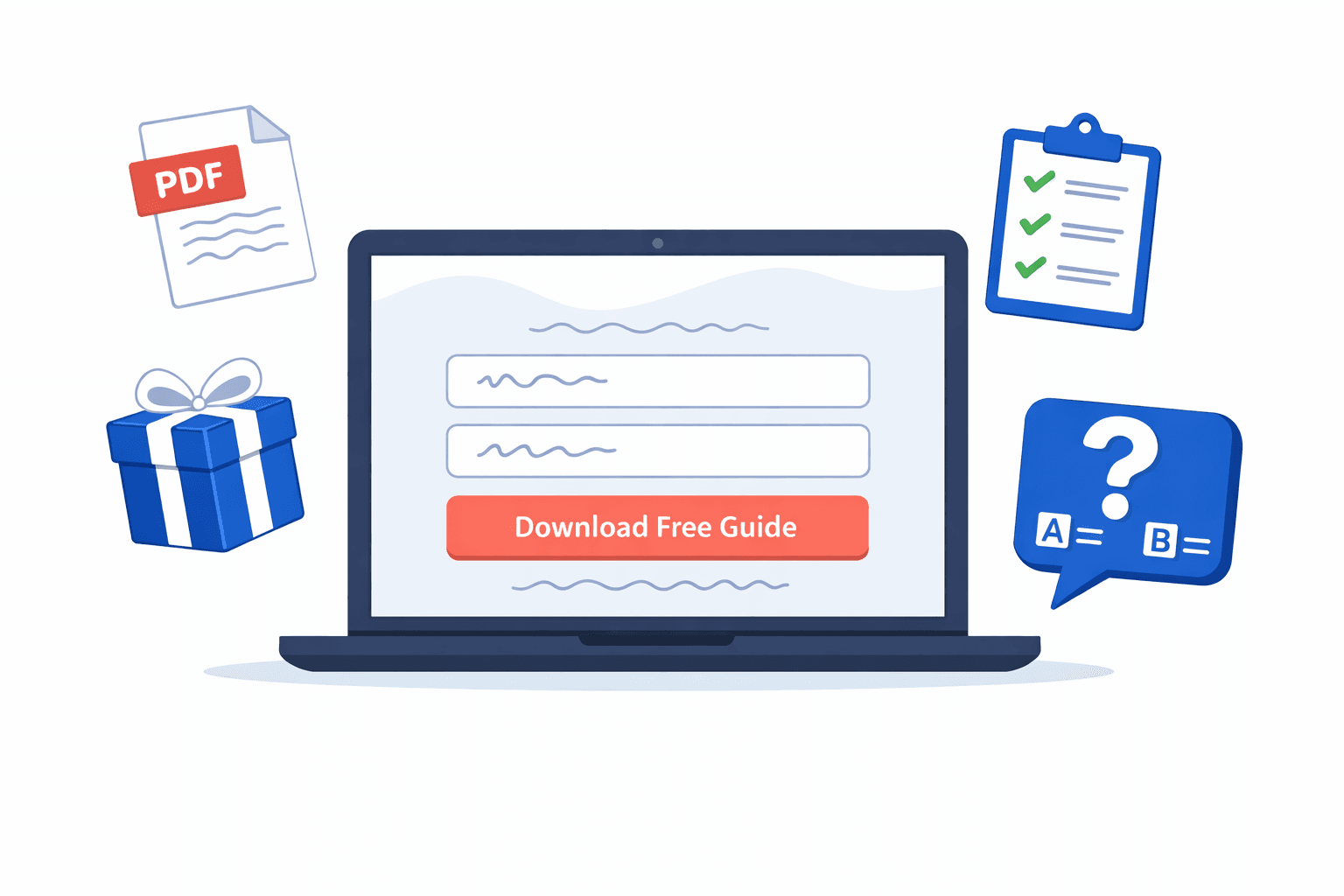
Match your lead magnets to the page's content. An SEO blog post should offer an SEO checklist, not a generic newsletter signup. It's not a brain surgeon, but most websites still serve up the same pop-ups on every blog page.
Here's a bit of advice most guides skip: your lead magnet landing page matters just as much as the magnet itself. Create a dedicated signup page with no navigation, a hero section, 3-5 bullet points explaining the valuable content, and a single call-to-action button. Users who land on a focused landing page convert at a whopping 2-3 times the rate of those who see a sidebar signup form on a busy blog post. Clear communication about how their email address will be used builds trust and makes visitors more likely to subscribe.
Pop Ups and Modal Windows (Yes, They Still Work)
Pop-ups are still one of the most effective ways to collect email addresses on your website - if you use them right. The problem isn't pop-ups themselves; it's badly timed, irrelevant pop-ups that interrupt users just when they're about to start reading your content. Set your pop-ups and modal windows to trigger after 20-30 seconds of browsing, or use exit-intent technology to catch visitors as they're about to leave. Exit intent pop-ups are a great way to give visitors one final nudge before they leave - showing your opt-in form at the perfect moment, turning casual visitors into subscribers when it counts.
These modal windows should be super transparent about the benefits and include a clear call to action. Don't forget to throw in some compliance language like "1-2 emails per week. No spam. You can unsubscribe at any time." - This actually increases signups, since it eases the worries of potential subscribers who are nervous about clogging up their inbox.
You should also test out different pop-ups on different pages - a blog-specific pop-up offering a relevant checklist will consistently outperform a generic "sign up for updates" modal on the same page. Try making 2-3 variations and see which one your audience likes best.
How to Really Get Your Signup Forms to Convert
Try running some simple tests: "10% off" vs. "weekly growth playbooks" - one-field vs. two-field opt-in forms - different button colours and calls to action. The sad truth is, most marketers never even try this, leaving 30-50% of potential subscribers on the table.
If you find out that a particular blog post is driving twice as many signups as others, make more valuable content on that topic and add some eye-catching opt-in forms to that page. Your blog is a goldmine for collecting emails - but only if you make the signup process dead easy for visitors who are already reading your content.
Pro tip: add an email signup link to your email signature. Every email you send becomes a free marketing tool. Just throw a line in your signature like "Get our weekly marketing tips -> sign up now," and you'll collect emails from your contacts and professional connections without lifting a finger.
Method 2: Use Social Media to Collect Email Addresses
Here's what most guides won't tell you: Millions of business owners, creators, and professionals happily plaster their email addresses all over their social media profiles - and it's not just an accident. They really want brand deals, partnerships, PR pitches, and collaboration opportunities to come knocking. Collecting those email addresses for outreach isn't sneaky; it's precisely the reason they put them out there in the first place.
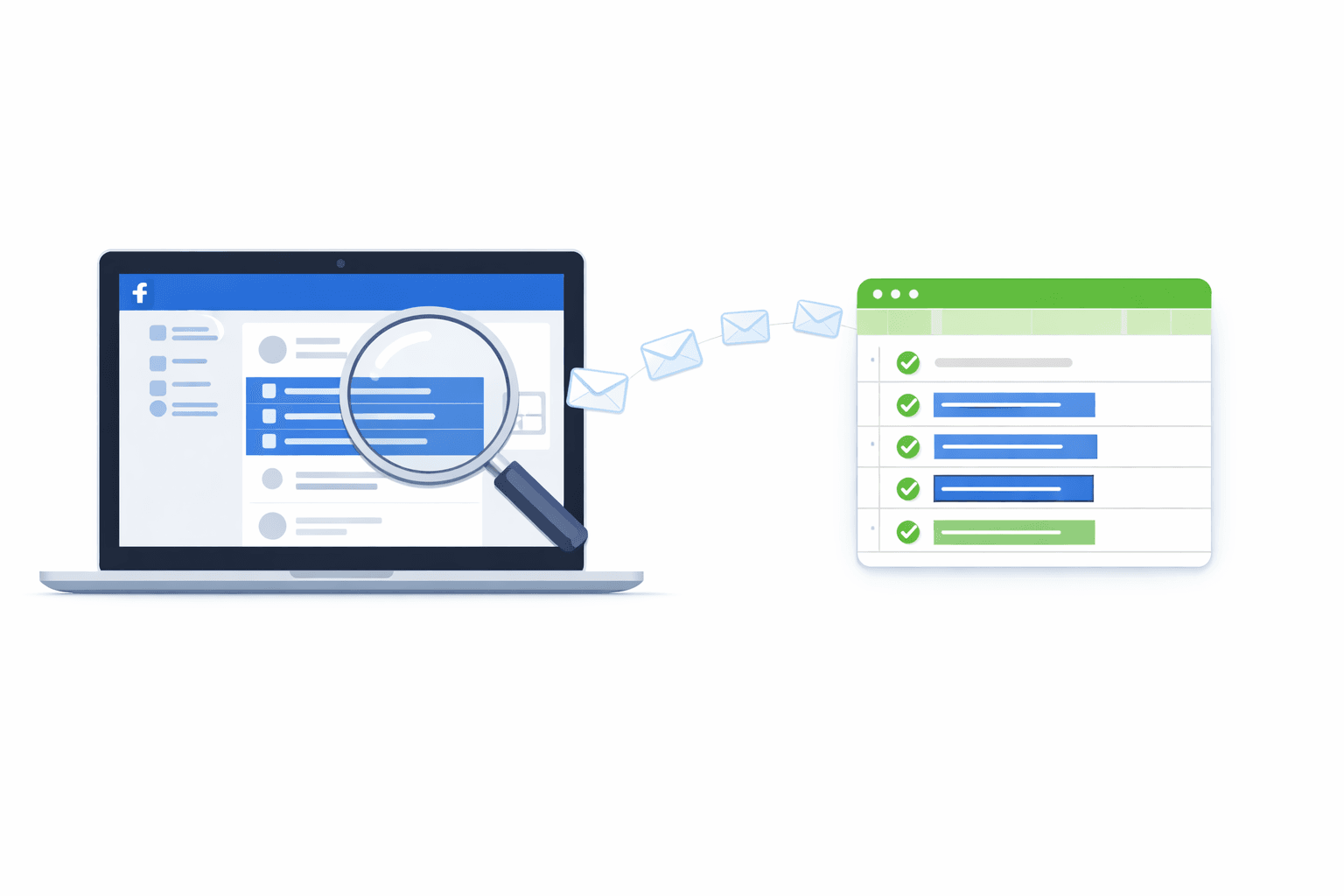
Facebook, in particular, is an excellent tool for building your email list outside of your own website. While opt-in forms are great at snagging people who visit your site, social media lets you get in front of potential customers who might never have found your brand otherwise. For any business serious about email marketing and lead generation, things get really interesting.
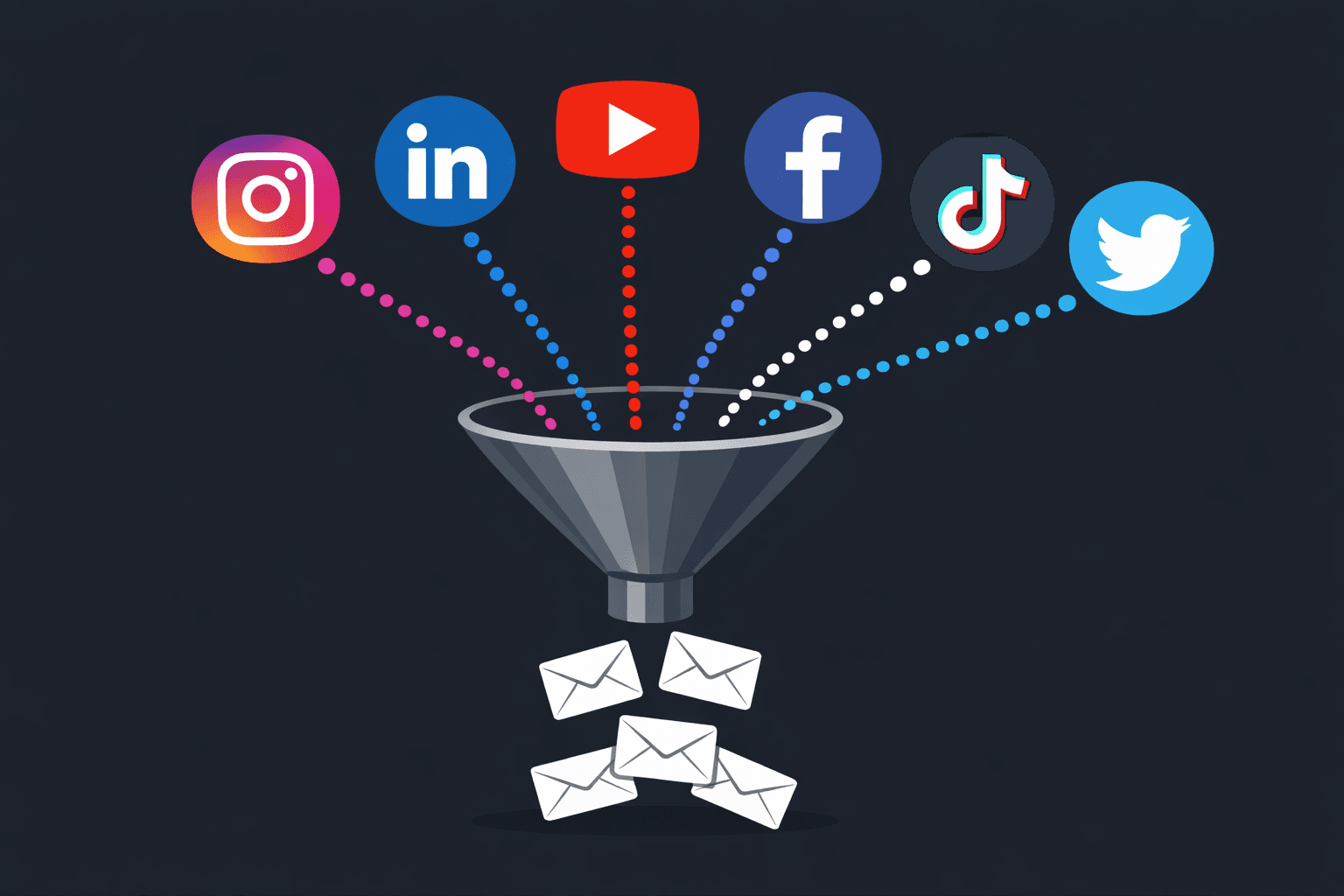
Promote Your Email List on Social Channels
Before you go start digging up email addresses, make sure you're using your social presence to drive people to sign up for your own email list. These tricks turn followers into subscribers, and they're really easy to implement:
Link-in-bio tools like Linktree or Beacons let you stick a link to your email landing page right in your bio on Instagram, TikTok, or Twitter. Every one of your profiles should have a clear path to your email list. Your bios should be a direct link to your signup page - something most brands totally overlook.
Lead ads on Facebook and LinkedIn let you collect email addresses right within the platform. The best part is that lead ads auto-fill user info from their profile, so they can subscribe without leaving the app. This reduces friction and boosts conversions big time. Facebook even lets you collect emails directly from your Page through built-in buttons and embedded signup form widgets.
Giveaways and contests can be a great way to get people to hand over their email address in exchange for a prize - make sure it's something your target audience really wants. Promote the giveaway on your socials and ask followers to share the signup link to bring in new subscribers.
Engaging content can also bring in subscribers -- just direct people to your email landing page from every single thing you share.
Where to Find Emails on Each Platform
Instagram: check people's bios (you can usually spot them with "email" or "inquiries" in them), tap the "Email" button on the creator's profile, and visit any linked websites. If you're looking for niche accounts within your target audience, try searching by hashtag or browsing your competitors' follower lists.
YouTube: most channels have a "View email address" link in the "About" tab for inquiries. Creators also sometimes drop their contact details in video descriptions and channel headers, especially if they're looking to do sponsorships.
LinkedIn: check out the profile and company page info sections. You can also use role-based searches to find decision makers and run lead ads targeting specific job titles - the auto-fill feature makes signups a breeze.
Twitter/X: bios and pinned tweets often have newsletter links, media kits, and direct emails. Journalists and creators are especially likely to have their contact details out there.
Facebook: check the "About" sections of Pages and Groups (Group admins may also have public details), or use Facebook's built-in tools to add email collection to your Page.
The Manual Approach (and Why It Breaks Down Fast)
You can grab emails by hand - open up profiles, check bios, and copy and paste into a spreadsheet. That works for small batches of, say, 20-50 highly targeted leads - and it's free.
But for anything bigger? The math doesn't work. Collecting 500 emails by hand takes a day or two of tedium (find, check, copy, verify) - and the error rate goes up the longer you're at it.
Scaling with Automation
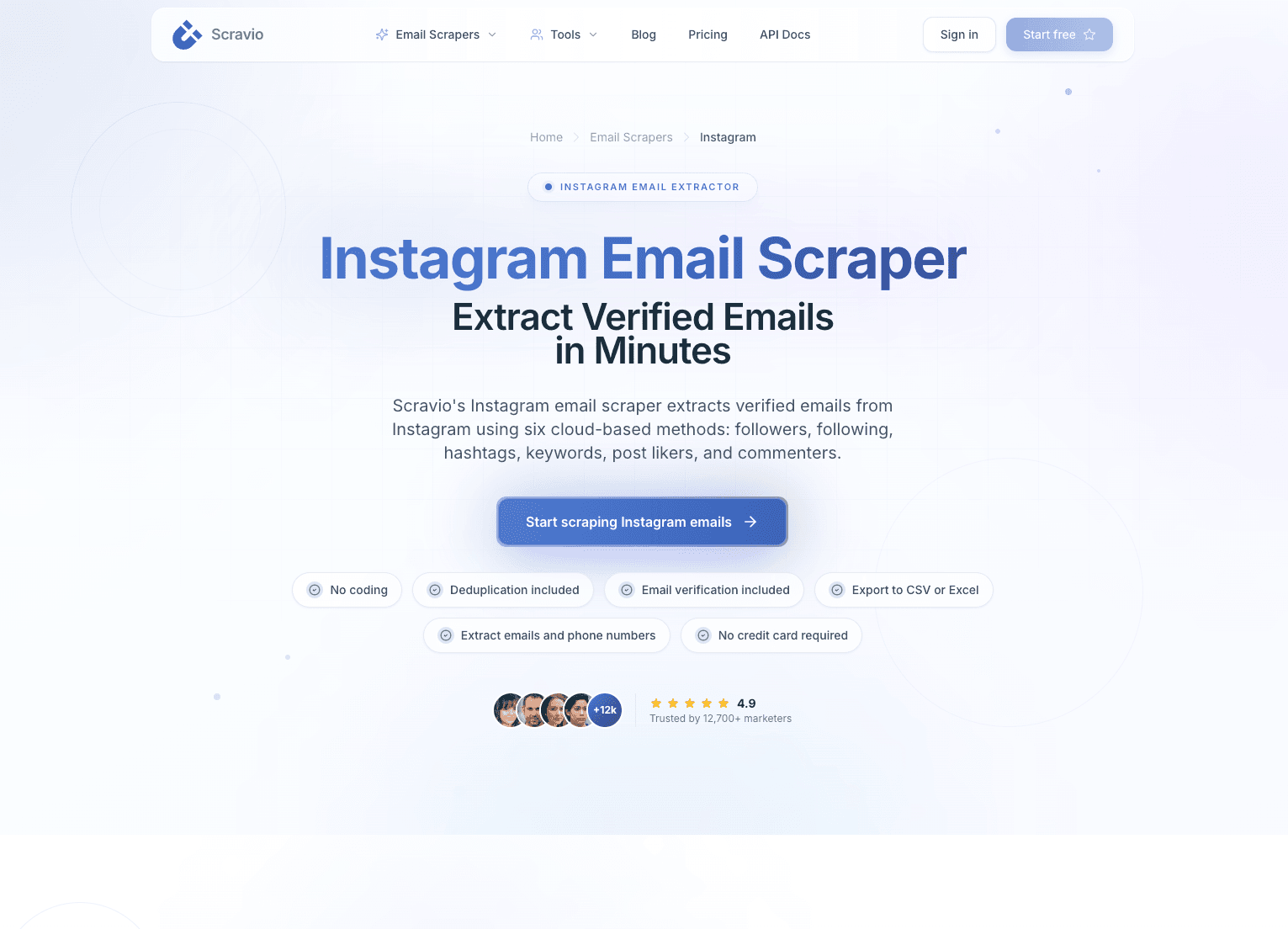
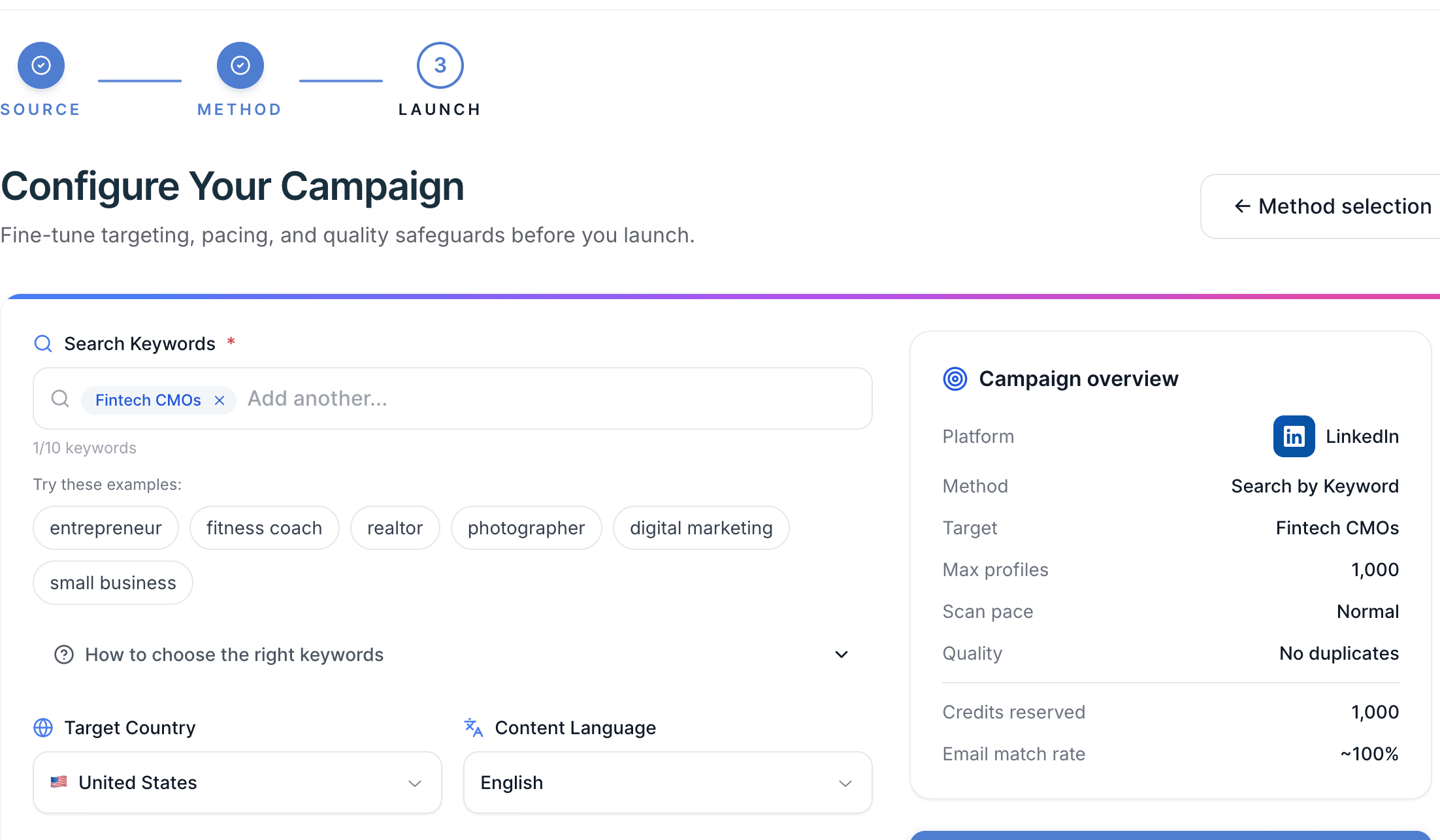
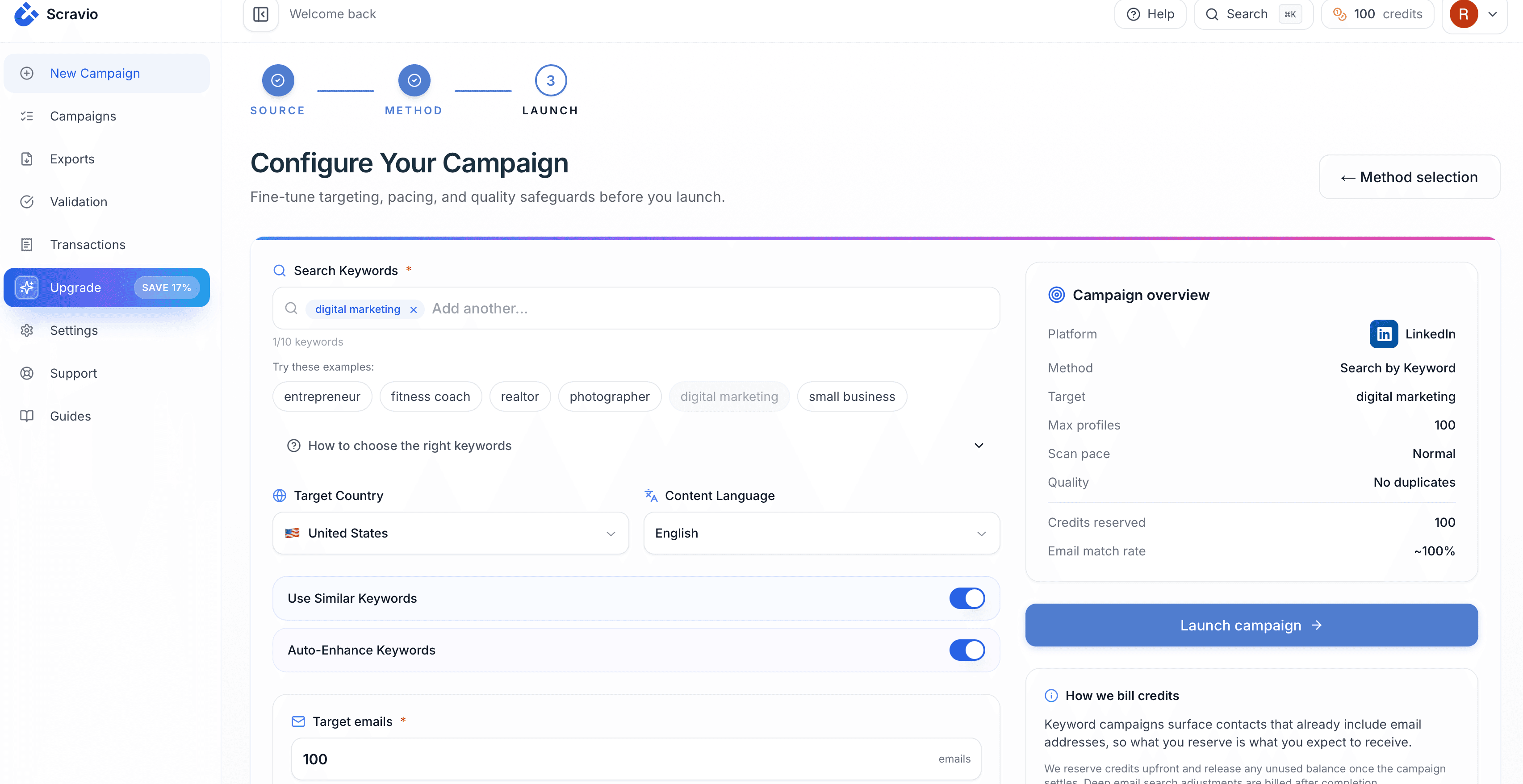
That's where a tool like Scravio comes in. It's a cloud-based platform that scans public profiles across Instagram, LinkedIn, YouTube, Facebook, TikTok, and Twitter/X and extracts emails, verifies them in real time, removes duplicates, and exports clean lists: no software to download, no social logins, no coding, just pure, unadulterated time-saving bliss.
A real workflow looks like this: you target a niche hashtag on Instagram - let's say #skincarebusiness. Scravio scans 10,000 public profiles, finds the ones with email addresses in their bios or contact sections, verifies each email, and hands you a clean list. You can expect to get 15-25% of scanned profiles with valid emails, so that would be 1,500-2,500 verified addresses from that one run. That same work would take one person 2-3 weeks to do on their own. With Scravio on the job, however, it's done in a matter of hours. Now here's the catch - it only works with publicly available data: private accounts are completely off-limits, and you'll need to handle the exported data responsibly (we've got all the legal details covered elsewhere).
Add social media scraping to your email list building arsenal - so start with a free campaign and export the verified emails ... which you can then use for your next cold emailing outreach crusade.
Method 3: Use Email Finder Tools for B2B Domain Prospecting
Email finder tools take a different tack on contact gathering. Rather than rifling through public profiles on social media, they use name + domain patterns to predict email addresses. And while this might seem old hat, it's a powerful tool in the world of B2B prospecting - especially when you know exactly which companies you want to go after.
How They Actually Work
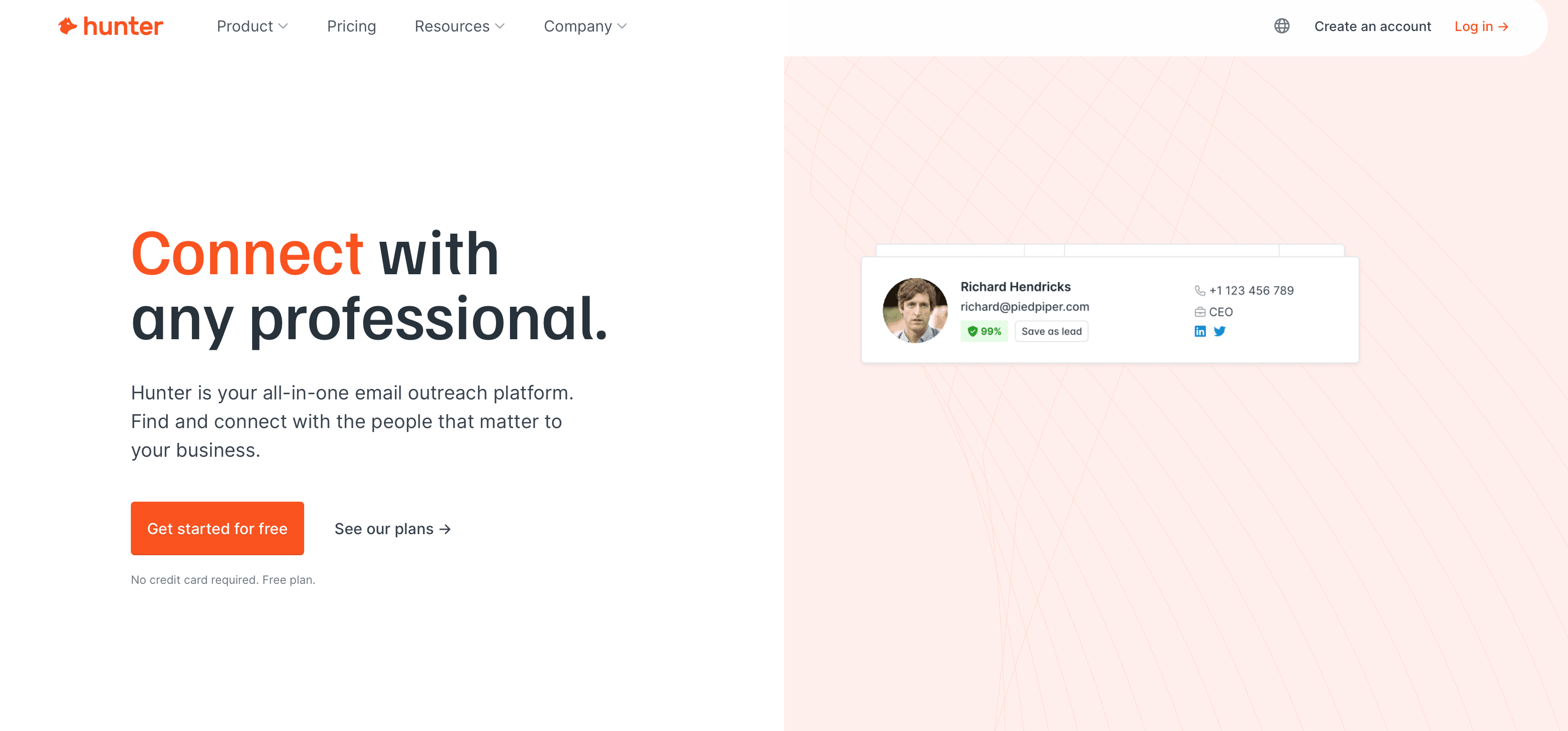
If a business uses the standard [email protected] format, which most do, tools like Hunter.io, Apollo.io, Snov.io, and Clearbit can make a pretty educated guess about the email addresses of people who work for them, if you know their names. So you could type in "Jane Smith" + "acme.com" and - bingo! - outputs "[email protected]" with a little confidence indicator to let you know how accurate the guess is.
The Typical Workflow
Most teams work like this: First, you build a list of the companies you want to get in touch with, next, you find the names of the people you want to contact - usually from LinkedIn - then you upload the list of names to the email finder tool, and voila! You get a list of predicted email addresses from which you can then verify before sending anything.
And a nice bonus is that most of these tools - like Apollo and Snov.io - have built-in outreach features, so you can actually create a whole sequence of emails to send to the people on your list, all from one easy-to-use dashboard. This means you can do your prospecting and outreach in one go, without having to jump between different tools.
Where These Tools Shine vs. Fall Short
Email finders really come into their own when you know exactly which brands you want to talk to and what role you want to target - like "The VP of Marketing at Shopify" or "The Head of Procurement at Target". They're a staple in the toolkit of most B2B sales teams and digital marketing agencies for a reason.
But when it comes to finding freelancers, small business owners who use Gmail or Outlook, or anyone who doesn't work for a big company on a custom domain - forget it. There's just no pattern to follow, no magic trick to make "[email protected]" appear from a brand name.
So what you end up doing is mixing and matching tools depending on what you want to do:
| Prospect Type | Best Tool Category | Why |
|---|---|---|
| Corporate roles at known brands | Email finders (Hunter, Apollo) | Pattern prediction works well on corporate domains |
| Creators, influencers, personal brands | Social media extraction tools | Users list emails on public profiles |
| B2B decision-makers | LinkedIn tools + email finders | LinkedIn provides names, finders predict the emails |
| Local businesses, SMBs | Social media + Google research | Owners often use personal emails on public profiles |
Most offer free tiers, so you can try them out to see if they're any good before committing to a paid plan. And one last thing: always, always, always verify the email addresses you get before sending anything - those predicted emails aren't guaranteed, and if all your emails bounce, it'll make life really hard for you in the long run.
Method 4: Google Search Operators (Free, Targeted, Underrated)
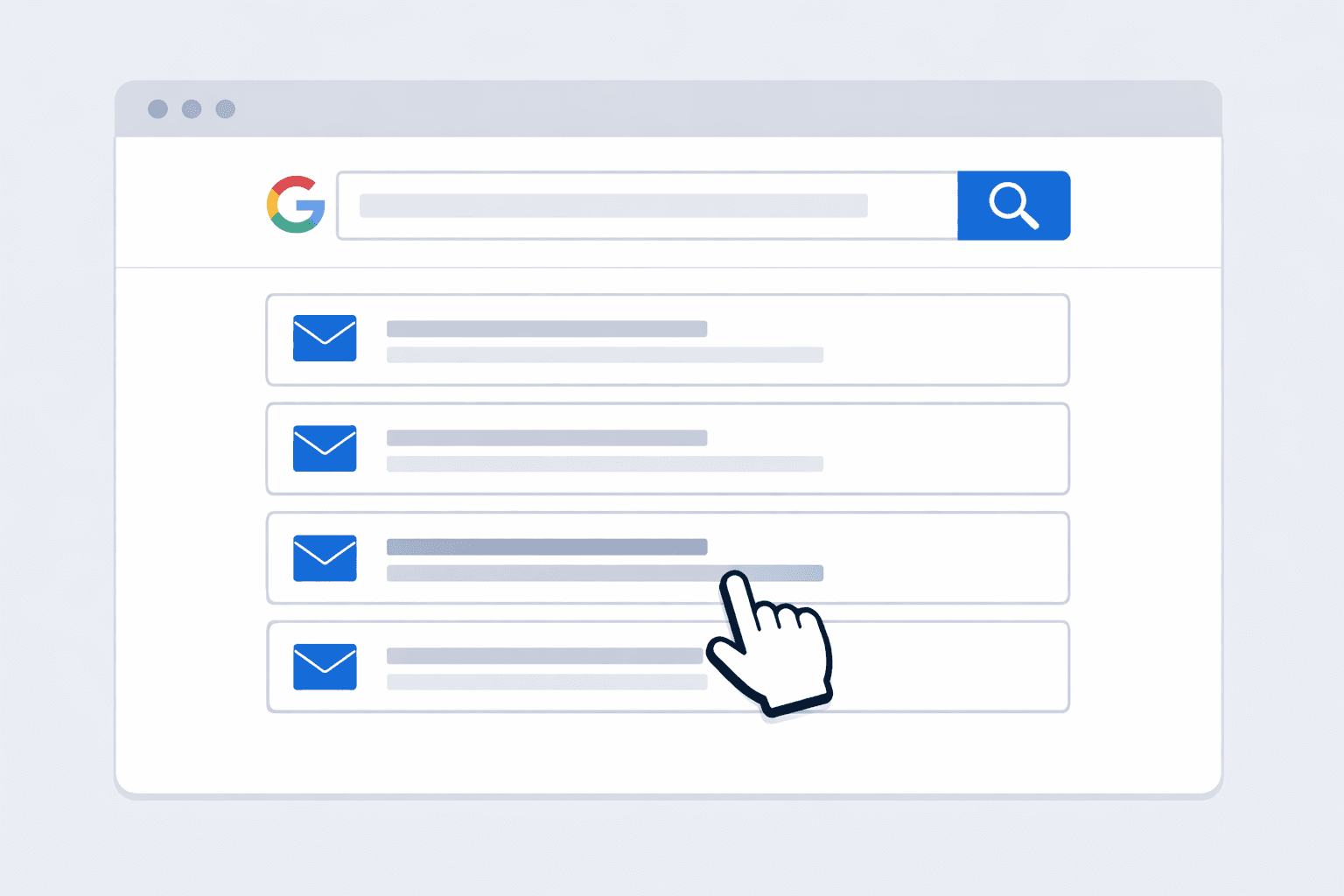
Google is still one of the top ways to collect email addresses for free, and yet a lot of users don't even know about search operators - those special commands that let you zero in on just what you need. For building a list of 50-200 super-targeted potential leads, this method often beats paid tools.
Search Operator Examples You Can Use Right Now
Find personal trainers with public email addresses: Try putting "fitness coach" "email" "gmail.com" in the search bar - it'll show you personal trainers who've listed their personal email address right there on their website.
Find newsletter creators in your niche: If you put site:substack.com "subscribe" "growth marketing" in Google, it'll pop up all the growth marketing newsletters you could pitch for sponsorships or guest post on. This is a great way to find newsletter sponsorship opportunities and get more subs.
Find brands open to partnerships: "organic skincare" "media kit" OR "press" OR "sponsorships" will find you brands that are actively looking for collaborations - and so will be happy to hear from you.
Find emails on social media: If you put site:instagram.com "marketing inquiries" "gmail.com" into Google, you get a list of Instagram profiles with emails indexed by Google.
Find local services: "plumber" "email us" "chicago" will find you local service providers with public contact details on their websites.
Create a Simple Tracking Spreadsheet
Set up a Google Sheet with these columns: Name/Brand, Website URL, Email, Niche/Category, Source (Google, Instagram, LinkedIn), Tag for your Campaign (PR, partnership, cold sales), and Date Found.
This keeps your research organised and makes it easy to segment your email list once you're ready to create your first campaign. Don't just leave everything blank - tag everything away - you'll thank yourself later when users in different segments get relevant messages instead of some generic blast.
When to Use This vs. Automated Tools
Google search operators are ideal when quality matters more than quantity. When you need 50 dream prospects and you want to research each one individually, this is your best bet. When you need 5,000 emails from a specific area, then automation makes more sense. Most smart email marketers do both - manual research for high-value customers, and automated extraction for volume plays.
Method 5: LinkedIn for B2B Email List Building
If you're doing B2B outreach, LinkedIn's not just a nice-to-have, it's a must-use: after all, on there, decision-makers openly share their job title, industry, and sometimes even their email address -- which is a heck of a lot easier than trying to figure that stuff out on other platforms. There's just no other place that lets you target so precisely for lead gen and email marketing.
Finding Your Target Audience on LinkedIn
LinkedIn's free search lets you whittle down your search by job title, industry, where they're based, and whether you know them already. If you're getting serious about prospecting, though, Sales Navigator ($99 a month) also gives you filters for company size, revenue, how long they've been in their current job, what they've been up to recently, and saved lead lists. Of course, it is pricey, but if B2B is your primary digital marketing channel, it'll pay for itself really quickly.
How to Search LinkedIn Effectively
-
Be super specific with who you're after: "Marketing Directors in UK e-comms with 50-200 staff, for instance."
-
Use LinkedIn's filters to pull together a list of prospects that match your dream audience
-
Check the 'info' section on each profile -- sometimes people make their email address public
-
If it is hidden, you can use email finder tools to take a stab at their actual address
-
Save the search so you get weekly emails about new profiles that match your search terms
Making Contact vs. Automation
Getting in there the old-fashioned way: Send 'em a connection request with a personal message explaining why you want to talk to them. Then, once connected, see if they'll visit your landing page or sign up for your newsletter. This way, you build a real relationship, but you're capped at around 100 requests a week before LinkedIn sends your account a warning.
Picking out emails: Tools like Scravio's Email Scraper for LinkedIn can grab public email addresses from profiles without you having to connect with them first. But this will only really work for emails that people have made public.
What Actually Converts on LinkedIn
Here's the lowdown: most of your LinkedIn outreach is failing because the message is rubbish, not because the channel itself is too saturated. A thoughtful message to 50 relevant users will outperform some generic template blasted to 2,000 random profiles every single time.
The winning strategy: mention something about their brand or something they posted recently, explain what value you can bring in one sentence, and then ask for something that is low-commitment. Not "here's a live demo of our product", but "have you got a couple of minutes to look at a case study on how a company similar to yours overcame [specific problem] ?"
If your LinkedIn outreach isn't converting customers, it's time to review how you're crafting your message. And if that still isn't working, don't blame the channel -- give your LinkedIn-sourced leads a B2B-focused, professional tone, and work up some sequences that reference the platform. Subscribers who come through LinkedIn expect that.
Method 6: Why Buying Email Lists Will Wreck Your Deliverability
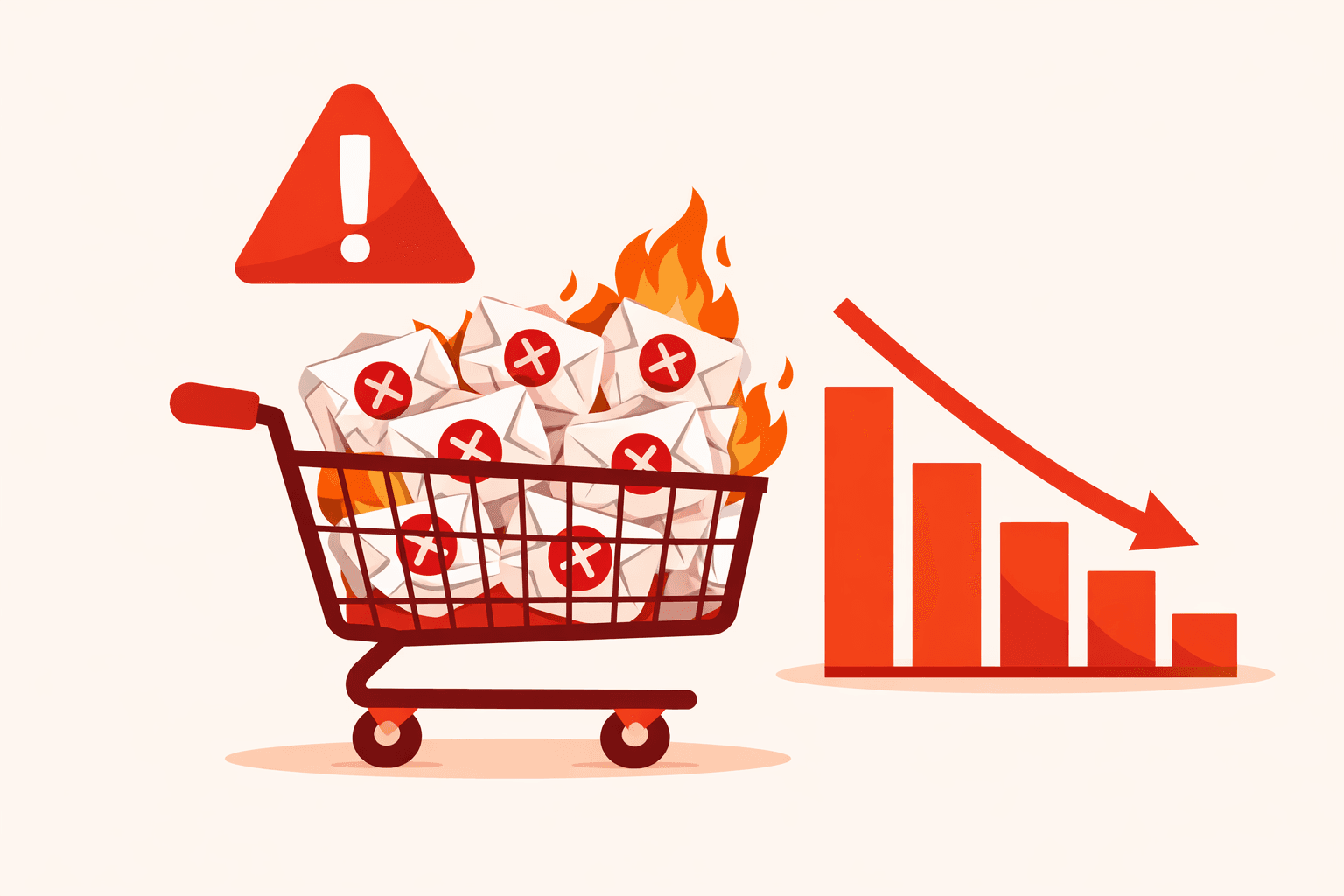
Let me help you avoid a costly mistake I've seen over and over again: buying up bulk email lists is a recipe for disaster about 9 times out of 10. Those addresses are out of date, unverified, and, as for the subscribers, they have zero connection to your brand.
A Scenario That's All Too Familiar
A marketer drops $200 on a 50,000-email list, thinking they got themselves a steal. But here's how the story typically plays out - their first campaign: a whopping 14% bounce rate, which is just about the standard these days, 47 spam complaints, and let's be honest, their email platform sends out a warning that they're on thin ice. By the time they get to the third campaign, their domain reputation is in the toilet. Even their legitimate subscribers, people who actually signed up on purpose, are starting to get dumped in the junk box. Getting back on track takes months of super careful sending - and that $200 'good deal' ends up costing them months of actual revenue.
Why Buying Lists Doesn't Work
The people on the list didn't ask to hear from you; they've never even heard of your brand. And the information is usually months or years old - people get new jobs, ditch their email addresses, and that list gets worse and worse at a rate of about 2-3% every month. By the time you even find out about it, 15-25% of the addresses on it are no good.
Even if, by the book, the CAN-SPAM Act lets you send unsolicited emails as long as you do it with the proper identification and opt-outs, the reality of the situation is pretty brutal - complaints just about kill your deliverability, and your email platform is gonna shut down your account in no time.
What To Do Instead
If you really need to reach a new audience - and don't have time to create a new list from the ground up - consider these other options:
Newsletters sponsorships: You can pay to get featured in newsletters that your target audience is already reading. People will click through because they actually want to hear from you - you get warm potential leads instead of a bunch of cranky strangers. Costs $50-500 per placement, depending on email list size, and the cost per new acquisition is typically 40-60% lower than for bought lists.
Co-branded webinars: Find a brand that's a good fit for you - not a competitor - and you can both share registrations. Both sets of subscribers win, and both brands get new subscribers who actually care to hear from you.
Lead-sharing partnerships: Work out a deal with a service that serves a similar audience to yours, but isn't your direct competitor. 'We'll recommend your tool to our customers if you recommend ours.' It's simple, effective, and free.
Blog content marketing: Create a seriously valuable piece of content that actually ranks on search engines and helps you collect email addresses through sign-up forms and lead magnets. A good post can still send leads years later, so your blog can be one of the best ways to get new email subscribers at a low cost for any brand.
Referral programs: Get existing subscribers to spread the word and help grow your email list naturally. Offer a small bribe (exclusive content, a discount, early access) for each new person who signs up, and they refer, and suddenly every person on your list becomes a lead-generation machine.
Legal and Ethical Considerations
Collecting email addresses isn't just about finding new subscribers -- it's also about doing it the right way. How you collect email addresses determines whether your email list becomes an asset or a liability. This section matters for your long-term email marketing success and lead generation reputation.
GDPR (EU Subscribers)
If you're contacting anyone in the EU, you need a lawful basis for processing their data. For cold emailing outreach, "legitimate interest" is the most common basis -- but you must be able to justify it. Tell users who you are and why you're emailing in your very first message. Only collect the data you actually need. Modern email regulations require a one-click unsubscribe link and an easy-to-find mechanism to opt out. Honor unsubscribe requests immediately.
CAN-SPAM Requirements (US)
US rules are more permissive but still have teeth: no misleading subject lines, include your physical mailing address, provide a clear unsubscribe mechanism, and honor opt outs within 10 days. Providing an easy way to unsubscribe is not only a best practice but also a legal requirement. Violations can cost up to $51,744 per email -- regulators don't mess around.
Keeping Your Email List Healthy
Maintaining a healthy email list is crucial for effective email marketing and compliance. Since email lists naturally decay by about 22.5% every year, regularly cleaning your list to remove inactive contacts is essential to maintain engagement and deliverability. Consider using double opt in -- sending a confirmation email after sign up that requires users to click a link to verify their subscription. Double opt in helps ensure subscribers are genuinely interested, improving deliverability and reducing spam complaints. Your confirmed list is far more valuable than a bloated one full of dead addresses.
Practical Compliance for Email Marketing
Regardless of which method you use to collect emails, every first message should clearly state who you are and why you're reaching out, include an easy unsubscribe link, and come from a real email address (not a throwaway Gmail). Keep records of where and when you collected each email -- if someone asks how you got their contact information, you should have an answer. Your sender reputation depends on consistently following these practices.
If you're using tools that extract publicly available data from social media profiles, the extraction itself is generally low-risk -- the data was made public intentionally. But you're responsible for how you use the exported data. Send targeted outreach to your audience, not bulk unsolicited messages.
For complex situations -- cross-border outreach, regulated industries like finance or healthcare, or any scenario where you're unsure -- consult a legal professional. The cost of legal advice is a fraction of the cost of a compliance violation.
The Long Game
An email list grows exponentially over time. Someone collecting 500 quality email addresses a month should have a list of 6,000 engaged subscribers after a year - enough to generate a regular income from email marketing alone. Winners aren't the ones with the biggest list, they're the ones with the most relevant subscribers built up through a mix of methods and maintained with good hygiene - and a whole lot of respect.
Every single sign-up form on your website, every blog post with an opt-in, every event with a QR code - even every social media profile you scan - it all adds up. The business owners who start building their list today will have an asset that their competitors can't touch in 12 months.
Kick off with 2 or 3 methods from this guide. Execute this consistently. Create stuff that actually draws in customers. Measure your email marketing results. Scale what works. Your email list will suddenly be in high gear.
Try out Scravio for free - no credit card required - and see just how easy it is to start extracting verified emails from public social media profiles.
Frequently asked questions
What is the best way to get email addresses for marketing?
The best approach combines multiple methods: build opt-in forms on your website with lead magnets, extract publicly available emails from social media profiles using tools like Scravio, use B2B email finders for corporate prospecting, and leverage Google search operators for targeted manual research. Start with 2-3 methods that match where your ideal customers spend time online.
Is it legal to collect email addresses from social media?
Collecting publicly available email addresses from social media profiles is generally low-risk since the data was made public intentionally. However, you must comply with applicable laws like GDPR (EU) and CAN-SPAM (US) when sending outreach. Always include an unsubscribe link, identify yourself clearly, and honor opt-out requests. Private accounts and restricted content are completely off-limits.
Why should I avoid buying email lists?
Bought email lists typically contain outdated, unverified addresses from people who have never heard of your brand. This leads to high bounce rates (often 14%+), spam complaints, and domain reputation damage. Even legitimate subscribers start landing in junk folders. The $200 you save buying a list can cost months of revenue in damaged deliverability.
How many email addresses can I expect to collect per month?
Results vary by method and niche. Website opt-ins might generate 100-500 subscribers per month depending on traffic. Social media extraction tools like Scravio can yield 1,500-2,500 verified emails from a single campaign of 10,000 scanned profiles. Google search operators are best for small, high-quality batches of 50-200 leads. A combined approach can realistically build 500+ quality addresses per month.
What is an Ideal Customer Profile and why does it matter for email collection?
An Ideal Customer Profile (ICP) defines exactly who your target audience is by industry, role, company size, location, and intent signals. Without an ICP, you risk collecting thousands of irrelevant email addresses that produce low reply rates (under 0.3%). A well-defined ICP ensures every email you collect belongs to someone likely to engage with your outreach.
How do I keep my email list healthy over time?
Email lists naturally decay by about 22.5% per year due to job changes, abandoned accounts, and unsubscribes. Maintain list health by regularly removing inactive contacts, verifying email addresses before sending, using double opt-in for website signups, maintaining a suppression list, and tracking which collection methods produce the most engaged subscribers.
Start your first campaign with 100 free credits
Verified emails from Instagram, Facebook, LinkedIn, X, YouTube, and TikTok — all in one cloud workflow. No card required.