LinkedIn Professional Email Discovery

LinkedIn EmailScraper

Find verified business emails from LinkedIn—at scale, in minutes.Scravio turns LinkedIn searches into clean, verified contact lists you can export to CSV or Excel for cold outreach that actually lands.

LinkedIn search
Verified emails
Export to CSV/Excel
Verified B2B emails only
Cloud-based processing
No code required
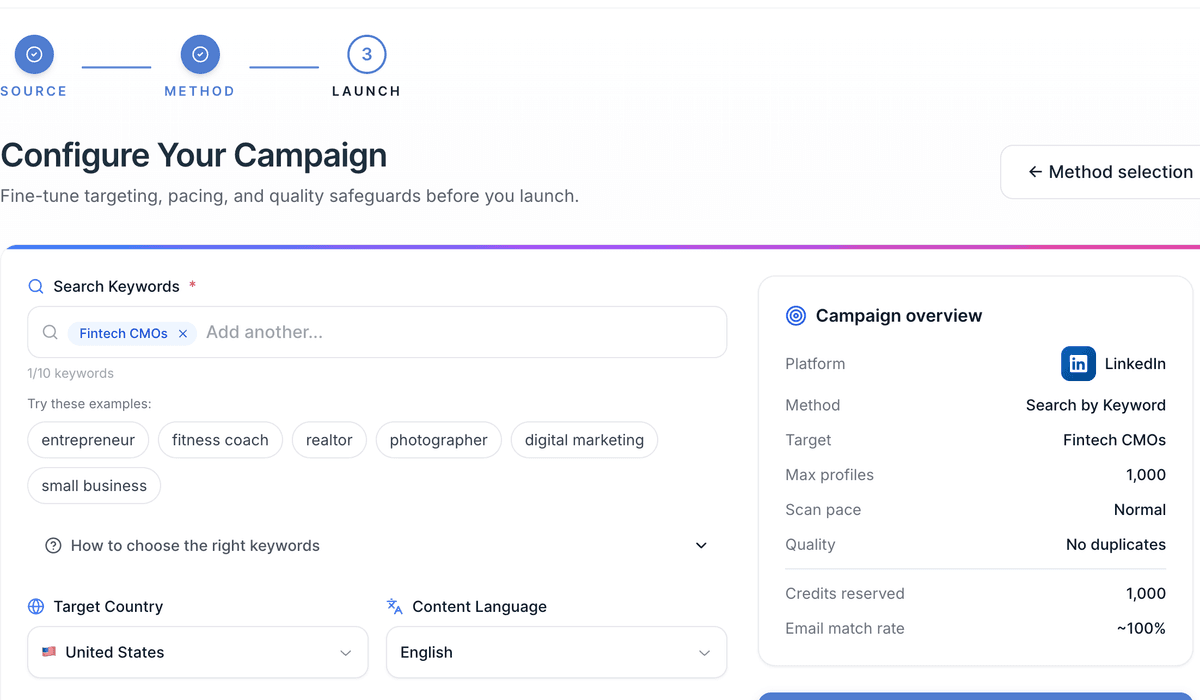
LinkedIn email scraper dashboard interface with search filters and export options

How it works

Turn LinkedIn searches into verified email lists in three simple steps

1

Choose your source & query

Select LinkedIn as your source and enter a keyword, job title, company, or niche (e.g., "Fintech CFO," "DevOps at Series A," "Revenue Operations UK").

2

Set the volume

Tell Scravio how many results you want. We'll auto‑dedupe and queue your job in the cloud.

3

Run & export

Close your browser—Scravio keeps running. You'll get a notification when it's done. Export your list to CSV or Excel and plug it into your outreach stack.

Built for speed & sanity: cloud jobs, notifications, and one‑click export keep your pipeline moving.

Why teams choose Scravio for LinkedIn email extraction

Verified B2B emails

We focus on business contacts and apply multi‑step validation before they reach your sheet, reducing bounces and protecting sender reputation.

Bulk from real LinkedIn queries

Start from people, companies, or role keywords—Scravio handles the heavy lifting across profiles.

Clean lists, fewer headaches

Auto deduping, domain‑level grouping, and ready‑to‑mail columns shorten the distance from search to send.

Exports that flow into your workflow

CSV/XLS exports that drop into your CRM, sequences, or spreadsheets—no brittle copy‑paste.

Runs while you work

Launch a job, close the tab, keep your day moving. We'll notify you when everything's ready to download.

Lightning fast processing

Our cloud infrastructure processes thousands of LinkedIn profiles per minute, delivering your lists quickly.

Who it's for

Startup founders & growth leads

Building first‑touch pipelines fast with targeted LinkedIn prospecting.

Performance & lifecycle marketers

Who live in spreadsheets and sequences, scaling outreach efficiently.

Agencies & SDR teams

Scaling targeted prospecting without messy manual work.

Use cases we see every day

ICP discovery

"Revenue Ops" at SaaS companies (200–1,000 employees) in North America.

Event follow‑ups

Everyone who listed "SaaS • GTM • PLG" in their profile around a conference.

Account expansion

People with "Head of Analytics" titles at your existing customer domains.

A quick, important note on responsible use

Scravio is not affiliated with or endorsed by LinkedIn. Only collect and use publicly shared business contact information. Always follow LinkedIn's terms, email laws (e.g., CAN‑SPAM, GDPR/ePrivacy), and your local regulations. Provide clear opt‑outs and respect suppression lists.

(Nothing here is legal advice.)

Feature details

Verification pipeline

Multi‑step checks to cut hard bounces and obvious typos before export.

Filters

Role/title contains, company domain, location keywords, and more.

Smart columns

Name, title, company, domain, LinkedIn URL, email, source, and notes.

Notifications

Email + in‑app when a job completes.

Why Scravio over extension‑only tools?

No babysitting tabs

Your jobs run in the cloud; you don't have to keep a browser/session alive.

Cleaner lists

Built‑in dedupe + validation beats raw scraping dumps.

Simple handoff

Everyone speaks CSV/XLS—no proprietary hoops.

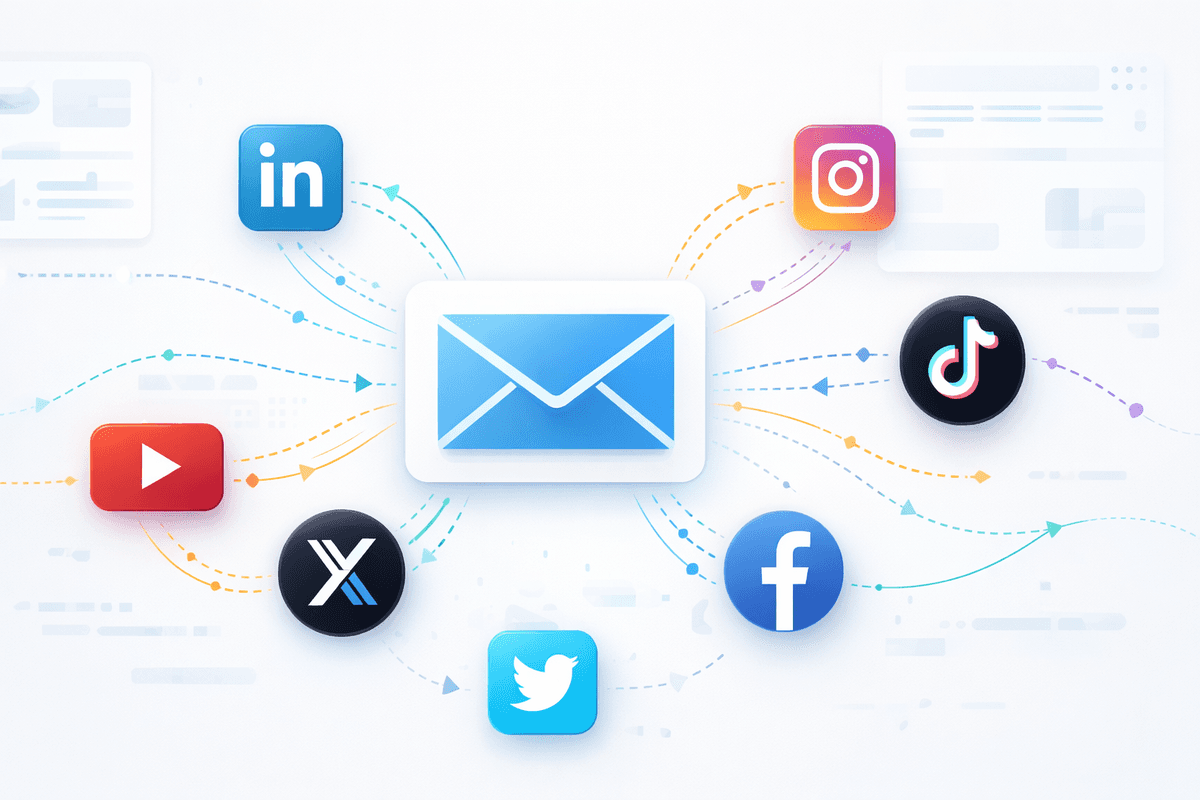
Email Scrapers for Other Platforms

Need emails from other social networks? Explore our full suite of email extraction tools.

View all email scrapers

Frequently Asked Questions

Got questions? We've got answers.

Is this legal?

Collecting publicly available business contact information for B2B outreach can be lawful when you have a valid legal basis and follow regional email/processing rules (e.g., CAN‑SPAM, GDPR/ePrivacy). Always respect platform terms, provide opt‑outs, and honor "do not contact." (This is not legal advice.)

Do I need LinkedIn Sales Navigator?

No. You can start with standard LinkedIn search‑style queries (keywords, roles, companies). If you use Sales Navigator to refine searches, you can mirror those terms in Scravio's inputs.

How many emails can I pull per run?

Set your desired count and Scravio will queue the job. We'll auto‑dedupe and notify you when it's ready.

How accurate are the emails?

We run multi‑step validation to minimize bounces. Always warm up sender domains and follow best practices.

What do exports include?

CSV/XLS with columns like Name, Title, Company, Domain, LinkedIn URL, Email, and Source.

Is there an API?

Not yet. Today we support CSV and Excel export. (Tell us your use case—this helps shape our roadmap.)

Can I close my browser while it runs?

Yes. Jobs run in the cloud; you'll receive a notification when your file is ready.

Ready to turn LinkedIn searches into qualified pipeline?

No complex setup. Define your source, set the volume, run, export.

Start your first scrape