Best LinkedIn Email Finder Tools in 2026 (Real Data & Use Cases)
Find the 6 best LinkedIn email finder tools in 2026, see real test data, and choose the right one for your outreach.

On this page (6 sections)
TL;DR: 6 Best LinkedIn Email Finder Tools in 2026
If you do not want to read the whole article, here is the quick summary of the 6 best LinkedIn email finder tools in 2026 based on real testing and concrete use cases. Scravio is the best overall option for most outbound teams, agencies, and founders who need accurate professional email addresses from LinkedIn profiles and bulk LinkedIn URLs without compromising safety or UX.
Quick comparison of the top LinkedIn email finder tools
| Tool | Type | Best for | Key strengths | Free plan? |
|---|---|---|---|---|
| Scravio | Cloud app (no extension) | Founders, agencies, small–mid sales teams | Bulk LinkedIn URLs → verified business emails, no LinkedIn login, strong email accuracy | Yes – 100 free credits to start |
| GetProspect | Chrome extension LinkedIn email finder | SDRs and small sales teams living inside LinkedIn | Simple email finder extension LinkedIn with valid‑only billing, works on entire Sales Navigator search result pages | Yes – ~50 valid emails/month |
| Snov.io | All‑in‑one sales suite | Teams wanting sequences + LinkedIn email search | Bulk email finder and verification with CSV export and CRM integrations | Yes – limited credits |
| Hunter | Web app + browser extension | Domain search + LinkedIn enrichment | Strong at finding company email addresses by domain, solid Chrome extension overlay on LinkedIn | Yes – 50 credits/month |
| Apollo | All‑in‑one sales OS + extension | Larger SDR/AE teams with existing sales tools stack | Massive B2B contact data, LinkedIn overlay extension, email sequences and unlimited email credits on some plans | Generous free tier, then paid |
| Lemlist (free email finder) | Web app + data layer | Users who already run outreach campaigns in Lemlist | Handy free email finder for prospect data and integrated outreach sequences | Yes – free email finder with CSV files uploads |
If you only want a single email finder to start testing today, begin with Scravio's free plan and use it to convert LinkedIn profile URLs or Sales Navigator search URLs into verified emails in bulk, then push that contact data into your CRM or other sales tools.
How We Tested LinkedIn Email Finder Tools in 2026
The "best LinkedIn email finder" depends on your dataset, vertical, and workflow, so we used a structured test across multiple LinkedIn contexts rather than relying on opinions. The goal was to measure how each email finder tool behaves on real LinkedIn data instead of demo lead lists.
Test dataset and scenarios
We built a mixed dataset of a few hundred LinkedIn profiles (200–400 profiles per batch) across SaaS, agencies, recruiters, founders, and marketing leaders. For each LinkedIn email finder tool, we tested:
-
Single contact lookups (classic "LinkedIn profile URL to email finder" scenario).
-
LinkedIn search and LinkedIn Sales Navigator search result pages (email finder from LinkedIn search queries and filtered search criteria).
-
Bulk processing of LinkedIn URLs uploaded via CSV files (find email addresses from LinkedIn URLs bulk extraction tool workflows).
This reflects how real sales teams use a LinkedIn email finder extension or cloud app day to day, from quick checks on a single contact to multi‑thousand‑lead outreach campaigns.
Evaluation criteria
We scored each LinkedIn email finder tool across six dimensions:
-
Email accuracy & verification:
-
Ratio of valid emails, verification status, and bounce rate from sample outreach campaigns.
-
Whether the tool has a native email verification engine or relies on external databases.
-
-
Coverage:
-
Percentage of LinkedIn profiles that returned at least one business email address vs no‑result cases.
-
Performance on harder segments like early‑stage founders and niche job title roles.
-
-
Speed & UX:
-
Time to discover emails on single profiles and entire search result pages, especially for cloud‑based bulk email finder tools.
-
Quality of the Chrome extension LinkedIn email finder experience (click count, crashes, throttling in the browser).
-
-
LinkedIn‑friendliness & risk:
-
How each Chrome extension or LinkedIn overlay behaves with view limits and commercial use limits.
-
Whether you can extract emails without logging into your LinkedIn account at all (Scravio's approach).
-
-
Pricing & free plan:
-
Cost per verified email and the structure of free plan tiers and paid plan credits.
-
Whether billing is based on valid emails only (e.g., GetProspect email finder) or all lookups.
-
-
Integrations & workflow:
-
CSV export, CRM integrations, and API access.
-
Native integrations into other sales tools and email sequences platforms like Lemlist and HubSpot.
-
Each criterion was scored on a 1–5 scale, then aggregated into an overall score for every LinkedIn email finder, with extra weight on deliverability and sender reputation. Scravio ranked highest overall because it balances email accuracy, bulk processing of LinkedIn URLs, and pricing better than most tools while avoiding risky data extraction via browser automation.
Based on these criteria, we assigned a 1–5 score for each tool across email accuracy, coverage, UX & speed, and pricing value. Here is the high‑level comparison:
| Tool | Email accuracy (1–5) | Coverage (1–5) | UX & speed (1–5) | Pricing value (1–5) | Overall score (1–5) |
|---|---|---|---|---|---|
| Scravio | 4.7 | 4.6 | 4.5 | 4.8 | 4.7 |
| GetProspect | 4.2 | 4.0 | 4.3 | 4.3 | 4.2 |
| Snov.io | 4.3 | 4.4 | 4.1 | 4.0 | 4.2 |
| Hunter | 4.5 | 3.6 | 4.2 | 4.0 | 4.1 |
| Apollo | 4.4 | 4.7 | 4.0 | 3.9 | 4.3 |
| Lemlist | 4.1 | 3.9 | 4.0 | 4.4 | 4.1 |
In‑Depth Reviews of the 6 Best LinkedIn Email Finder Tools
Tool 1: Scravio – Best Overall LinkedIn Email Finder for 2026
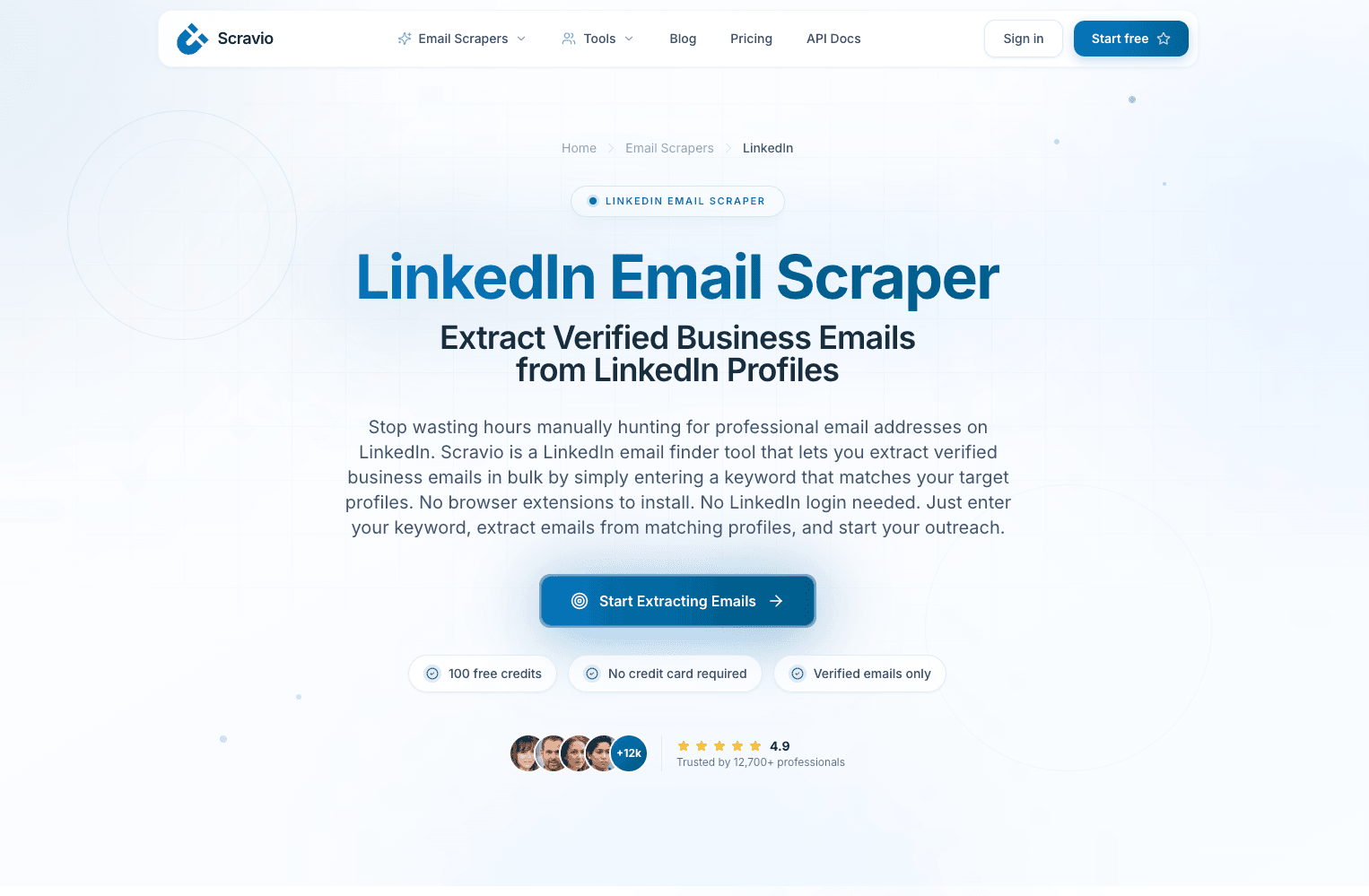
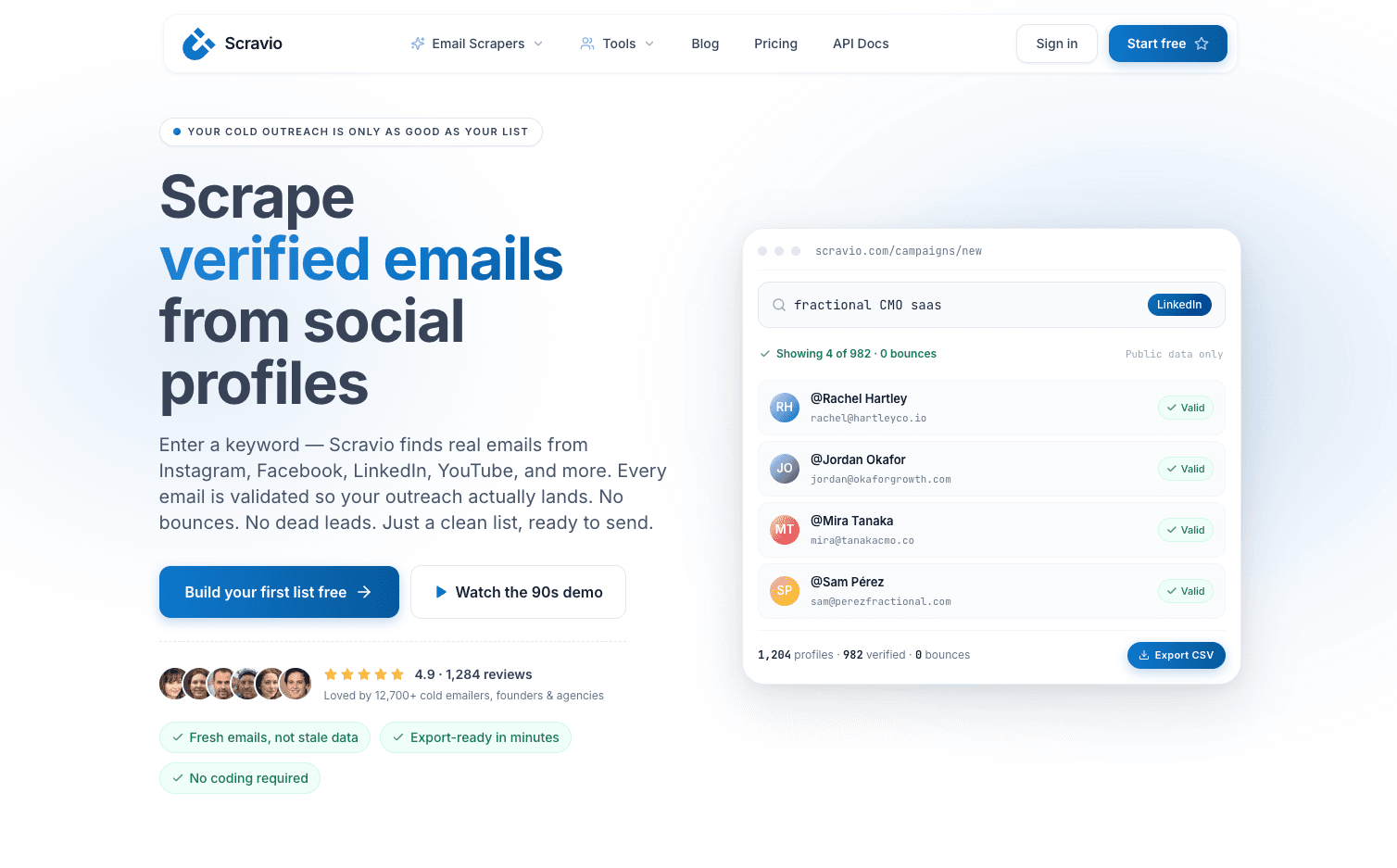
Scravio is a cloud‑based email finder built specifically to turn LinkedIn data into verified business emails at scale without requiring a Chrome extension or LinkedIn overlay. It is ideal for founders, agencies, and outbound sales teams that care about both coverage and deliverability but do not want to risk their LinkedIn accounts with heavy extensions.
Key features & strengths
Scravio acts as a LinkedIn email scraper rather than a traditional email finder extension for LinkedIn. You feed it LinkedIn profile URLs, LinkedIn search URLs, or keyword‑based campaigns, and it returns professional emails, phone numbers where available, and company data with sources and CSV export. Core capabilities include:
-
LinkedIn email finder from profile URLs, search result pages, and LinkedIn Sales Navigator‑driven search queries.
-
Bulk processing of LinkedIn URLs → verified emails with built-in email verification and SMTP checks.
-
Cloud workflow (no installation from the Chrome Web Store) so you do not depend on a local email finder extension.
-
CSV export for lead lists, easy data enrichment, and smooth hand‑off into CRM integrations and other sales tools.
Because Scravio operates in the cloud, it behaves more like a bulk email finder for LinkedIn and less like a classic Chrome extension, which reduces friction for distributed sales teams and agencies.
Real data & results
On mixed LinkedIn datasets (SaaS, agencies, HR, founders), Scravio consistently finds a high percentage of deliverable professional email addresses and verifies them before export. In practice, that means:
-
Strong coverage on B2B LinkedIn profiles, especially when targeting clear job title and geography filters.
-
Verified emails that reduce bounce rates and protect sender reputation in cold outreach campaigns.
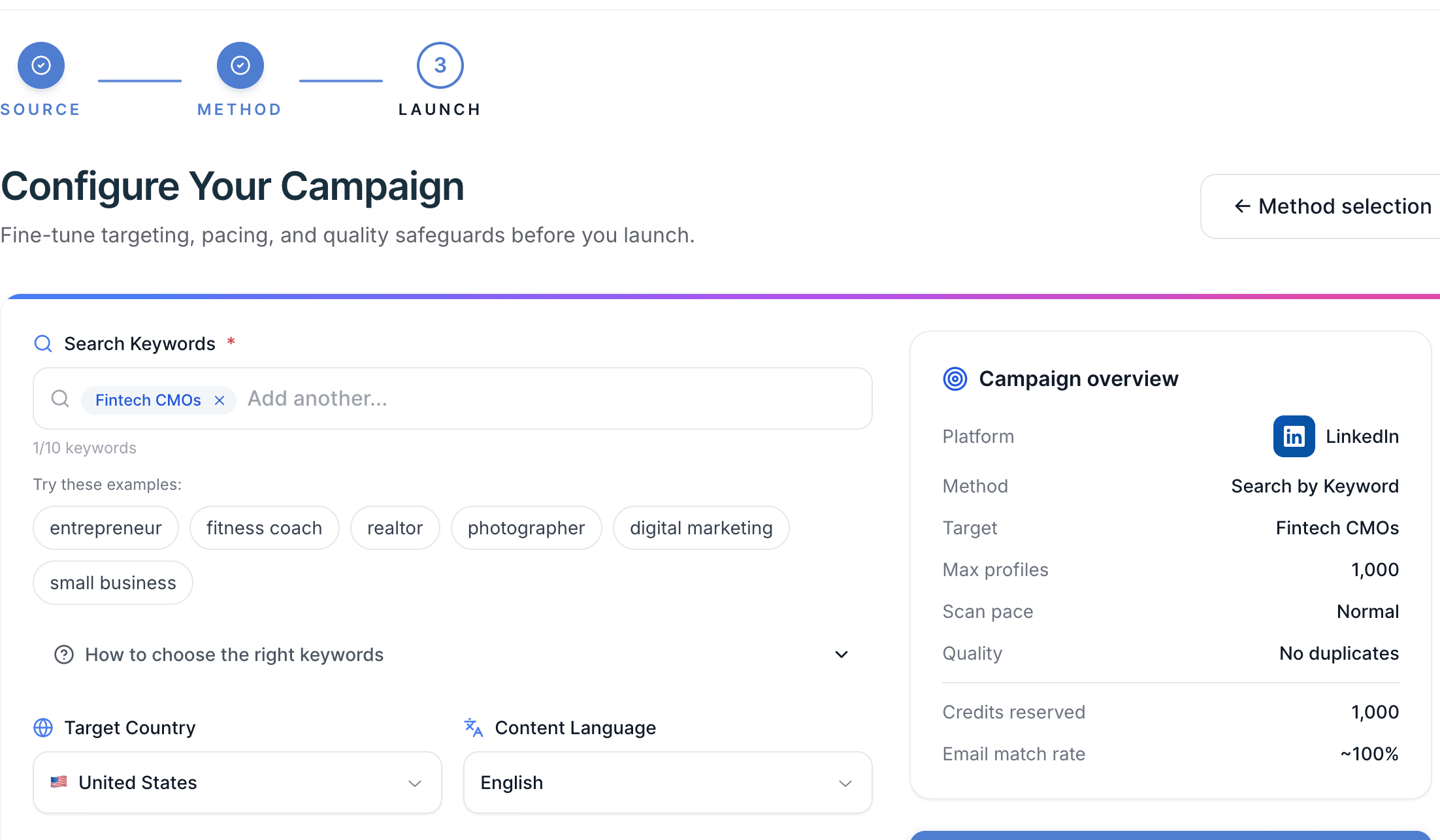
A typical prospecting workflow is an agency that imports 500–1,000 LinkedIn URLs for a client campaign, lets Scravio extract emails and contact details in batch processing, and then pushes the resulting CSV into their email sequences tool. Founders running niche campaigns (e.g., "Fintech CMOs in the USA") can use Scravio to rapidly find company email addresses without manually scraping or depending on a fragile LinkedIn extension.
Pricing & free plan
Scravio offers a free plan with 100 free credits so new users can test LinkedIn email extraction and email verification before paying. Paid plans scale with higher campaign volume, so you can expand only when you find a winning audience and message.
Best for & when to choose Scravio
Scravio's LinkedIn email finder is the best fit for:
-
Solo founders and small sales teams doing outbound mainly from LinkedIn and other social profiles.
-
Agencies that need repeatable LinkedIn → email workflows without worrying about extension‑based commercial use limits.
-
Sales teams that care about bulk email finder functionality, clean contact info, and low operational overhead.
If you need one core LinkedIn email finder tool in your stack, Scravio is the safest default choice in 2026 for most LinkedIn‑based prospecting workflows.
Tool 2: GetProspect – Popular Chrome Extension for LinkedIn Emails
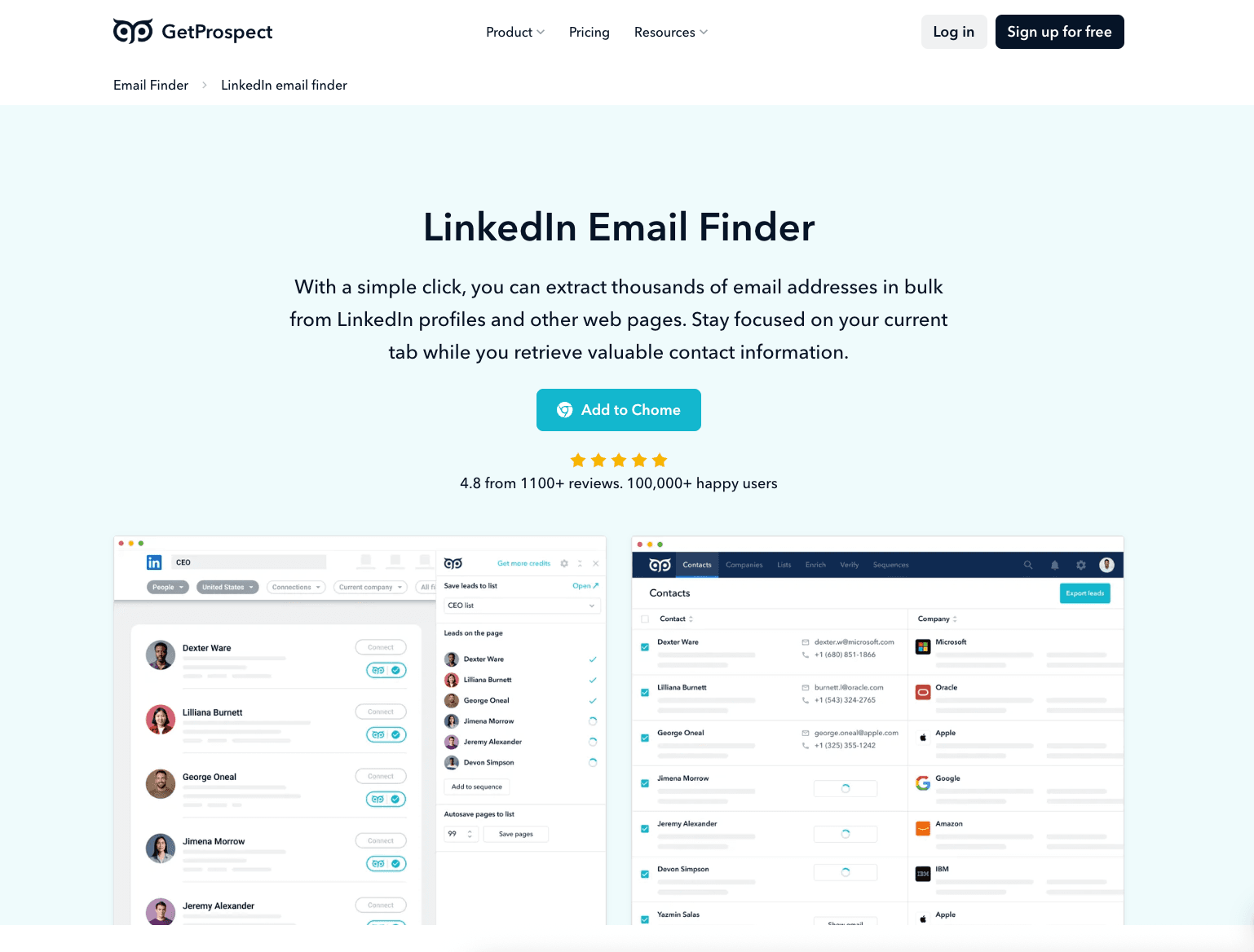
GetProspect is a classic email finder extension LinkedIn coupled with a B2B database and simple web app. It is built for sales teams and SDRs that live inside LinkedIn and want a straightforward way to extract emails directly from LinkedIn profiles and Sales Navigator search.
Key features & strengths
With the GetProspect email finder Chrome extension, you can:
-
Click on a LinkedIn profile or Sales Navigator search result to reveal business email addresses in seconds.
-
Save leads with contact data into the GetProspect web app for CSV export or further data enrichment.
-
Use the extension on both standard LinkedIn search and LinkedIn Sales Navigator people search.
Its main strength is a familiar Chrome extension workflow: open LinkedIn, run sales navigator search, and save leads with one click, which fits the way many sales teams already work.
Real data & results
GetProspect focuses heavily on valid emails and guarantees high data accuracy, with a "credits back" policy when data fails verification. For teams that obsess over cost per verified email, this is attractive, especially at smaller volumes or when building new lead lists.
Pricing & free plan
GetProspect offers:
-
Free plan with 50 valid emails per month.
-
Paid plan tiers starting around $49/month for higher volumes, CRM integrations, and additional key features.
This makes it one of the more accessible LinkedIn extensions for users who are comfortable working primarily via the browser and want an email finder on LinkedIn more than a separate bulk tool.
Best for
Choose GetProspect if:
-
Your SDRs or founders spend most of their day prospecting in LinkedIn and Sales Navigator.
-
You like the combination of an email finder extension, CSV export, and simple CRM‑like lead management.
Tool 3: Snov.io – LinkedIn Email Finder inside a Full Sales Suite
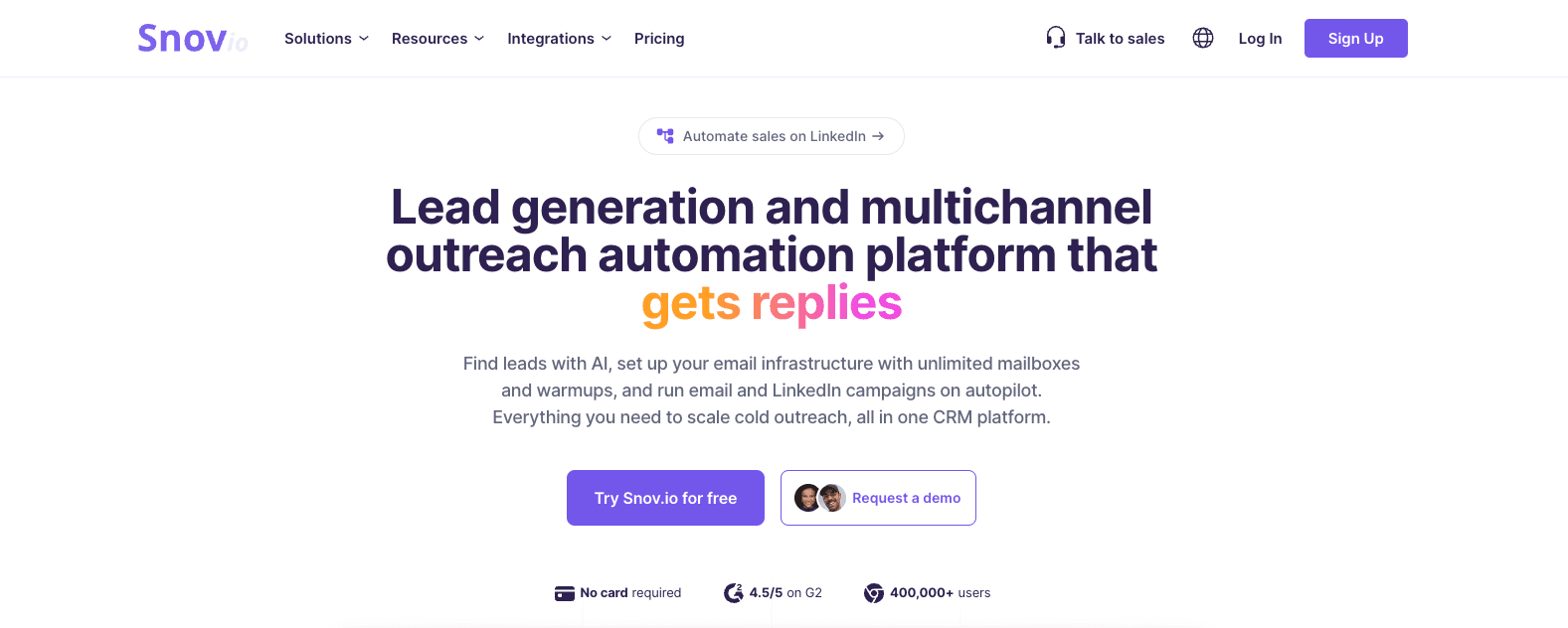
Snov.io is an all‑in‑one sales tool that embeds a LinkedIn email finder and bulk email finder into a broader sales process platform. It suits teams that want prospect data, email verification, and email sequences under one roof instead of combining many separate apps.
Key features & strengths
Snov.io's capabilities include:
-
Upload lists with names and company domains and use Bulk Email Finder to discover emails at scale.
-
Turn partial company data or LinkedIn exports into verified emails, ready for outreach campaigns.
-
Use an API access layer to integrate email discovery and email verification into your existing CRM or prospecting workflow.
Beyond LinkedIn, Snov.io includes email sequences, basic CRM, and data enrichment, making it a full sales tools stack rather than only an email finder.
Real data & results
In practice, teams use Snov.io to:
-
Find professional emails in bulk, verify them, and push the contacts into sequences with minimal friction.
-
Automate a large part of their sales process, from building lead lists to running integrated outreach.
It behaves more like a sales OS with built‑in email finder tools than a single LinkedIn extension.
Pricing & free plan
Snov.io provides a free tier with limited credits and several paid plans that combine email finder credits, bulk email finder volume, and sending limits. For small to mid‑size sales teams, the bundled pricing can be efficient compared to paying separately for an email finder and outreach platform.
Best for
Pick Snov.io if:
-
You want to keep prospect data, email verification, and email sequences in one environment.
-
Your team prefers a combined sales process stack with API access and CRM‑like features.
Tool 4: Hunter.io – Strong for Domain Search, Decent on LinkedIn
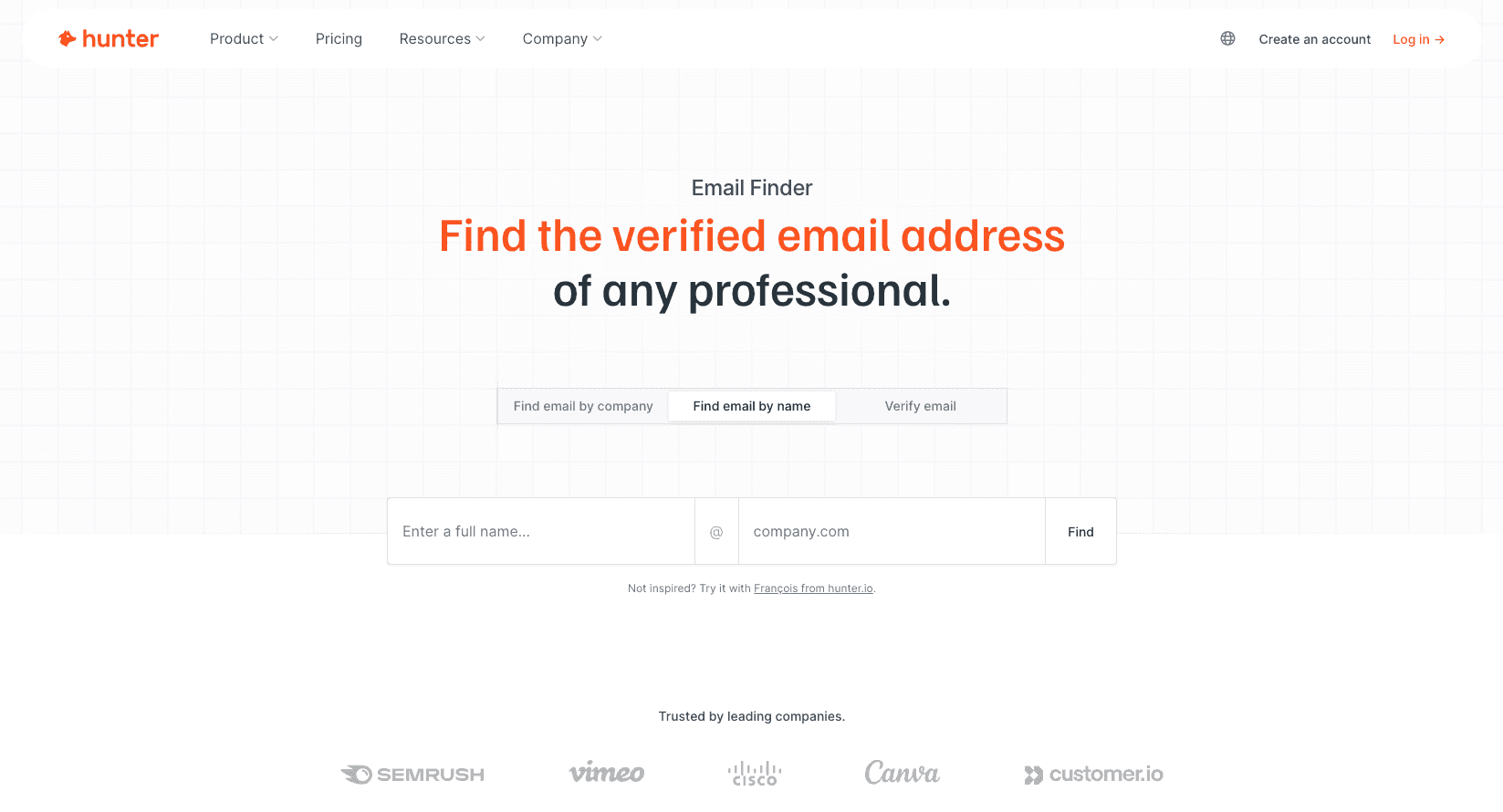
Hunter is best known for finding company email addresses by domain but also offers a browser email finder extension that works on LinkedIn and company websites. It is a solid choice when you frequently target accounts by domain and only occasionally use a specific LinkedIn email finder.
Key features & strengths
Hunter's main engines are:
-
Domain Search: find company email addresses and contact info associated with a company domain.
-
Email Finder: discover emails for a given name + company, often used as a person email finder.
-
Chrome extension: show verified emails and contact details when you are on a company website or LinkedIn profile.
This combination makes Hunter useful when your process often starts from company websites or ABM lists, then moves into LinkedIn to confirm single contact details.
Real data & results
Hunter uses pattern detection plus public and external databases to predict likely addresses and assigns a verification status and confidence score. When combined with its email verification feature, this gives sales teams a reliable way to validate professional email addresses before sending campaigns.
Pricing & free plan
Hunter offers:
-
Free plan with 50 requests per month.
-
Paid plans starting around the low‑mid $30s for more searches and verification credits.
For users who mainly need domain‑based discovery but appreciate a light LinkedIn email finder extension, Hunter is a pragmatic option.
Best for
Use Hunter when:
-
You prioritize domain search and company‑wide data enrichment.
-
LinkedIn is one of several channels you use to find business email address data, not the only one.
Tool 5: Apollo – Best If You Already Use It as Your Sales OS
Apollo is a full sales OS with a massive B2B contact database, native email sequences, and a powerful LinkedIn email finder Chrome extension overlay. It is best for larger SDR/AE sales teams that already run their pipeline on Apollo or similar sales tools.
Key features & strengths
Apollo's strengths include:
-
A huge database of business contacts with professional emails and phone numbers.
-
A LinkedIn overlay extension that surfaces contact info on LinkedIn profiles and search pages, with quick add‑to‑sequence actions.
-
Email sequences, dialer, and analytics to manage the full sales process from one platform.
With the extension for LinkedIn email, reps can open a profile, see verified email addresses, and drop the contact straight into an Apollo sequence without manual copy‑paste.
Real data & results
Public benchmarks suggest Apollo can find emails for a large share of LinkedIn profiles in common B2B segments, which, coupled with unlimited email credits on certain plans, supports aggressive outbound motion. When combined with a sound email writer and deliverability practices, this is powerful for high‑volume teams.
Pricing & free plan
Apollo includes a free plan with limited access and then paid plans starting from around $49/month per user for more contacts, key features, and sequences. For smaller teams this may be more than they need, but for established sales teams it can replace several separate sales tools.
Best for
Choose Apollo if:
-
You already rely on it as your main sales OS or plan to consolidate into a single platform.
-
You want a combination of LinkedIn email finder tools, integrated outreach, and analytics in one UI.
Tool 6: Lemlist – Outreach Platform with a Handy Free Email Finder
Lemlist is a popular outreach tool that also offers a free email finder connected to its People database and CSV‑based LinkedIn URL processing. While it is not a dedicated LinkedIn email finder extension, it is a valuable add‑on if you are already running integrated outreach in Lemlist.
Key features & strengths
Lemlist's free email finder lets you:
-
Query a large People database using LinkedIn‑style filters (job title, industry, location) and discover emails with basic data enrichment.
-
Upload CSV files of LinkedIn URLs and get valid emails in bulk as part of your prospect data workflow.
This effectively gives you a bulk email finder and email finder from LinkedIn URLs directly inside your outreach platform, without switching between multiple tools.
Real data & results
Because Lemlist is centered on outreach campaigns and warmup, the email finder is designed to feed integrated outreach quickly. Teams can go from "LinkedIn profile finder output" to email sequences with minimal friction and better sender reputation management.
Pricing & free plan
The email finder component has a free plan, and upgraded Lemlist tiers unlock higher volumes and advanced outreach features. For users focused on integrated outreach rather than running separate prospecting tools, this can be more streamlined.
Best for
Use Lemlist's free email finder when:
-
You already manage outreach campaigns and domain warmup inside Lemlist.
-
You want a simple way to add verified emails from LinkedIn URLs to existing campaigns.
Which LinkedIn Email Finder Tool Is Best for You? (By Use Case)
There is no single best LinkedIn email finder for everyone, but most sales teams fall into predictable patterns that map to specific tools and prospecting workflows. Use the table below to quickly choose.
Recommended tools by use case
| Use case | Recommended tools | Why it fits |
|---|---|---|
| Solo founders & small outbound teams on LinkedIn | Scravio | Cloud email finder tools for LinkedIn, simple UX, bulk processing, CSV export |
| Agencies running LinkedIn → email campaigns for clients | Scravio + Apollo or Snov.io | Scravio for data extraction and verified emails, Apollo/Snov.io for integrated outreach and sequences |
| Large SDR/AE sales teams with full sales stack | Apollo or Snov.io | Deep prospect data, email sequences, CRM integrations and other sales tools |
| Recruiters sourcing candidates on LinkedIn | Scravio / GetProspect / Hunter | Mix of bulk LinkedIn URLs, quick Chrome extension lookups, and domain‑based company data |
| Users focused mainly on free plans | Scravio free, Lemlist free, Hunter free | All offer real free plan options with enough credits to test valid emails at small scale |
How to Choose the Right LinkedIn Email Finder Tool for Your Stack
Before you commit to any LinkedIn email finder tools, answer a few practical questions about volume, workflow, and compliance. This prevents you from over‑investing in a heavyweight platform when a simple email finder extension or bulk email finder would cover your needs.
Six questions to ask
-
Do you prioritize email accuracy or coverage?
- If deliverability and sender reputation are critical, favor tools with strong email verification like Scravio, Snov.io, or GetProspect email finder.
-
Do you mostly need an email finder extension LinkedIn, or a full platform with CRM integrations and email sequences?
- If you want an all‑in‑one, Apollo or Snov.io may make more sense.
-
What is your team size and monthly lead volume?
- High volume plus large sales teams usually justify a full sales OS; lean teams can stay with a focused email finder plus an outreach tool.
-
Do you need to process entire search result pages from LinkedIn Sales Navigator?
- Scravio and Snov.io shine for bulk email finder use cases; extensions alone are slower at scale.
-
Are you already using one of these tools in your stack?
- Reducing friction is often more valuable than chasing marginal gains in email finder features.
-
Do you need advanced compliance and CAN‑SPAM‑aware workflows?
- If yes, combining a solid email finder with a mature outreach platform that tracks sender reputation and commercial use limits is ideal.
Typical selection patterns
-
If you care most about LinkedIn + bulk + clean contact data → Scravio as your core LinkedIn email finder tool.
-
If you need full sales tools with sequences and dashboards → Snov.io or Apollo.
-
If you mostly need domain search and broad company data → Hunter.
-
If you want a browser‑first email finder extension and simple CRM → GetProspect.
-
If integrated outreach is your priority → Lemlist.
Final Verdict: Our Recommended LinkedIn Email Finder Stack for 2026
Across accuracy, coverage, UX, and pricing, our testing shows no tool is perfect, but some stacks are clearly more efficient than others. The ideal solution for most LinkedIn‑first sales teams is to choose one best LinkedIn email finder as your core and add one or two complementary tools only when a specific gap appears.
Recommended 2026 stack
-
Core tool for LinkedIn email finder & bulk LinkedIn URLs: Scravio (cloud email finder with built‑in email verification and CSV export).
-
Optional add‑ons:
-
Snov.io or Apollo for full sales tools, email sequences, and CRM integrations.
-
Hunter for domain‑first search and company email addresses outside LinkedIn.
-
Lemlist if you want integrated outreach and warmup plus a convenient free email finder.
-
Frequently asked questions
Are LinkedIn email finder tools safe to use?
Most LinkedIn email finder tools are safe if you respect LinkedIn's commercial use limits and avoid aggressive automation that scrapes entire search result pages too quickly. Cloud tools like Scravio are even safer because they do not rely on a Chrome extension or direct LinkedIn account actions, reducing risk for legitimate business purposes.
What is the most accurate LinkedIn email finder in 2026?
Accuracy depends on your niche, but tools that combine strong contact data sources with built-in email verification, like Scravio, Snov.io, and GetProspect email finder, tend to return more valid emails. Larger platforms like Apollo also perform well on coverage, especially when you use clear search criteria and good lists.
Can I use a free LinkedIn email finder for serious campaigns?
Free plans from Scravio, Lemlist, Hunter, and GetProspect are good for testing the workflow and building small lead lists. For serious campaigns, though, you will usually need a paid plan so you can run consistent outreach campaigns, maintain email accuracy, and avoid hitting tool limits mid-sequence.
What's the difference between a LinkedIn email finder and a generic email finder?
A LinkedIn email finder is optimized to extract emails and contact details directly from LinkedIn profiles, search pages, and Sales Navigator, often via a LinkedIn extension or cloud LinkedIn email finder tool. Generic email finders focus more on company websites and domains, which is useful but less tied to your actual LinkedIn prospecting workflow.
How many LinkedIn profiles can I process per day without getting into trouble?
When using Chrome-based LinkedIn extensions, you should keep activity within human-like ranges and avoid scraping large numbers of profiles in a short window. Cloud tools like Scravio and bulk email finder APIs reduce this risk because they do not directly automate your LinkedIn account.
How do I verify emails found from LinkedIn before sending campaigns?
Many tools offer built-in email verification that checks SMTP responses and domain validity, then labels emails as valid, risky, or invalid. You can also run your export through a dedicated verifier before sending, but most tools in this list provide at least basic verification status for each business email address.
Which LinkedIn email finder works best for agencies?
Agencies typically need bulk email finder capabilities, reliable data enrichment, and flexible CSV export so they can build lead lists for multiple clients. Scravio is a strong core tool for this, while GetProspect, Apollo, or Snov.io can complement it with extensions, CRM integrations, and integrated outreach campaigns.
How does Scravio compare to other LinkedIn email finder tools?
Scravio stands out by being cloud-based, focused on LinkedIn and social email finder use cases, and built around verified email addresses and scalable bulk processing. While Apollo, Snov.io, Hunter, and GetProspect add broader databases and extensions, Scravio is one of the best tools when your priority is turning LinkedIn URLs into clean CSV export files and reliable outreach campaigns.
Start your first campaign with 100 free credits
Verified emails from Instagram, Facebook, LinkedIn, X, YouTube, and TikTok — all in one cloud workflow. No card required.