What is Email Scraping? How It Works & Use Cases
Learn what email scraping is, how email scrapers extract verified contact data at scale, and how sales, marketing, and recruitment teams use it effectively.

On this page (8 sections)
Email scraping is the automated process of digging out email addresses and contact info from public sources on the web - company websites, business directories, social media profiles being just a few examples. If your sales team , marketing department or recruiters are anything like most of us, they know the value of having a reliable list of targeted, verified contacts that you dont have to pay top dollar for a third party for.
But heres the thing, not all email scraping is equal. What makes the difference between a super effective outbound campaign & a list of bounced, undeliverable emails all comes down to: how you collect the data , where you get it from & whether you actually check to make sure its all good before you hit send.
This guide covers everything you need to know about the business:
-
How does email scraping work ? - the whole crawl extract and clean process is broken down in here
-
Where do scrapers get contact data - from company sites & just about every social media platform youve heard of
-
Real world examples of using email scraping - B2B lead generation, making local business connections, recruitment, PR - you name it
-
What are the legal and compliance issues - a plain english guide to GDPR, CAN-SPAM, CASL, CCPA
Whether you're just starting out with your first cold outreach campaign or trying to make your existing prospecting workflow run smoother , this is your one-stop shop for everything you need
What is Email Scraping?
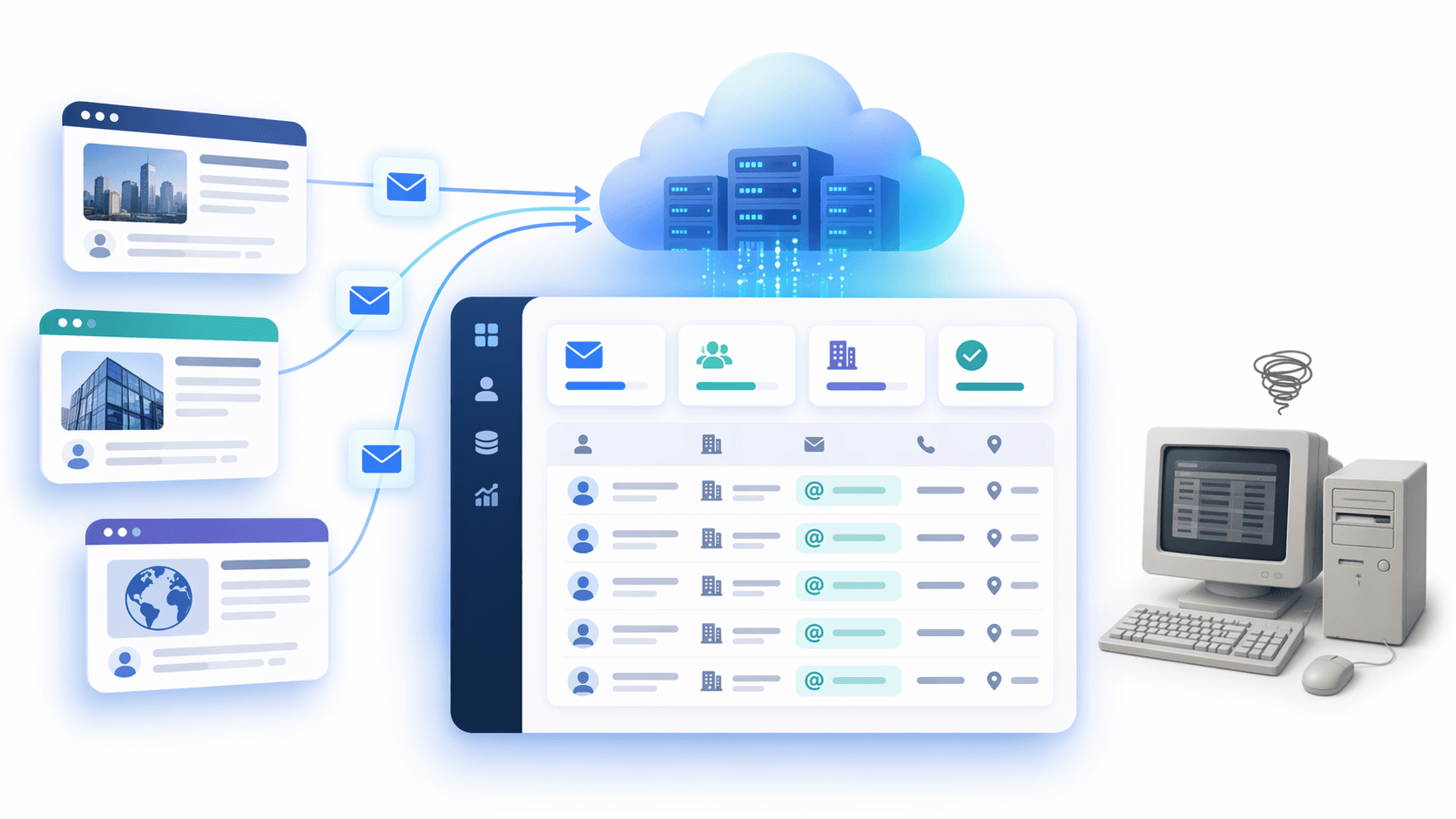
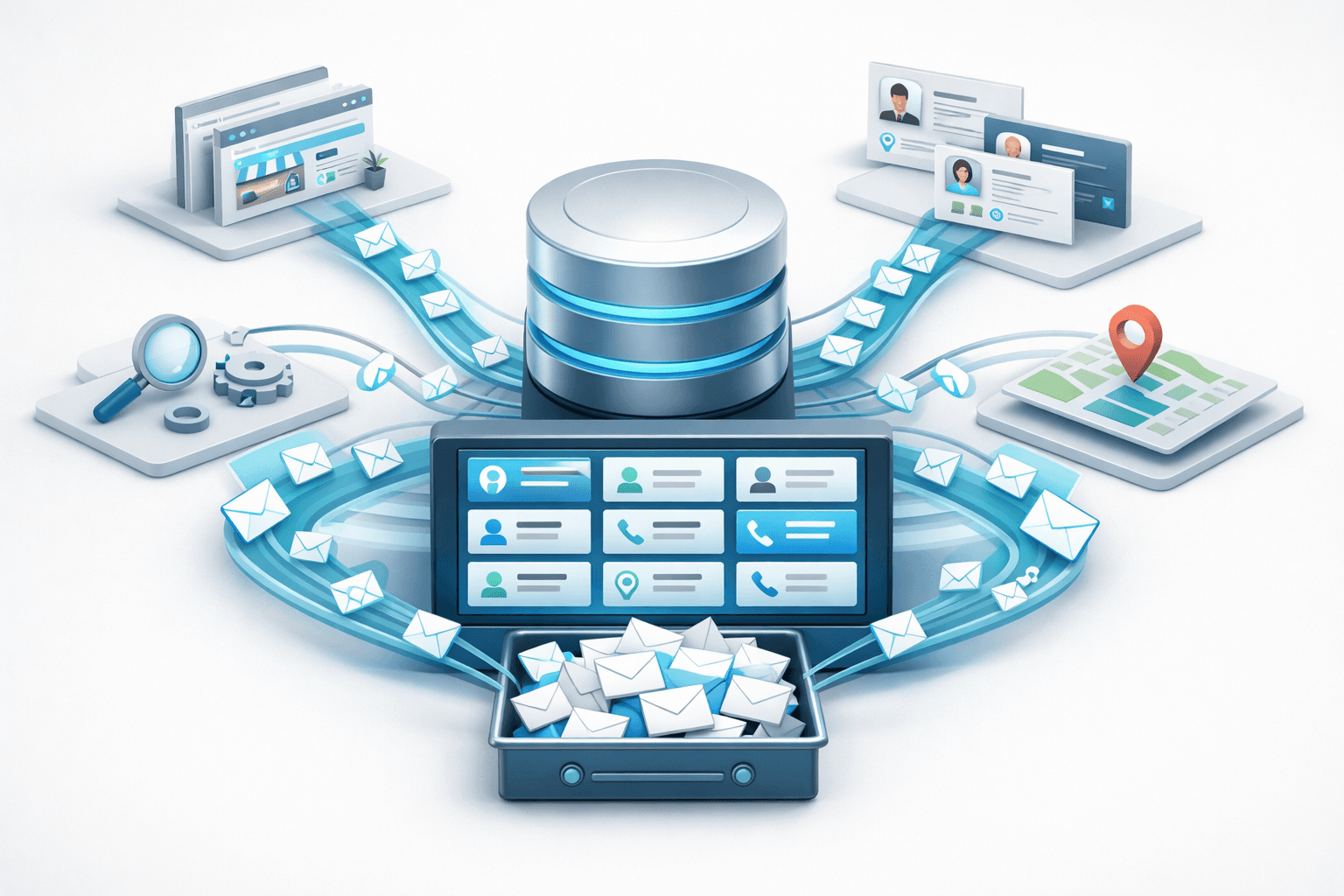
Email scraping is the magic that happens at the crossroads of web automation and contact stuff. In a nutshell, its the automated process of digging up and pulling out email addresses from publicly accessible places on the web – like company websites, online phonebooks, social media, and business listings. Unlike manually trawling through contact pages one at a time, an email scraper systematically goes through a whole bunch of content, transforming what used to take hours of tedious research into just a few minutes of nice, neat, structured data.
What Does Email Scraping Really Mean?
Email scraping - also called email harvesting or email extraction – is the process of using software to dive into digital sources (HTML pages, social media, PDFs, public databases and so on) and pick out any strings that match up with an email address (like [email protected]). Once it's done that, you get a list of email addresses all neatly paired up with names, job titles, company names or the URL they came from, ready to go into your CRM or be saved to a CSV export.
The main difference: email scraping is all about digging up what's already out there – like in public spaces. Not about sneaking into someone's inbox, busting through security, or intercepting messages.
What Types of Data Can Be Unearthed?
Email scraping tools don't just stop at email addresses, which is just the tip of the iceberg. They can pull in a whole lot more depending on what they're scraping and how they're set up. A single scraping run can bring in:
-
Email addresses (obviously the main prize)
-
The full name or display name associated with that profile - it's not always the same thing
-
Job titles and company info - especially when scraping LinkedIn or business directories
-
Phone numbers if they're listed along with the contact details
-
The URL of their profile or website - just in case you want to dig in deeper
-
Any social media handles linked to that identity
This extra information makes scraped lists a lot more useful when you need to reach out to people in a more personal way - and it often means you can skip the extra step of enriching the data in your workflow.
Email Scraping vs the General Web Scraping Beast
Web scraping is basically the term for extracting structured data from web pages - it could be product prices, review scores, news articles, or any other bit of information you can get your hands on. Email scraping is just a specific type of web scraping that's focused on pulling out contact data - emails, names, job titles, and so on.
The core tech is similar: both use crawlers and parsers to navigate HTML, but email scraping tools add in a few extra tricks of the trade. They use regex pattern matching to look for @ symbols and the usual suspects for email addresses, and they'll also do a bit of deduplication to make sure you're not dealing with a bunch of duplicates. They might even send out a test email to verify whether the address is live or not. General web scraping tools don't usually do this kind of contact-validation - which is why email scraping tools tend to produce cleaner, more useful results.
How Does Email Scraping Work?
The way modern email scraping works follows a pretty standard three-stage process: crawl, extract, and clean. Knowing all the ins and outs of each stage lets you put scrapers through their paces and make a more informed decision about what you can realistically expect from them in terms of accuracy and the overall quality of the data.
Diving into Public Sources to Find Contact Info
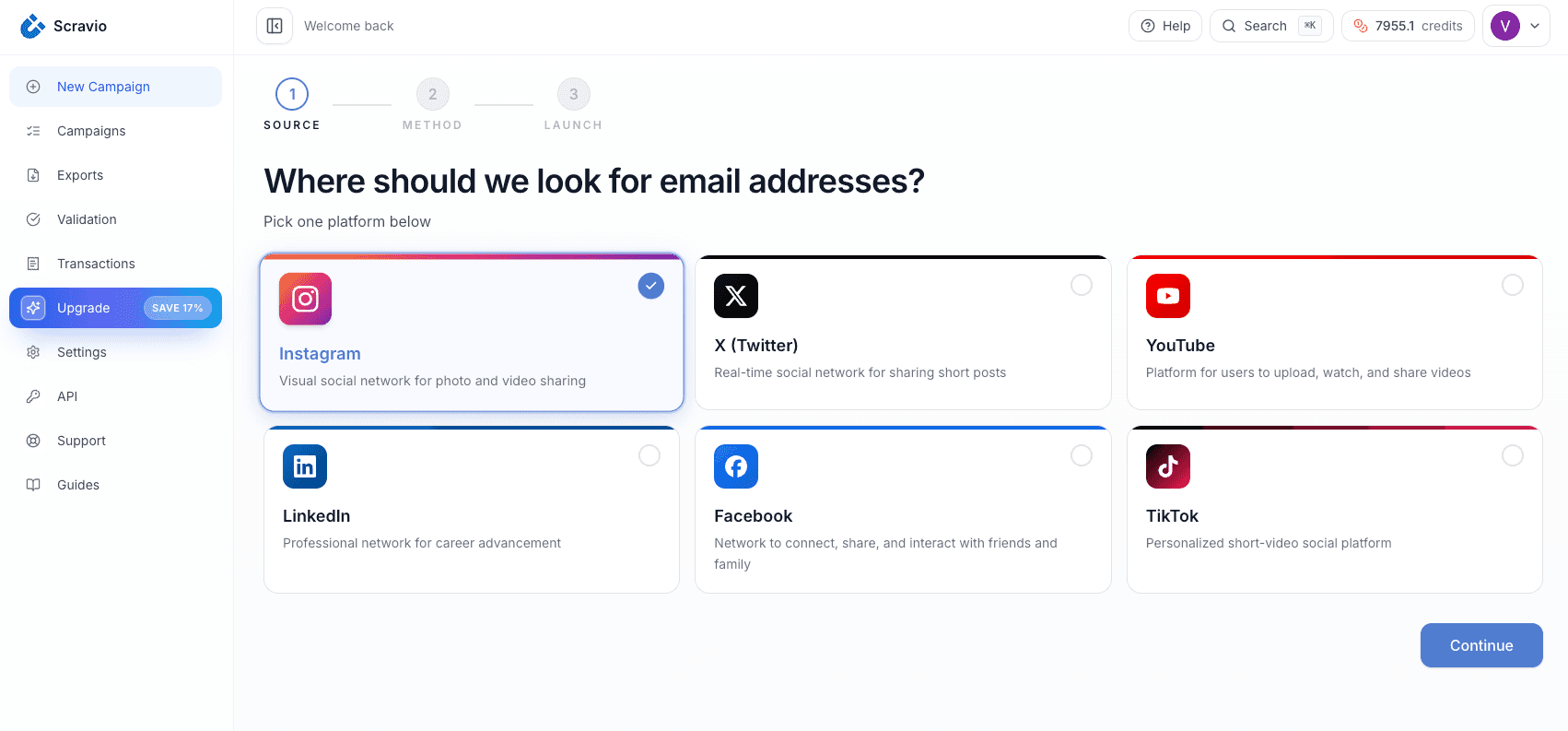
To get started, an email scraper will head out to a list of places where you can find the info you're looking for - that might be a list of company websites, a search on a search engine with a specific keyword, a social media platform, or a public business directory. The scraper will then visit each page, grab all the content - including the actual HTML, the metadata, and even some of the dynamic stuff loaded in by JavaScript - and haul it all back in.
Some platforms like LinkedIn, Instagram, TikTok, and Facebook are a bit of a special case, because the scraper has to be able to deal with all the extra layers of dynamic content and platform-specific stuff. That's why tools like
were made - they're basically designed specifically around pulling contact details from social profiles, using whatever info shows up in a keyword search.
Finding Email Addresses Using Patterns and Parsers
Once the scraper has got the page content, it uses some regular expression pattern matching to go hunting for the email addresses - basically just looking for strings that match a certain format, like [email protected]. Some of the more serious implementations go a bit beyond just regex:
-
Entity recognition is where you try and match names or job titles next to an email address, and automatically tag them together
-
Domain-aware parsing is where you try and filter out things like noreply@ or support@ if you're only after legitimate work email addresses
-
Some of these parsers even have a JavaScript rendering engine built in, to handle the really tricky single-page apps where the content isn't even visible in the raw HTML
-
And some can even search the whole domain for any email addresses that are publicly listed for a particular company
This is what really separates a decent email extractor from a dud, and directly impacts how good your final contact list is gonna be.
Getting Your Data Ready for Use
More often than not, those initial extractions are going to need some serious TLC before they're usable. To get the job done, you'll want to build a scraping workflow that's up to the task - like this:
-
Dedupes those duplicate addresses that turned up across multiple search sources when you ran a bulk search - easy to miss at first glance
-
Validates the format of each address to make sure it's legit and follows the rules
-
Sends a quick ping to the mail server to see if the mailbox actually exists and is accepting connections - that's what SMTP verification is all about
-
Flags the domains that are likely to bounce as many times as they have a mailbox for catch-all addresses or just generic ones like info@ or admin@
-
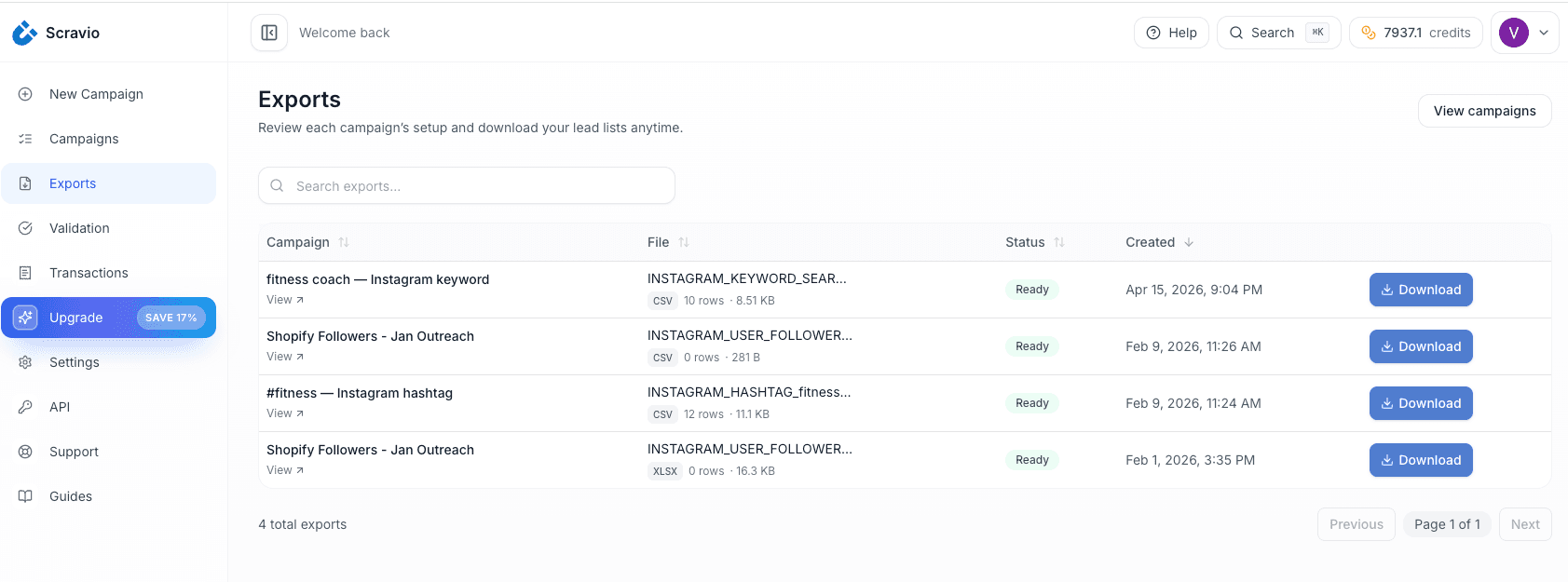
Exports the cleaned-up data into a csv file that's ready to roll into your CRM or into some pretty straight forward outreach sequencing
Now Scravio is a good case in point - it comes with email verification built right in, paired with deduping so you get export-ready files without much hassle. This means lower bounce rates and a lot less stress for your sender reputation when you're running those cold outreach campaigns.
Where Do Email Scrapers Find Email Address's?
The quality of any scraped email list has a lot to do with where that data comes from. And public sources - well they vary like crazy in terms of how fresh the data is, how accurate it is and the type of contacts they'll turn up.
Company Websites - The Old Reliable
Where email extraction first started is on the company website itself - specifically those "Contact", "About", "Team" and "Press" pages. It makes sense for businesses to publish business email addresses so people can get in touch - for sales inquiries, media relations or customer support. Do a simple search through a list of target websites and you can get hundreds of verified business contacts in a jiffy, and the data is usually pretty accurate because it's coming straight from the business themselves.
Business Directories and Listings
Business directories like Google Business Profile, Yelp, Clutch, Crunchbase, Yellow Pages and industry specific platforms collect a ton of company contact data all in one place. Because these online directories are actually designed for people to find businesses easily, they often include email addresses, phone numbers and even names of the people in charge. So if you're trying to reach people in a certain area or in a specific industry, using directory data can get you pretty relevant and targeted results with minimal junk.
Social and Business Profiles Where You Can See Their Email Address
Social media have turned out to be one of the best places to get professional contact data. People like founders, consultants and sales professionals will often list their email address in their bio or in the contact section of their social media profile to draw in partners or get more inquiries.
Scravio is built with that source material in mind - scraping verified emails from places like Instagram, Facebook, LinkedIn, YouTube, TikTok and Twitter. For example, their Instagram scraper will yield around 350-500 verified email addresses for every 1,000 people on LinkedIn or social media profiles it scans, which makes it super efficient for targeting a specific group of people.
Real World Use Cases For Email Scraping
Email scraping is used by businesses in all sorts of creative ways - which use case you go for has a huge impact on the approach you take. The type of project you are running is going to dictate whether you need to scrape from a lot of sources, or just one or two, and how much effort goes into verifying what you find.
B2B Lead Generation and Sales Outreach
Sales teams use email scraping to find new leads to call on. They often do this instead of buying databases from third parties - after all, why pay for something that may or may not even be valid when you can do it yourself. Plus, with a scraper you can target very specific industries, job titles and company sizes, giving you a much more accurate list of contacts. And it gets better - when you scrape you get verified email addresses, phone numbers and even extra company data, all right in your CRM.
Here's a rough outline of how the process usually looks:
-
Work out what you are looking for - in terms of job title, company size, geography etc.
-
Decide where to find that information - LinkedIn profiles, directories, company web sites - you get the idea.
-
Run the scraper and verify the email addresses
-
Sort and tidy up the data, then import it all into your CRM - probably via csv or direct integration
-
Send out some nice, well-targeted cold emails - as part of a well-planned campaign.
Using your own list makes a big difference in terms of targeting and how good the results are. You get to choose exactly who you target, and you have direct control over the quality of the data.
Local Business Outreach
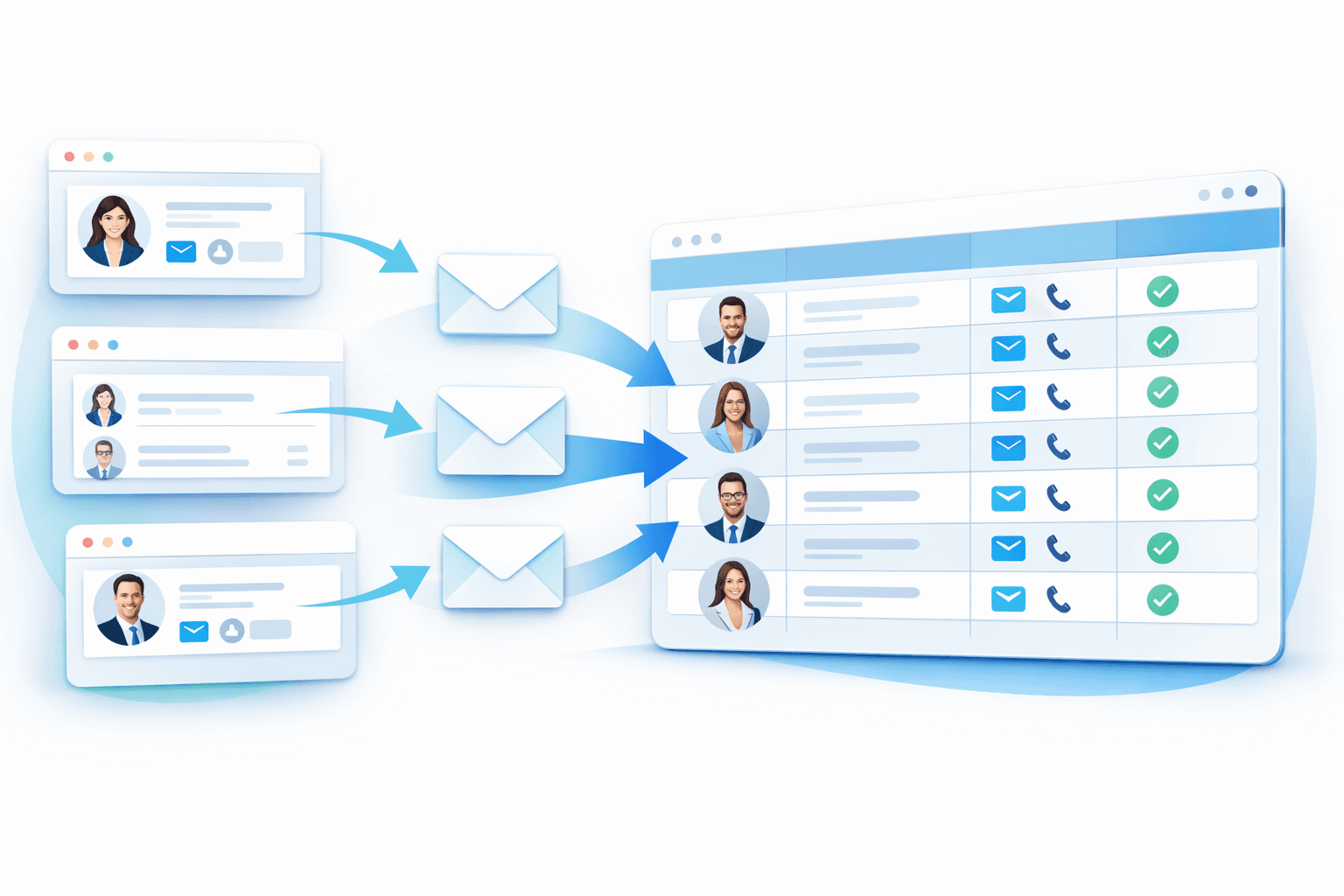
Local businesses, marketing agencies, SaaS platforms and freelancers all use email scraping to target businesses in their local area. This isn't just about getting a list of business email addresses and phone numbers - it's about getting a really good list that really targets your niche. So for example, if you are looking to target dentists in Austin, or roofers in Toronto, you can scrape Google business listings, local directories and Yelp - all of which are much cheaper than buying a database, and just as accurate.
Recruitment, PR and Partner Outreach
Email scraping isn't just for sales teams. Recruiters use it to find contact information for potential job applicants, PR teams use it to get journalist contact details, and agencies use it to find potential partners. Even social media teams use it to find contact information for creators and influencers. For example, lets say you are a fitness brand and want to find a bunch of people to collaborate with on social media - you can use a tool to search for popular fitness influencers on TikTok, scrape their email addresses, verify them and import them into your CRM. All of this can be done without having to do it manually.
Benefits and Limitations of Email Scraping
With any data collection tool, email scraping has its advantages and disadvantages, and understanding them is crucial to making informed decisions.
Key benefits:
-
Speed : grab hundreds or even thousands of professional email addresses in no more than a few minutes, a far cry from wading through days of manual searching
-
Cost effective : scraping is a whole lot cheaper than buying a B2B database record by record
-
Fine-tuned targeting : you get to decide exactly which sources, niches or social media platforms you want to pull from
-
Up to date : the contacts you get are a reflection of the current state of public contact data, not some stale record from months ago
-
Ready to use in your CRM : most tools export their findings in a format that's easy to import into Google Sheets or plug straight into your CRM
Some notable limitations:
-
Coverage gaps : let's face it, not everyone publicly lists their email address - and even when they do, the extraction rate varies wildly depending on what platform or niche you're dealing with
-
Quality control : while some tools do a better job than others, scraping inevitably leaves you with a batch of raw data that needs verifying - and that's before you even think about invalid addresses and bounce rates
-
Platform blocking : some platforms are actively working to limit automated access via rate limiting or bot detection
-
Legal compliance : using scraped email addresses for outreach means you need to think about getting proper consent from the folks on your list, or you might find yourself in hot water
Is Email Scraping Legal and Ethical?
There is one question that eventually crops up for just about every data pro and that's : is email scraping not only legit, but also okay to do ethically? Well, the honest answer isn't a simple one - it all depends on where you live (the jurisdiction), where you got the email from (the source), and what you do with the data (how you use it).
Public and Private Data: The Key is in the Source
The underlying rule for most laws and regulations is: if the data was out there in the public domain at the time you grabbed it - that is to say, company email addresses published on a website, business directory or social media bio, for example - that's generally public business info, and folks have put them there knowing people are going to try to contact them.
On the other hand, private data - the kind that you get when you bypass authentication, sneak into private inboxes or scrape behind login walls - is just about universally verboten and will leave you liable in more cases than not.
Compliance and Rules Around Outreach
Even if collecting that data is not against the law, you still have to play by the rules when you use those email addresses to do outreach - here are just a few key ones:
-
GDPR (the EU) - for example, you need a serious reason to process peoples personal info - "legitimate interest" is okay for B2B cold email outreach in certain circumstances, but you have to respect opt-out requests
-
CAN-SPAM (US) - for example, its okay to send cold commercial email, so long as your clearly state who you are, dont send out misleading email subject lines and make sure the unsubscribe link actually works
-
CASL (Canada) - is actually a bit stricter - you pretty much need to get express or implied consent before sending out email marketing
-
CCPA (California) - gives folks data subject rights of access, deletion, plus the right to opt-out of data sales
The upshot is this: email scraping of public contact data is probably okay in many places, but the way you actually send out your email campaign has to comply with the law where the recipient is based.
Why Using Scraped Email Lists Can get You into Trouble
Using unverified, or non-compliant scraped lists is a recipe for disaster and introduces a host of potential problems: high bounce rates can trash your sender domain reputation, meaning future campaigns might have a tough time getting delivered - you may even be sent to spam folders even if your email is legitimate. There's also the risk of getting into legal hot water in countries that are a bit more strict, like the EU or Canada, if you don't get consent right. Plus you could be wasting your money on sending to email addresses that are either invalid or long gone. A solid strategy then is to always verify scraped emails before sending, use some personalisation, include a clear opt-out link and only send to relevant addresses - not just generic ones like info@ or admin@ - and only do this the right way with a tool that enforces deduplication and SMTP validation - nothing optional about that.
Email Scraping vs. Email Finder vs. Email Verification
These three terms are often conflated, but they describe distinct stages of the contact intelligence workflow:
| Tool Type | Primary Function | Input | Output |
|---|---|---|---|
| Email Scraper | Discovers emails from public sources at scale | URL list, keyword, platform | Raw email list + associated contact data |
| Email Finder | Constructs or locates a specific person's email given known context | Name + company domain | Single verified email address |
| Email Verifier | Validates whether email addresses are live, deliverable, and low-risk | Scraped email list | Pass/fail + bounce risk classification |
In practice, modern platforms like Scravio combine all three layers — scraping social media profiles and company websites, finding associated professional email addresses through enrichment, and verifying via SMTP before export. This consolidation reduces the prospecting workflow from three separate scraping tools to one unified platform — and eliminates the data quality gaps that emerge from stitching together multiple tools.
Final Thoughts: Email Scraping - When Is It A Good Idea?
Email scraping makes sense when you really need a targeted list of contacts - and you can get it from publicly available business info a heck of a lot faster and cheaper than how you'd go about trying to do it by hand, or using expensive licensed databases. Its basically a practical tool for sales teams, marketers, recruiters and agencies - provided you're only getting email addresses from legit public sources, you've checked the addresses are right before you use them, and you're being pretty careful about following the rules when you reach out.
It's a pretty straight forward process : work out who your ideal customer is, find the right public sources, do a big pull of email addresses, sort through the results to clean them up, and then send some personalized emails to folks you've never met before. Whether you're putting that info into your CRM or firing off a cold email campaign right away, one thing and one thing only determines how well its going to work: whether you've got a list of accurate emails and whether or not the person sending them is trusted - and both of those things depend on you starting with good, verified addresses.
If you want to give this a try...
is a cloud-based email scraper thats exactly built for this exact workflow - getting verified email addresses from LinkedIn, Instagram, TikTok, YouTube, Facebook, and Twitter, with the bonus of email verification and deduplication all built in, and a one-click way to export all that data into a csv file. Every new account gets 100 free credits - its the perfect way to give it a go without handing over your credit card.
Start your free extraction today at scravio.com
Frequently asked questions
Is Email Scraping Allowed?
Email scraping of stuff that's openly available is usually legal in most places, but plugging that data into a list for cold email marketing has to be done in a way that meets the rules. This means following the GDPR, CAN-SPAM, CASL, and CCPA - and the rules depend on where the data came from, where the person lives, and how you plan to use their email. Working with some decent tools that stick to what's publicly available can really help you avoid getting in trouble.
How Do Email Scrapers Find Emails?
Email scrapers use crawlers to navigate the kinds of pages you're targeting, and then apply some regex magic to spot any strings that look like email addresses - you know, [email protected] style. Some of the more advanced tools will even handle pages with some JavaScript on them, PDFs, LinkedIn profiles, and social media to dig up professional email addresses that your basic crawlers might miss. You can also search for a whole domain and get a bunch of all the contacts associated with it.
Is Email Scraping the Same as Email Hunting?
No. Email scraping is when you grab a whole load of emails from public sources - you tell it where to get the data from, and it goes off and finds whatever email addresses are out there in the open. Email finder tools on the other hand are all about getting a specific person's business email address, based on what you know about them (e.g. their name and the company they work for). They're two different approaches for finding emails, and both are useful in their own way.
Do Scraped Emails Need to Be Verified?
Yeah, they do. Raw scraped emails are pretty much guaranteed to have a bunch of dodgy addresses in them, whether that's just wrong info or catch-all domains or people who are no longer at that company. Before you start sending emails out to them, you need to make sure they're actually legit, otherwise you'll end up with a bunch of bounces knocking on your door. Having a tool that does this automatically for you helps - that's what's built into Scravio's SMTP validation.
What are the Most Common Ways People Use Email Scraping?
The most common use cases are probably B2B lead generation and then using that to do some sales outreach, or building lists of local businesses to get in touch with, or finding people on social media to partner up with, or building media lists for PR stuff, or even for recruitment. Each of these tends to use a slightly different source to start with - so you might use LinkedIn for B2B, social media for creator outreach, and online directories for local businesses.
Start your first campaign with 100 free credits
Verified emails from Instagram, Facebook, LinkedIn, X, YouTube, and TikTok — all in one cloud workflow. No card required.