What is Cloud-Based Email Scraping (vs. Desktop Tools)?
Cloud-based email scraping vs. desktop tools — understand how it works, key differences, and which option fits your lead generation workflow.

On this page (8 sections)
Every serious outbound sales campaign starts with the same question: where do qualified contacts come from? Cloud-based email scraping has emerged as one of the most scalable answers — allowing businesses, marketing teams, and agencies to extract email addresses at scale without being tied to a single machine. As outbound prospecting strategies grow more sophisticated, understanding the infrastructure behind your email extraction pipeline matters more than ever.
This article breaks down exactly what cloud-based email scraping is, how the process works end-to-end, and how it compares to traditional desktop tools — so you can make a confident, informed decision about which email scraping tool fits your workflow.
What Is Cloud-Based Email Scraping?
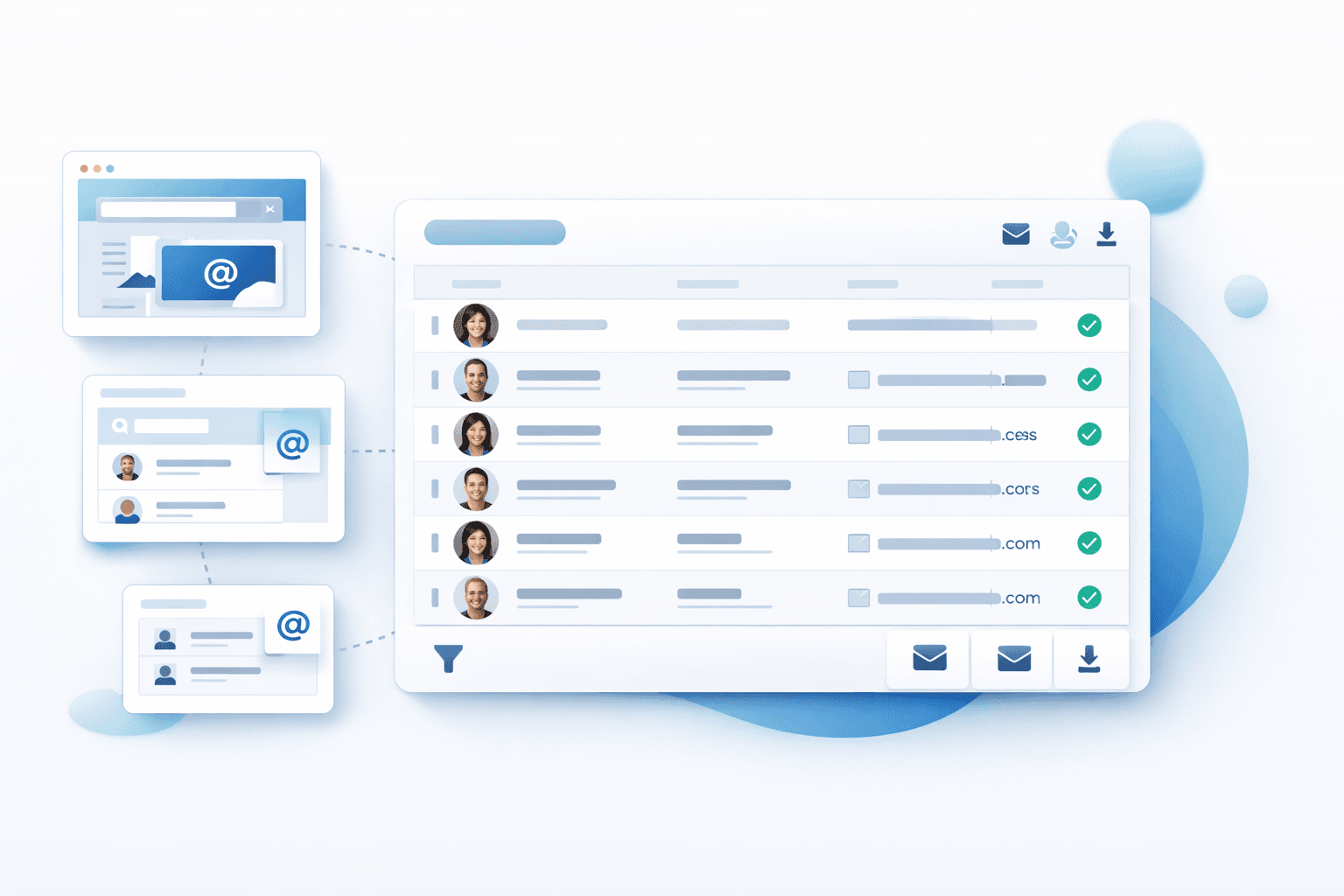
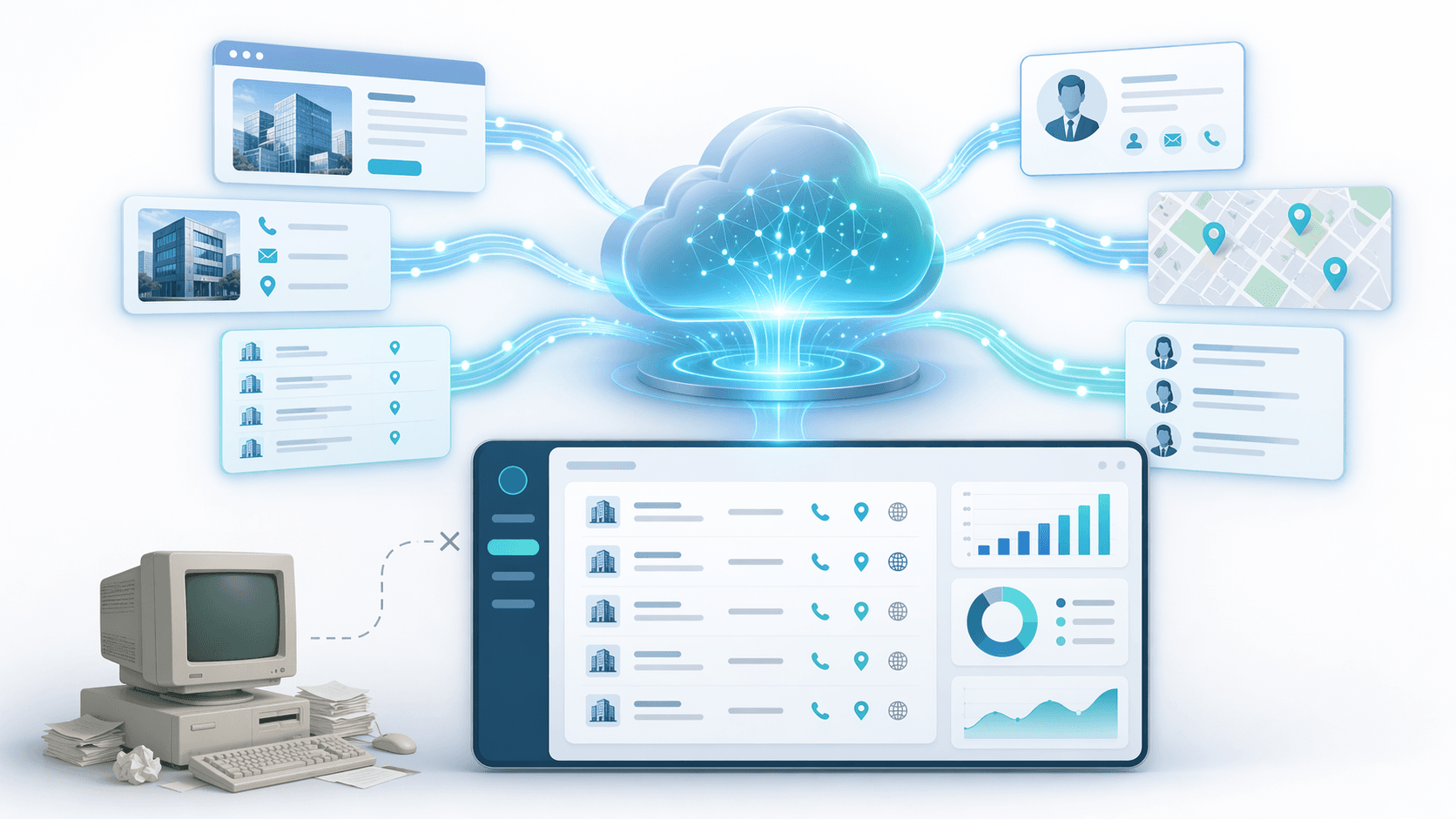
Cloud-based email scraping is the process of automatically gathering email addresses from web pages, company websites, directories, LinkedIn profiles, and other bits of publicly available data that you can find - the actual processing happens on remote servers in the cloud, not right on your computer at home. Unlike old-school email scraping programs that you'd have to install on your desktop, a cloud email scraper works like a regular SaaS platform: you set up your scraping jobs through a browser, & the cloud does all the heavy lifting with IP rotation & getting the data to your doorstep. That distinction matters a lot in practice - when the scraping is being done on a server that's miles away from you, your own device stays free, your internet connection doesn't get tied up, & the job just keeps right on going whether your laptop is open or closed. This way of doing things basically turns email scraping into an automated process that keeps on running, no matter what - which is pretty key for teams that are running big recurring lead generation campaigns.
How Cloud-Based Email Scraping Works
Understanding the mechanics behind cloud email scraping helps you evaluate tools more critically and configure your campaigns more effectively.
Where the scraping process runs
Cloud Scraping Architecture
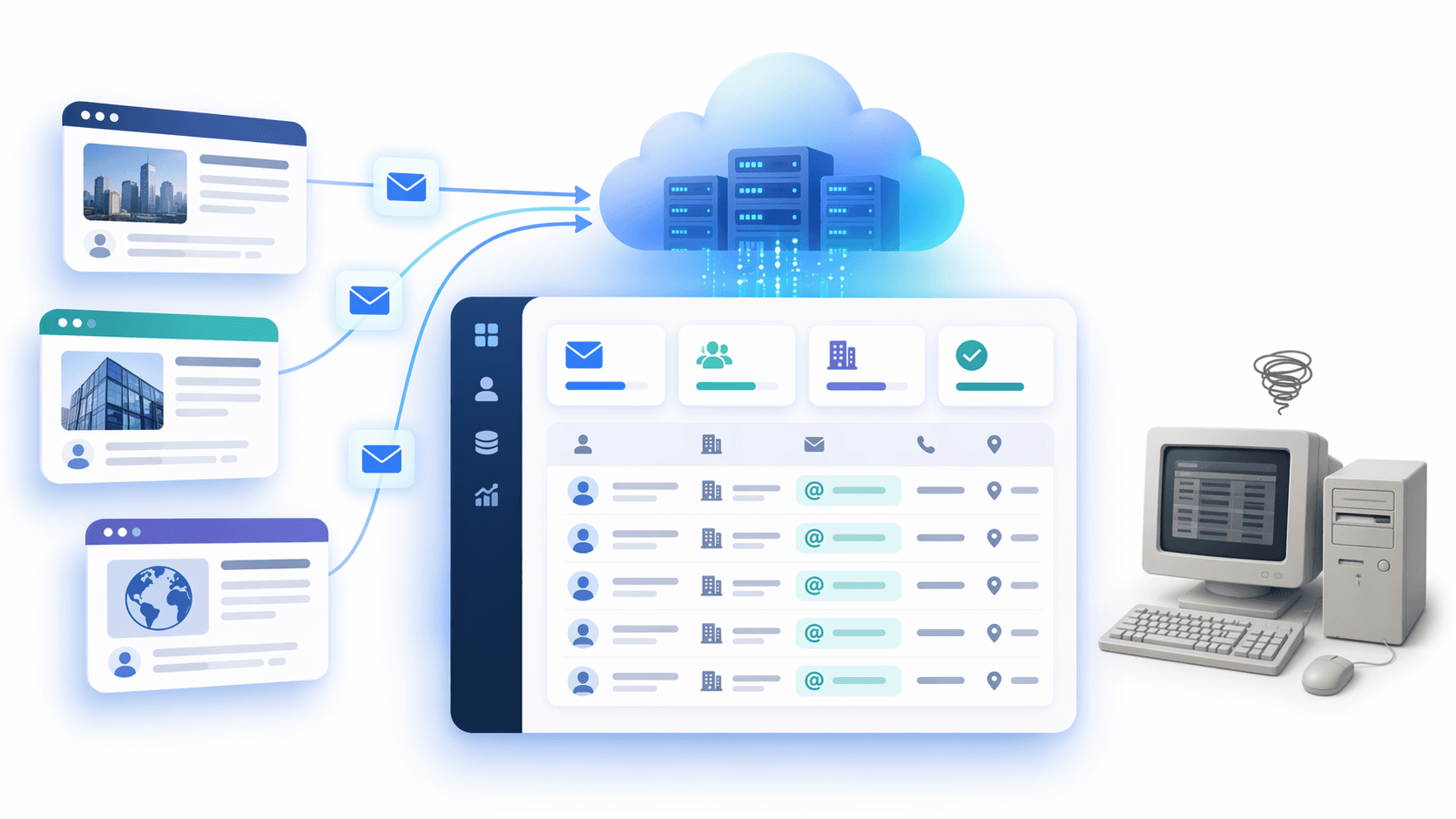
In a cloud scraping setup, the extraction engine is hosted entirely out there in the cloud - on a network of servers that the SaaS provider is in charge of running. When you kick off a scraping job (let's say it's a URL you want to scrape, a search on LinkedIn, a business directory or a domain-based search for email addresses) - the platform's backend goes ahead and spins up its own browsers or HTTP handlers in the cloud. No need to install anything on your side, and your local IP never gets exposed even once during the scraping process. Better platforms use proxy pools that change up the IP addresses on regular rotation, along with residential IP bouncing to make their scraping look just as organic as your real browsing. This really makes a big difference in avoiding getting blacklisted or rate-limited. Its a major advantage over using desktop tools, where you're stuck with the same IP, and attempting to scrape a big number of email addresses from professionals can get you blocked in no time.
How data gets collected and delivered
Once a scraping job kicks off, the cloud engine goes to work crawling web pages and company websites, LinkedIn and company websites at the same time, or even Google Maps listings. From there it parses the HTML, figures out where the contact data is hiding and aggregates results in real time. A lot of cloud email scrapers also add some extra data enrichment as they go along - throwing in the company domain, job titles, phone numbers, LinkedIn profiles and all that alongside the raw email address so you get verified contact details rather than just a raw list. You get to choose how you want the output delivered - in a CSV file, a JSON file, or even directly into an API. Enterprise-grade tools also hook up to CRM platforms like HubSpot, Salesforce and Pipedrive, so you can get the extracted and verified emails flowing into your sales pipeline without having to do any manual import work. That whole pipeline from raw URL to CRM record is what sets modern web-based email extractors apart from basic harvesting scripts.
How automation fits into your recurring workflows
When cloud scraping happens, one of the things it's really good at is letting you schedule and automate recurring extraction jobs. No more manually re-running a scrape every Monday morning - you set it up once, choose the source, frequency, filters and output destination and the platform takes care of the rest. That's especially important for teams running continuous lead generation workflows. A B2B sales team can set up a weekly scrape of a target industry directory, get the new contacts verified and then push them straight into their outreach automation stack. Automating the scraping process cuts the bottleneck between prospecting and outreach, and that's the foundation of any automated sales prospecting workflow worth building. Sales reps no longer have to spend hours browsing company websites by hand - the pipeline feeds itself.
Cloud-Based Email Scraping vs. Desktop Tools
This is the comparison most buyers need before making a decision. Here's a structured breakdown across the criteria that matter most:
| Criteria | Cloud-Based Email Scraping | Desktop Email Scraper |
|---|---|---|
| Setup | No installation; browser-based | Requires download and configuration |
| Scalability | High — bulk email extraction at scale | Limited by local hardware |
| IP Ban Risk | Low — built-in proxy rotation | High — single local IP exposed |
| Speed | Fast — parallel server processing | Slower — dependent on local CPU/RAM |
| Team Collaboration | Yes — shared accounts, shared jobs | No — tied to individual machine |
| Automation / Scheduling | Native scheduling, recurring jobs | Manual re-run required |
| Maintenance | Zero — provider manages updates | User manages software updates |
| Data Freshness | Real-time extraction | Depends on when user runs the tool |
| Verification | Built-in email verification included | Requires separate verification tool |
| Cost Structure | Subscription, credit-based, or free plan | One-time or annual license |
| CRM Integration | API access, webhooks, native connectors | Manual CSV file export typically |
| Contact Data Depth | Email + phone numbers + job titles | Email address extraction only (typically) |
| Local Data Control | Data stored on provider's servers | Data stays on local machine |
For teams running volume-driven outbound workflows, the cloud wins on nearly every operational dimension. For individual users with lightweight, infrequent needs, desktop tools remain a cost-effective option.
The Main Benefits of Cloud-Based Email Scraping
Cloud-based email scraping delivers compounding advantages when used as part of a structured lead generation system. The most immediate benefit is automation at scale — jobs run continuously in the background, freeing your team to focus on outreach and conversion rather than manual data collection. For sales reps managing active pipelines, instant access to a fresh, verified contact list at the start of each week is a measurable productivity gain.
Scalability is equally significant. A cloud email scraper can process bulk email searches across thousands of URLs in parallel, something no desktop machine can replicate without major hardware investment. For agencies managing multiple client campaigns simultaneously, this parallel processing capability is non-negotiable. Bulk email finder platforms on the cloud handle what would take desktop tools days — in hours — while simultaneously filtering out invalid addresses before they reach your outreach stack.
Collaboration and data quality are two more underrated advantages. With a shared cloud account, your entire sales or marketing team accesses the same job queue, the same verified email addresses, and the same CRM integration pipelines. There's no "the data is on Sarah's laptop" problem. And because most cloud platforms include built-in verification, bounced emails and invalid addresses are caught before they damage sender reputation — a critical factor for sustainable cold email campaign performance.
When Desktop Tools Still Make Sense
Desktop email extractors haven't become obsolete. They serve specific use cases well, and dismissing them entirely would misrepresent how real workflows operate.
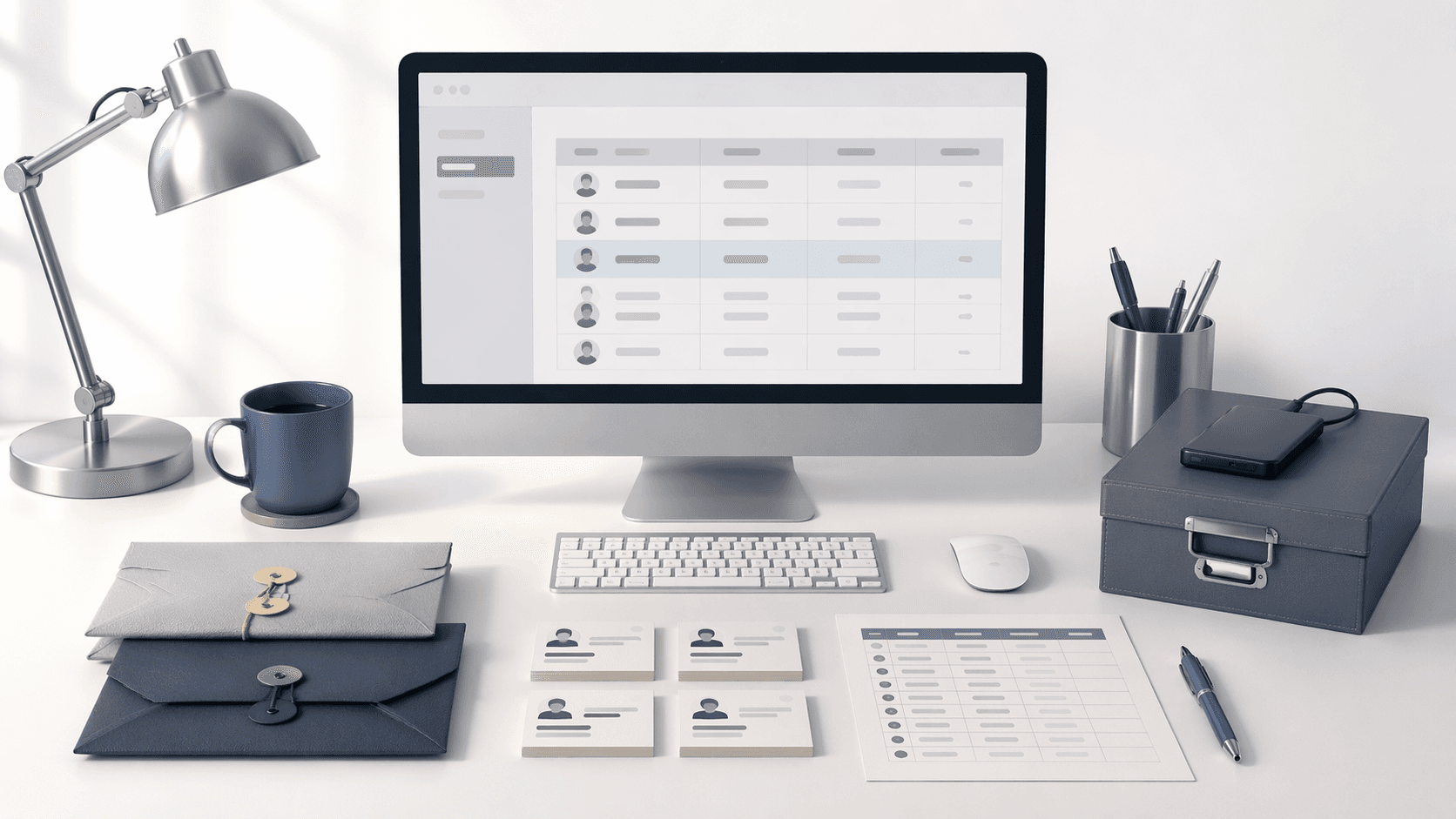
If you're running a one-time extraction for a small research project — collecting a few hundred contact details from a single directory — a lightweight desktop email scraping software may be faster to set up than configuring a cloud account. For simple workflows where you need full local data control (some regulated industries have strict data residency requirements), keeping extraction on-premise is a legitimate choice. If your only need is to extract emails from a handful of web pages and export a clean CSV file, the overhead of a SaaS subscription isn't necessary.
The key signal: if your email scraping is infrequent, small-scale, and doesn't require team collaboration, bulk search, or outreach automation, a desktop tool covers the need without over-engineering the stack.
Which Option Is Right for Your Use Case?
One-off Data Grabbing & Simple Research Needs
When all you need is a single list of verified business emails from somewhere like a conference page, industry directory or specific domain search, a desktop tool or cloud tool's free plan should do the trick. Your main priority here is just getting it done quickly and easily. Look for a tool that can export a clean CSV without you having to mess around too much. I've found that Scravio's free plan which kicks in with 100 credits is a good starting point to test out if a cloud tool fits into your workflow before having to cough up cash for a subscription.
Regular Lead Generation Campaigns
If you're planning to scrape the same sources every week - things like industry directories, company websites, LinkedIn profiles or job boards, you're wasting a ton of time re-running it manually. This is where a cloud email scraper comes in handy, especially if it's got built in scheduling and verification. This will save you a ton of hassle in the long run. And let's not forget about the ROI - a properly configured scrape job can feed your outbound pipeline with fresh contact details all by itself for minimal effort.
Teams, Agencies & Large Workflows
When an agency's managing multiple campaigns for clients or a big sales team is looking to prospect out leads, you need something more than just a basic scraper. You need a whole system set up for collaboration - shared job queues, multiple user logins, bulk search volumes and the ability to talk to other tools like Hubspot, Salesforce or Lemlist. A cloud email scraping platform lets you centralise contact data, cut down on duplicates and give consistent quality across all your campaigns. If you need to hook up some APIs or send automated reports to clients, look for something that lets you export in custom formats and webhooks.
What to Look for in a Cloud Email Scraper
Data Quality and Verification Features
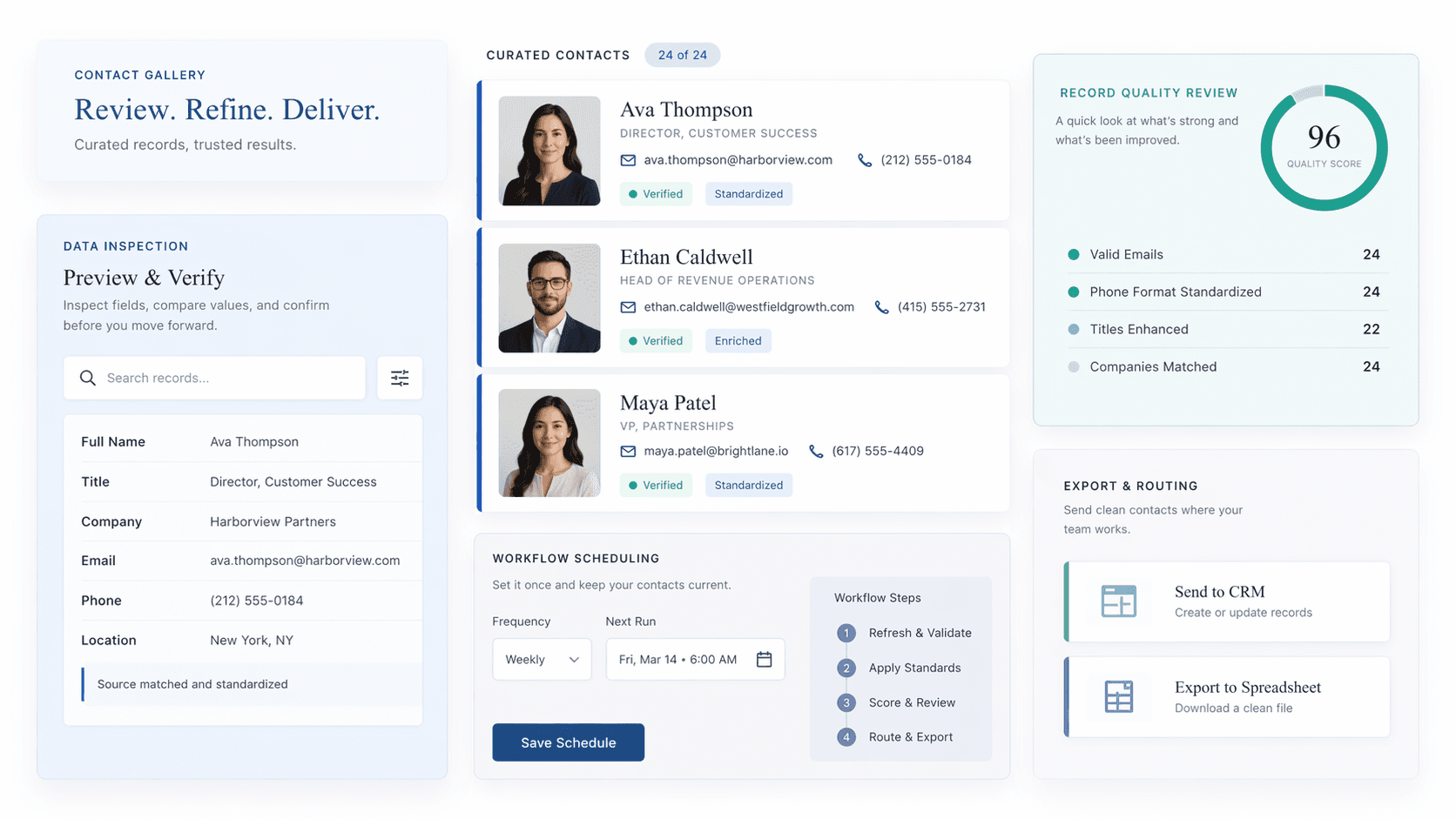
Getting raw email extraction down is just the beginning - a real cloud email scraper needs to bring its A-game with built-in email verification. That means checking those MX records, having a SMTP handshake, and giving your email list the once-over for syntax before you even think about sending anything out. Using unverified lists is a recipe for disaster - you'll see your bounce rates through the roof, your sender reputation will take a hit, and you'll struggle to get your cold email delivered. Look for platforms that give you the lowdown on what's legit (valid), what's iffy (risky), and what's total trash (invalid) for each contact in one glance, and ideally have that bulk email finder and verifier all in one place to make your life easier.
The best email scraping tools also throw in some extra goodies to help you craft a personalized message - phone numbers, job titles, even company domain details all come in handy.
Automation and job control
Evaluate the depth of a platform's job management system. Can you schedule recurring scrapes? Set frequency intervals? Pause, resume, or clone jobs? Receive notifications on completion or failure? Advanced scraping tools expose job management via API access, giving technical teams the flexibility to integrate scraping triggers into broader outreach automation systems. A robust job scheduler is what separates a tool from a true automated lead generation platform.
Export and Workflow Integrations
Now that you've got your contact data, the real question is how to get it into the rest of your sales stack. Look for tools that just 'get' your CRM (that's HubSpot, Salesforce, Pipedrive for the uninitiated) and come with native integration, or at the very least, decent webhook support to keep things flowing. API access is just the basic expectation - where the real pros shine is with direct connections to your outreach platform (we're talking Instantly, Lemlist, Apollo) or easy Google Sheets syncing for the smaller-scale ops.
The closer your email scraper sits to the rest of your sales toolkit, the less you'll have to worry about things falling over.
Final Verdict: Should You Choose Cloud or Desktop Tools?
For most use cases in 2026 — B2B lead generation, outbound sales, influencer prospecting, affiliate outreach, or marketing research — cloud-based email scraping is the clear operational choice. It scales without hardware constraints, cuts IP ban risk through built-in proxy rotation, delivers verified email addresses with real-time verification, and automates the repetitive prospecting tasks that would otherwise eat up hours of manual effort every week. Your team stays aligned on shared workflows instead of chasing data across different machines.
Desktop tools still have a place for one-off, low-volume jobs or environments that require strict local data control. But if you're building a repeatable outbound system — one that depends on consistent data accuracy, clean contact data, and seamless CRM integration with your sales stack — the cloud is where your prospecting infrastructure belongs.
Ready to see what a modern cloud email scraper looks like in practice? Scravio gives you 100 free credits to get started — no credit card required. That's enough to run your first extraction job, check data quality firsthand, and see how the platform fits into your workflow before committing to anything.
Frequently asked questions
Is cloud-based email scraping legal?
Email scraping from publicly accessible sources is generally legal in many jurisdictions, but legality depends on the terms of service of the target website and how the data is used. Under GDPR, collecting personal data — including professional email addresses — requires a lawful basis. Legitimate interest is commonly cited for B2B prospecting, but you must comply with opt-out and data handling obligations. Always consult applicable regulations before running large-scale extraction of publicly available business emails.
What's the difference between email scraping and email finding?
Email scraping extracts contact details directly from web pages or HTML source code on publicly accessible sites. Email finding (used by email finder tools like Hunter.ioo r Apollo) infers or constructs email addresses using known domain-based patterns ([email protected]) and verifies them against email server responses — without necessarily visiting the page where the email appears. Many cloud platforms now combine both methods, delivering verified business emails through a single unified pipeline.
Can I scrape emails without a proxy?
Technically yes, but at scale, scraping without proxy rotation will result in IP bans from most major platforms within hours. Cloud email scrapers handle this by routing requests through rotating proxy pools, making each request appear to originate from a different IP. This is one of the core infrastructure advantages of cloud over desktop tools — especially when scraping LinkedIn profiles, Google Maps listings, or company websites at volume.
How accurate is cloud email scraping?
Accuracy depends heavily on the quality of the verification layer and the source data. Cloud platforms with built-in email verification can label lower-quality addresses before export, while raw, unverified scrapes are more likely to produce hard bounces. Always use a tool that integrates real-time email validation — checking MX records and SMTP responses — before exporting lists to your outreach platform. Data accuracy at this level is what protects sender reputation over time.
What is the best cloud email scraping tool in 2026?
The best email scraping tool depends on your use case. For teams needing automation, built-in verification, and CRM integration in a single platform, Scravio is purpose-built for this workflow — with a free plan offering 100 credits to test before committing.
Is cloud email scraping better than desktop?
For recurring, team-based, or high-volume workflows: consistently yes. Cloud wins on scalability, IP safety, automation, built-in email verification, and collaboration. Desktop email scraping software is more appropriate for one-off, low-volume tasks where local data control is the priority.
Start your first campaign with 100 free credits
Verified emails from Instagram, Facebook, LinkedIn, X, YouTube, and TikTok — all in one cloud workflow. No card required.