How to Reduce Cold Email Bounce Rate Below 3% (Step‑by‑Step Guide)
Learn how to reduce cold email bounce rate below 3% with clean data, domain warm up, safe sending limits and Scravio's built‑in email verification.

On this page (7 sections)
A high cold email bounce rate is one of the fastest ways to kill your outbound engine. It tells inbox providers that your data quality is poor, your sending behavior is risky, and your email deliverability cannot be trusted. When bounce rates rise, more messages end up in spam folders instead of the recipient’s inbox.
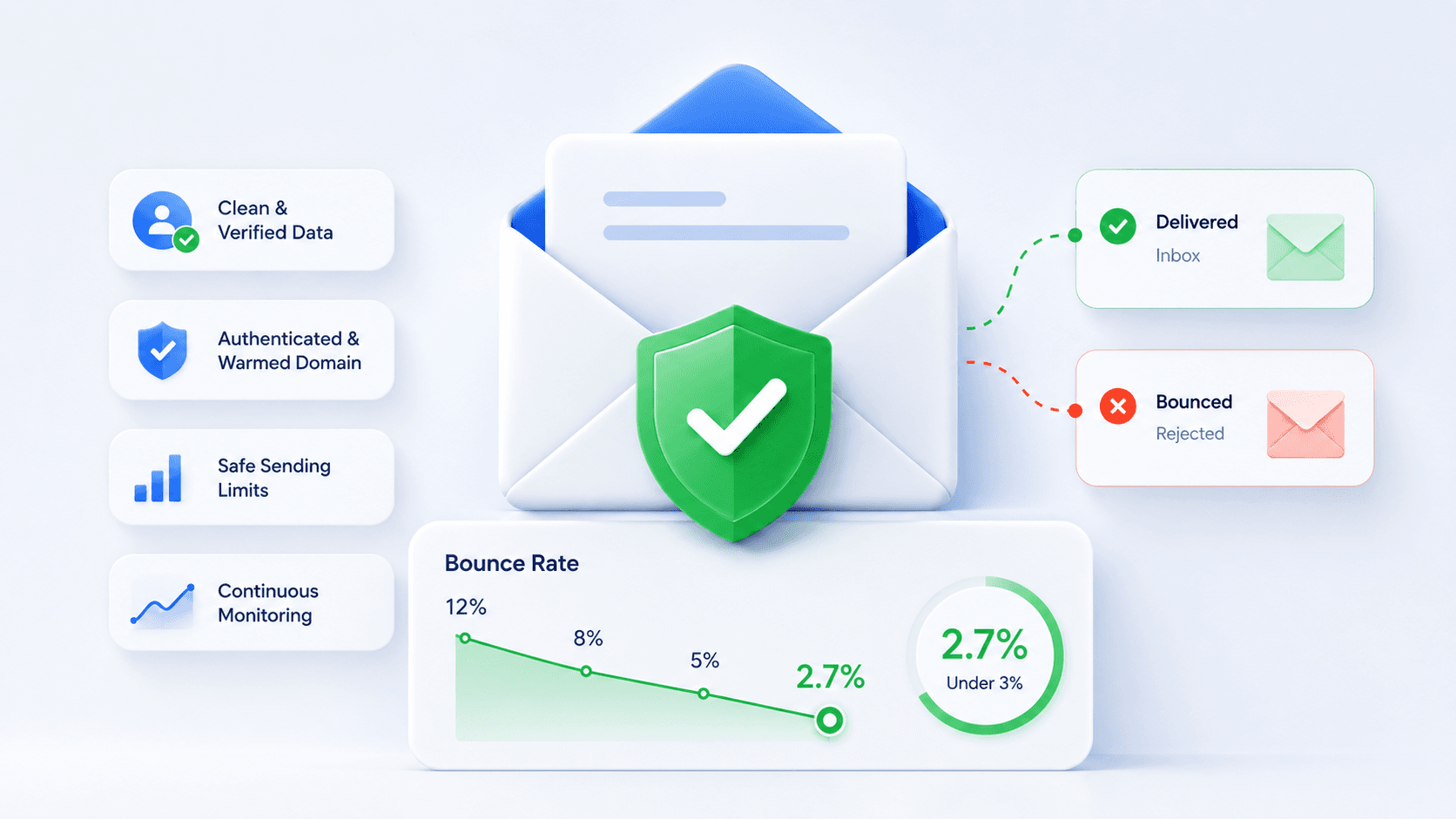
This guide shows you how to reduce cold email bounce rate in four concrete steps: clean and verify your data, authenticate and warm up your sending domain, follow safe sending limits and avoid spam triggers, then monitor metrics and clean continuously. You will also see how Scravio plugs into this workflow to give you more accurate data, fewer bounces and better inbox placement from day one.
What Is Cold Email Bounce Rate (And Why It Matters)?
Cold email bounce rate measures how many of your cold outreach messages are rejected by the recipient’s mail server instead of being delivered to the inbox. It is a core indicator of list hygiene, sender reputation and overall sending practices.
From the perspective of mailbox providers, a high email bounce rate is a strong negative signal. If you keep sending to invalid addresses and outdated contacts, spam filters assume you are not a legitimate sender, and future campaigns will face more delivery failures, spam complaints and blocked domains.
Cold Email Bounce Rate: Definition
An email bounce happens when your message leaves your server but is not accepted by the recipient’s server. The email never reaches the recipient’s mailbox. This is very different from a delivered email that is simply ignored.
Cold email bounce rate is calculated as:
Cold email bounce rate = (bounced emails ÷ total emails sent) × 100%
If you send 1,000 cold emails and 40 bounce, your cold email bounce rate is 4%. In deliverability terms, this is already above most email bounce rate benchmarks for healthy outbound. You also need to distinguish:
-
Hard bounce: Permanent failures, usually because the email address does not exist, the company domain is gone, or the recipient’s server has blocked you.
-
Soft bounces: Temporary issues, such as a full mailbox or a server being temporarily unavailable. Unlike hard bounces, they may succeed later, but repeated soft bounces are still a risk.
What Is an Acceptable Cold Email Bounce Rate?
For cold outreach, an acceptable email bounce rate is typically below 3%, and advanced teams aim for 1–2% as their average bounce rate. Once your cold email bounce rate consistently sits above 5–7%, inbox providers see this as risky sending behavior.
When bounce rates stay high:
-
Spam filters become stricter, hurting inbox placement for future campaigns
-
Random delivery failures increase as mail servers throttle or reject your traffic
-
Domain reputation and IP reputation deteriorate, which is hard and slow to fix
If your bounce rate is already above this range, you need to focus on the four steps below before scaling your sending volume any further.
Why Your Cold Emails Have a High Bounce Rate
Most high bounce situations come from a combination of weak data and poor setup, not just one error. The main causes of email bounce in cold email are:
-
Bad data and poor list hygiene: Invalid email addresses, outdated contacts, wrong person in the company or domains that no longer exist. This often comes from never checking whether an email address exists before you hit send.
-
Purchased lists and risky addresses: Lists from unknown vendors usually contain spam traps, catch‑all domains and many invalid emails. These generate bounced emails and spam complaints that destroy sender reputation.
-
Weak authentication and infrastructure: Missing or misconfigured SPF record, DKIM record and DMARC policy make it harder for inbox providers to see you as a legitimate sender. Without this, even valid emails can be rejected.
-
No domain warm up and aggressive sending behavior: Sending a lot of cold email from a new domain or mailbox without proper warm up and safe limits leads to bounce rate spikes and more emails going to spam folders.
To fix high email bounce rate, you must tighten list hygiene, authentication and sending behavior at the same time. The following four steps focus on exactly that.
Step 1 – Clean and Verify Your Cold Email List
The single biggest lever to reduce email bounce rate is better data quality. If your contact list is full of invalid addresses and outdated contacts, no technical trick will save deliverability. Email list hygiene is your first priority.
Key practices to clean and maintain your list:
-
Avoid purchased lists and random databases: They usually contain spam traps, risky addresses and catch‑all domains. These are responsible for a large share of bounced emails and spam complaints.
-
Build targeted lists from high‑quality sources: Use your website, events, inbound leads or platforms like LinkedIn to collect accurate data on decision‑makers. This reduces bad data and ensures you email the right person at the right company domain.
-
Use email verification tools before sending: Run every new cold outreach list through email verification. Good tools check syntax, DNS and MX records, and often ping the recipient’s server to see if the email address exists. This filters out invalid email addresses before they harm you.
-
Maintain a suppression list: Immediately add all hard bounces to a suppression list and exclude them from all future campaigns. Treat repeated soft bounces as risky addresses and re‑verify or remove them.
-
Clean email lists regularly: Re‑verify older segments you have not used for months. Data decays quickly, especially in B2B; if you reuse old lists without cleaning, bounce rates rise fast.
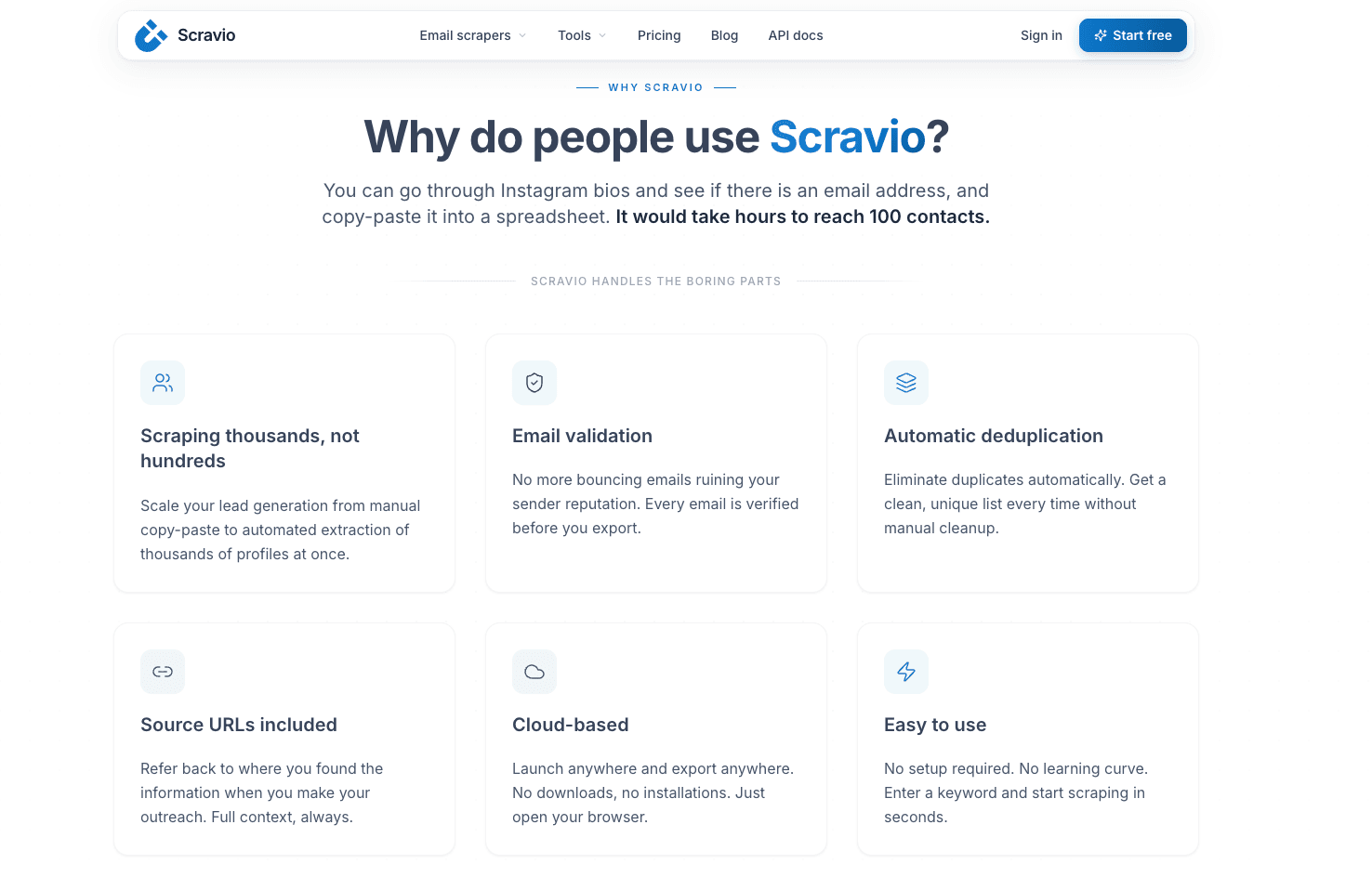
Scravio fits into this first step as both a data source and a verification layer. You use Scravio to scrape targeted, company‑level emails for your ideal prospects, then verify those addresses inside the same workflow. Only valid emails and safe contacts are exported into your cold email campaign tool. The result is fewer bounces and better inbox placement from the very first campaign.
Step 2 – Set Up SPF, DKIM, DMARC and Warm Up Your Domain
Once your data quality improves, you need to prove to inbox providers that you are a legitimate sender. That means authenticating your sending domain and warming it up carefully before you send high volume cold email.
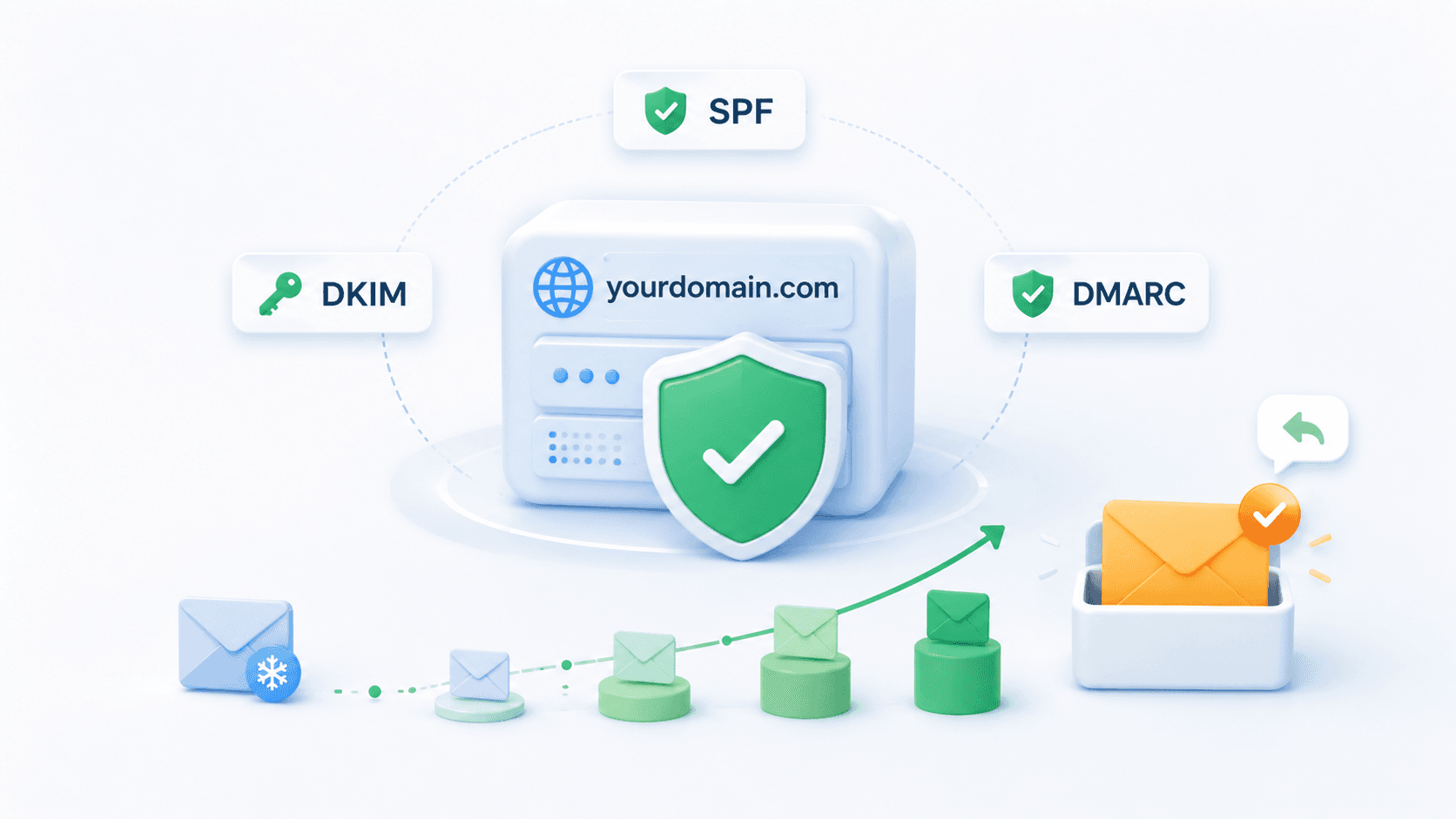
Authenticate Your Sending Domain (SPF, DKIM, DMARC)
Three DNS‑based protocols work together to protect your identity and improve deliverability:
-
SPF (Sender Policy Framework): Declares which mail servers can send email for your domain. This prevents basic spoofing and helps mail servers trust your traffic.
-
DKIM (DomainKeys Identified Mail): Applies a cryptographic signature to each email so the recipient’s server can verify that the message was not changed in transit. This is a strong trust signal for inbox providers.
-
DMARC (Domain‑based Message Authentication, Reporting & Conformance): Uses SPF and DKIM results to tell recipients how to handle failed messages (do nothing, quarantine, or reject) and sends you reports about authentication issues.
Configure these protocols on the sending domain you use for cold outreach, and align them with any custom tracking domain used by your cold email software. When SPF, DKIM and DMARC are set correctly, you protect sender reputation and support better inbox placement across all providers.
Warm Up Your Domain and Mailboxes
A clean domain with perfect authentication can still fail if you send too much, too quickly. Domain warm up and mailbox warm up are about training mailbox providers to see your traffic as normal.
Good warm up practice looks like this:
-
Start with a small sending volume to contacts with a high chance of opening or replying, such as colleagues, test inboxes or warm leads. This drives early engagement and helps your domain reputation.
-
Increase sending volume gradually over several weeks, not days. Avoid sudden spikes; mailbox providers watch for unusual patterns in sending volume that often correlate with spam.
-
Keep engagement steady: encourage replies and forwards, and avoid bursts of cold outreach without any positive interactions.
With proper warm up, you tell inbox providers that you are a consistent, low‑risk sender. This is crucial before you push more aggressive cold outreach sequences.
Step 3 – Follow Safe Sending Limits and Avoid Spam Triggers
Now that your list hygiene and infrastructure are in place, focus on how you send. Even with perfect data and authentication, unsafe sending volume and spammy content can still make bounce rates and spam complaints climb.
Respect Safe Sending Limits
There is no universal sending limit, but there are patterns that mailbox providers consider reasonable for cold outreach:
-
Keep sending volume low on new mailboxes and domains until you see stable bounce and complaint rates. A few dozen cold emails per day per mailbox is a safe starting range.
-
On well‑warmed mailboxes with strong sender reputation, many teams operate in the 50–150 cold emails per day per mailbox range. More than that can be possible, but should be approached carefully and measured.
-
Use multiple mailboxes and domains to spread risk. If one mailbox suddenly sees bounce rate spikes, you can slow it down while others keep running.
Think of sending limits as protection. They keep your bounce rate and spam complaints in a safe band instead of letting one aggressive campaign damage your entire domain.
Avoid Spam Trigger Words and Patterns
Although content is only one factor in deliverability, spam filters still look at how your messages are written. Certain patterns make email providers suspicious, especially when combined with weak data:
-
Shouting subject lines in ALL CAPS or filled with exclamation marks
-
Over‑promised offers, unrealistic earnings claims, or “FREE!!!” repeated everywhere
-
Messages that look like mass marketing blasts: heavy images, many tracking links, and no clear context for the recipient
To look more like a legitimate sender:
-
Write simple, clear subject lines that could plausibly be used in a normal business conversation
-
Keep messages concise, focused on the prospect’s pain point, and honest about what you offer
-
Personalize based on role, company or previous activity, so it is obvious why the recipient is hearing from you
This combination of safe content, clean lists and disciplined sending behavior is what supports long‑term cold email deliverability.
Step 4 – Monitor Bounce Rate and Remove Bad Contacts Fast
Deliverability is dynamic. Even if everything is perfect today, poor list hygiene over the next few months can still drag you down. The final step to reduce cold email bounce rate is to monitor the right metrics and act quickly when something looks wrong.
Track Your Cold Email Metrics Regularly
Your cold email platform should give you at least these metrics by campaign and mailbox:
-
Email bounce rate (split into hard bounce and soft bounces where possible)
-
Open and reply rates, keeping in mind that privacy features can inflate opens
-
Spam complaints and unsubscribes
Look for patterns, not just single numbers. If one campaign suddenly has a much higher bounce rate than others, check:
-
Where the data came from (new source, purchased data, scraped list)
-
Whether email verification was run recently on that segment
-
Whether you changed authentication settings, content or sending schedule
Consistent monitoring helps you catch problems early, before mailbox providers penalize your entire sending domain.
Remove Hard Bounces and Clean Lists Continuously
What you do after a bounce is just as important as what you did before it:
-
Treat every hard bounce as a permanent failure. Add it to a suppression list and never email it again. This prevents bounces from accumulating and damaging sender reputation.
-
Watch repeated soft bounces over multiple sends or campaigns. Many of them effectively behave like hard bounces; re‑verify or remove these addresses.
-
Clean and verify older segments before you use them in new campaigns. Outdated contacts and poor list hygiene show up as bounce rate spikes exactly when you decide to scale.
A simple loop keeps everything aligned: scrape targeted data → verify with email verification tools → send within safe limits → monitor metrics → remove bad contacts → repeat. Scravio helps you maintain this loop by combining targeted scraping with integrated verification, so you always start from a cleaner baseline.
Tools That Help You Reduce Cold Email Bounce Rate
You do not need a huge stack to manage bounce rate effectively, but you do need the right tools in the right place.
Use Email Verification and Cold Email Tools
Two categories are essential:
-
Email verification tools: Clean your lists, detect invalid addresses, risky domains and catch‑all mail servers, and often offer APIs to verify emails as you collect them. This reduces the number of bounced emails before they ever reach a campaign.
-
Cold email outreach tools: Orchestrate sequences, enforce safe sending volume per mailbox, manage multiple mailboxes and track bounce, open, reply and complaint metrics at a granular level.
Together, these tools give you visibility and control. You know which segments cause problems, can pause them, and protect the rest of your program.
How Scravio Fits Into Your Cold Email Stack
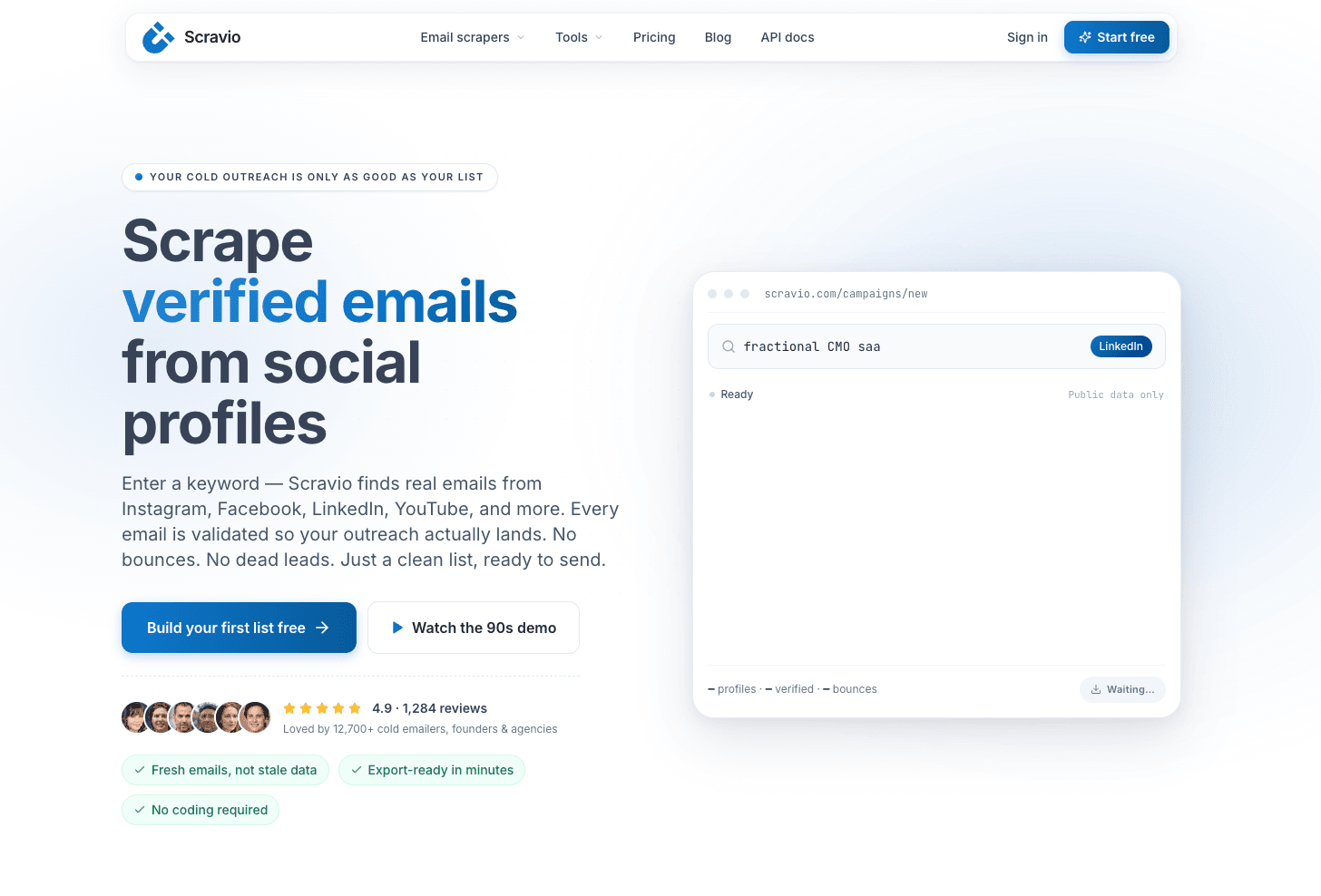
Scravio focuses on the data layer, where most bounce issues start:
-
It helps you build more accurate data sets by scraping company‑verified email addresses of decision‑makers, instead of relying on generic purchased lists.
-
It integrates email list verification, so you confirm whether an email address exists and is safe to send to before adding it to a campaign.
-
It fits naturally into your cold outreach workflow: you scrape, verify, export to your cold email tool, and then monitor and clean based on real‑world performance.
If your goal is to keep your cold email bounce rate under 3% while scaling outbound, combining the four steps in this guide with Scravio’s scraping and verification workflow gives you a strong foundation. You can start by using Scravio’s 100 free credits to build a small, clean prospect list, then run it through the full process and compare the results with your current bounce rates.
If you want every cold outreach campaign to start from a verified list — not a guess — try Scravio’s combined scraping and verification workflow with 100 free credits, no credit card required.
Start your first campaign with 100 free credits
Verified emails from Instagram, Facebook, LinkedIn, X, YouTube, and TikTok — all in one cloud workflow. No card required.