Email Scraper vs Email Finder: Which Is Better for B2B Leads?
Email scraper vs email finder: compare lead discovery, contact lookup and verification to choose the right workflow for better B2B leads with Scravio

On this page (10 sections)
An email scraper vs email finder decision starts with a practical question: does your team need to discover new prospects, or retrieve contact details for people already on a target list? Sales teams and marketing teams do not need email addresses alone. They need relevant contact data, usable public context, and a reliable process for evaluating data quality before outreach.
For teams building lead lists from public-facing sources, Scravio supports a social-first workflow for finding publicly available business emails and preparing them for qualification. This guide explains where an email scraper fits, where an email finder fits, and how each approach supports better B2B lead generation.
Email Scraper vs Email Finder: The Quick Answer for B2B Teams
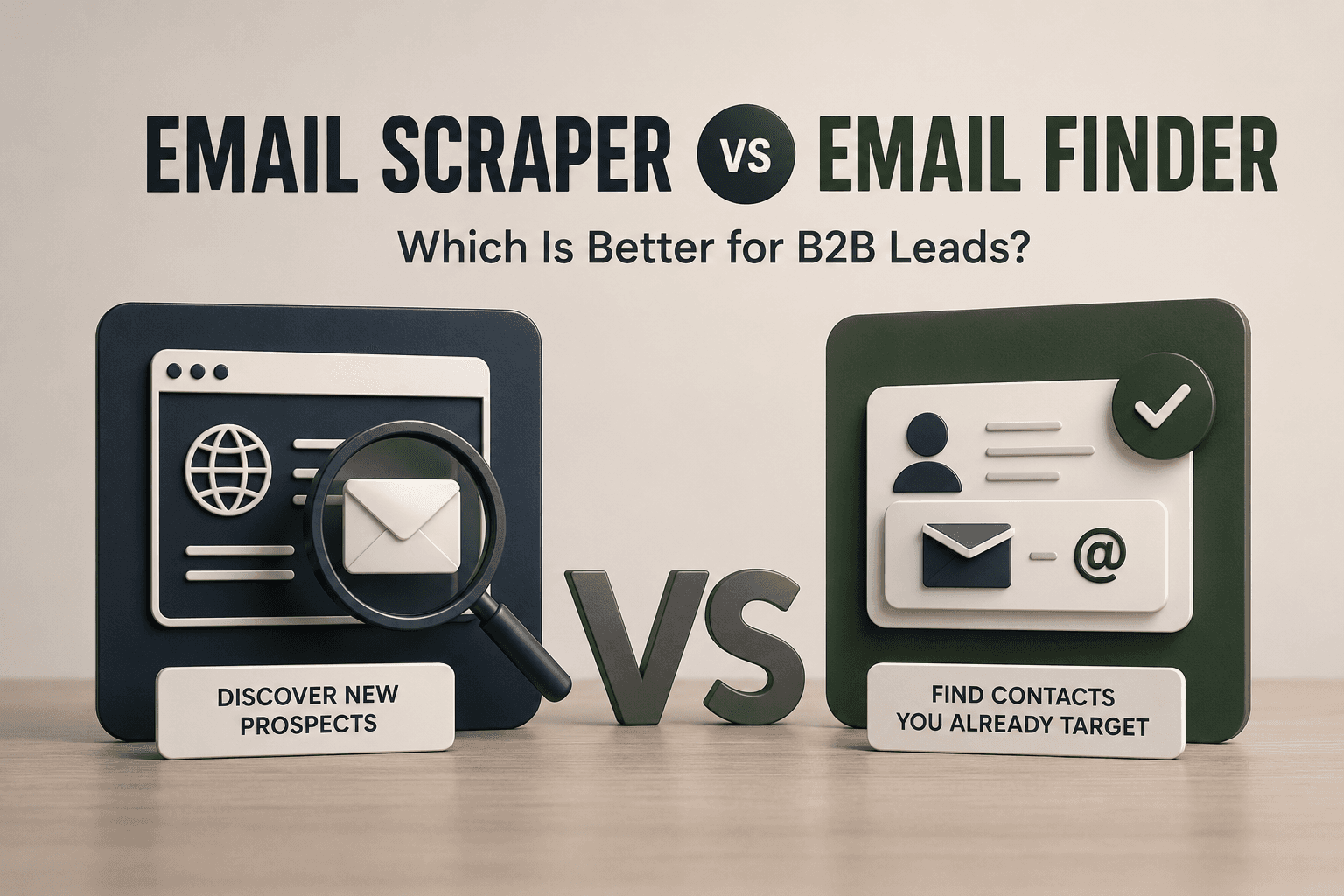
An email scraper is usually the better starting point when a company needs to discover multiple leads from public profiles, company websites, social pages, keywords, or niche audiences. An email finder is usually better when a sales rep already knows the person, job title, company, or company domain they want to reach.
The distinction is straightforward:
-
Email scraper → discovers → new public business contacts.
-
Email finder → retrieves → contact details for known targets.
-
Email verification → assesses → whether addresses are suitable for outreach.
| Your goal | Better starting point |
|---|---|
| Find new prospects in a defined niche | Email scraper |
| Find a professional email address for a known decision-maker | Email finder |
| Build lead lists using public social context | Email scraper |
| Enrich an existing target account list | Email finder |
| Reduce avoidable sending risk | Verification for both |
Neither method is automatically better in every campaign. The right choice depends on whether your pipeline needs discovery, lookup, or cleaner verified contact information.
What Is the Difference Between an Email Scraper and an Email Finder?
Both tools support email discovery, but they begin from different entities. An email scraper starts with a public source or audience. An email finder starts with an identified person, company, role, or domain.
An Email Scraper Starts With an Audience or Public Data Source
An email scraper for B2B leads collects publicly available email addresses and related business context from selected online sources. A team may begin with a keyword, niche, public profile, company page, creator channel, or business category rather than a fixed account list.
This approach is useful when the team needs new qualified contacts. For example:
-
An agency may research marketing consultants visible on LinkedIn profiles.
-
A SaaS partnership team may identify productivity creators on YouTube.
-
A small business may locate public-facing companies in a service category.
Useful lead data can include a professional email address, source URL, public profile context, website, role signal, or job title. These fields help teams qualify contacts instead of treating every email address as equally valuable.
An Email Finder Starts With a Known Person, Company or Domain
An email finder for B2B prospecting normally works after the target has been identified. A sales rep may enter a name and company domain, perform a domain search, or find professional email addresses for selected decision-makers.
This workflow suits account-based prospecting, CRM enrichment, and narrow target-account lists. The team already knows which company matters; it needs accurate contact details to complete the record.
The key difference is not which tool sounds more advanced. It is whether your workflow begins with discovering suitable prospects or finding contact information for known prospects.
Email Scraper vs Email Finder: Side-by-Side Comparison for B2B Leads
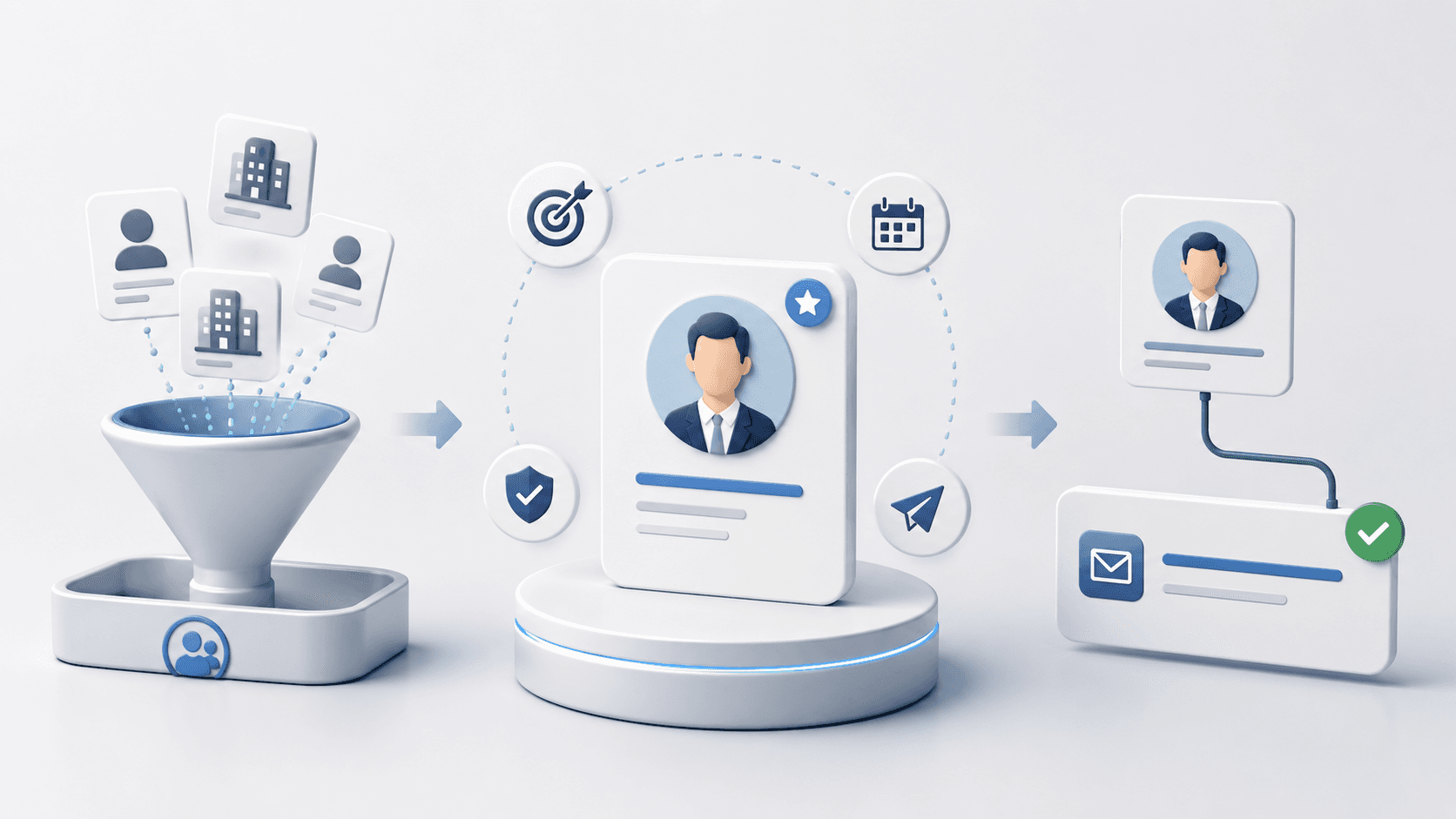
A meaningful comparison should focus on pipeline value, not simply the number of email addresses returned. High-quality leads require relevance, current context, verification status, and a clear reason for targeted outreach.
| Criterion | Email scraper | Email finder |
|---|---|---|
| Starting point | Audience, keyword, niche, or public source | Known name, company, job title, or domain |
| Main purpose | Discover new prospects | Retrieve details for selected prospects |
| Typical sources | Public profiles, company websites, social pages | Company domain, lookup patterns, database records |
| New-lead discovery | Strong for creating new segments | Limited unless targets are defined |
| Scale | Useful for multiple leads across a niche | Useful for bulk searches across account lists |
| Context for personalisation | May include profile, source, bio, or role signals | Often centres on contact and company fields |
| Data freshness | Can reflect currently visible public information | Depends on lookup method and record refresh |
| Best use case | Lead generation, partnerships, agency prospecting | ABM, enterprise sales, CRM enrichment |
| Verification needed | Yes | Yes |
If a company has an ICP but does not yet have target accounts, an email scraper can widen discovery. It can surface public business contacts connected to a market, role, platform, or niche.
If a company already has selected accounts, an email finder is usually more direct. It helps sales reps complete missing contact data without creating a new discovery project.
The important point is that more contacts do not automatically create more actionable leads. A lead becomes useful when it matches the ICP, carries enough context for qualification, has an assessable verification status, and supports a relevant business conversation.
How to Measure Lead Quality From Either Workflow
Choosing between an email scraper and an email finder becomes easier when a team measures usable output rather than raw volume. A list of 2,000 email addresses may be less valuable than 300 qualified contacts with clear context and a controlled outreach angle.
| Measurement | What it tells your team |
|---|---|
| Verified email rate | How many addresses pass your validation criteria before outreach |
| Context coverage | How many records include useful source, role, website, or company details |
| Duplicate rate | How much of the raw list would waste outreach effort |
| Risky or catch-all share | How much of the list needs additional caution or exclusion |
| Qualified-contact rate | How many contacts match the ICP and campaign purpose |
| Reply quality by segment | Which audience produces relevant business conversations |
This framework matters because verification alone is not a success metric. Verifying professional email addresses can reduce avoidable risk, but it cannot guarantee inbox placement, replies, compliance, or revenue.
Public activity should also not be treated as proven intent data. A public business profile or visible job title can support qualification, but it does not prove that a person is ready to buy. Good prospecting combines context, restraint, and measurement.
When Is an Email Scraper Better for B2B Lead Discovery?
An email scraper is most useful when discovery is the problem. It helps a team move from an ICP or audience hypothesis to public-facing contacts that can be reviewed, scored, and segmented.
You Need to Discover Prospects Beyond a Fixed Account List
Many growth campaigns begin with criteria rather than company names. A SaaS business may want ecommerce founders. An agency may want small businesses in a service niche. A partnership team may want creators who publish content around marketing software.
In these situations, an email scraper supports lead generation because it begins with the audience definition. The team can find public business contact data, assess fit, and decide which prospects merit outreach.
This differs from a finder workflow, where a company or individual is generally known first.
You Want Contact Data Connected to Public Business Context
A professional email address is more useful when it arrives with context. A public job title, company website, creator niche, profile source, or stated business role can explain why the contact belongs in a campaign.
That context supports:
-
Segmentation: group prospects by role, company type, industry, or source.
-
Lead scoring: prioritise records with clearer business relevance.
-
Outreach messages: write around visible context rather than sending one generic pitch.
Teams should keep this process focused on publicly available business information and a relevant reason for contact.
You Need to Compare Multiple Lead Segments
Email scraping is also useful when a team wants to test several prospect segments before scaling. It may compare professionals visible on LinkedIn, creators on YouTube, or small businesses presenting public contact details on Instagram or Facebook.
The goal is not the largest export. The goal is to identify which segment produces the most qualified contacts and the clearest route to relevant conversations.
When Is an Email Finder Better for B2B Prospecting?
An email finder performs best when discovery is already complete. Target accounts are known; the remaining task is retrieving contact details for people likely to own the relevant problem.
You Already Know the Companies or Roles You Want to Reach
A sales team may already have a list of target accounts and need professional email addresses for specific job titles. For example, it may need Heads of Growth at selected SaaS companies or Marketing Directors at a defined group of ecommerce brands.
In this case, an email finder helps fill missing contact fields efficiently. Name-based lookup and domain search are more appropriate than expanding into a wider prospect audience.
You Are Running a Narrow Account-Based Campaign
Account-based campaigns normally focus on a limited number of companies with higher expected value. Each account may require stakeholder mapping, lead enrichment, and a tailored sales approach.
An email finder supports this model because it helps complete records within known companies. The contact data can then be organised in CRM systems and assigned to sales reps for structured follow-up.
A finder does not replace discovery. It becomes more useful after the organisation has decided which target accounts deserve attention.
Email Scraper or Email Finder: How Should Your B2B Team Choose?
The better tool depends on the missing step in your workflow. Before comparing platforms, define what your team actually needs completed.
| Current situation | Choose first |
|---|---|
| You have an ICP but need new prospects | Email scraper |
| You already know the person or company domain | Email finder |
| You need leads connected to public social context | Email scraper |
| You need contact enrichment for target accounts | Email finder |
| You need discovery followed by missing-contact lookup | Use both in sequence |
| You are preparing cold outreach or email sequences | Add verification and deduplication |
An email scraper is generally stronger for new B2B lead discovery, especially when a business needs public context for qualification and personalised outreach. An email finder is generally stronger for known-account lookup, where a company or decision-maker has already been chosen.
A mature workflow may use both: discover suitable businesses, qualify them, retrieve missing contact details, verify professional email addresses, remove duplicates, and then prepare controlled outreach.
Why Verification, Compliance and List Hygiene Still Matter
An email address is not automatically a verified contact. Both scraped and found records can be outdated, mistyped, duplicated, generic, or risky to use without review.
Before launching cold outreach, teams should check:
-
Email format and company domain validity.
-
Verification status for each contact.
-
Invalid, risky, or catch-all records.
-
Duplicate contact data across multiple lead lists.
-
Public source context required for qualification.
-
Suppression and unsubscribe records.
A structured email verification process helps teams separate more reliable email addresses from uncertain records before they affect bounce rates or sender reputation. Verification supports list hygiene, but it does not promise replies, inbox placement, or legal compliance.
Compliance also matters. Publicly available business contact information should be used responsibly, with relevant messaging and clear opt-out handling. Teams operating across markets should review principles for responsible and compliant lead discovery, including obligations that may apply under GDPR, CAN-SPAM, or other regional requirements.
A Practical Workflow: From Public Profiles to Outreach-Ready Leads With Scravio
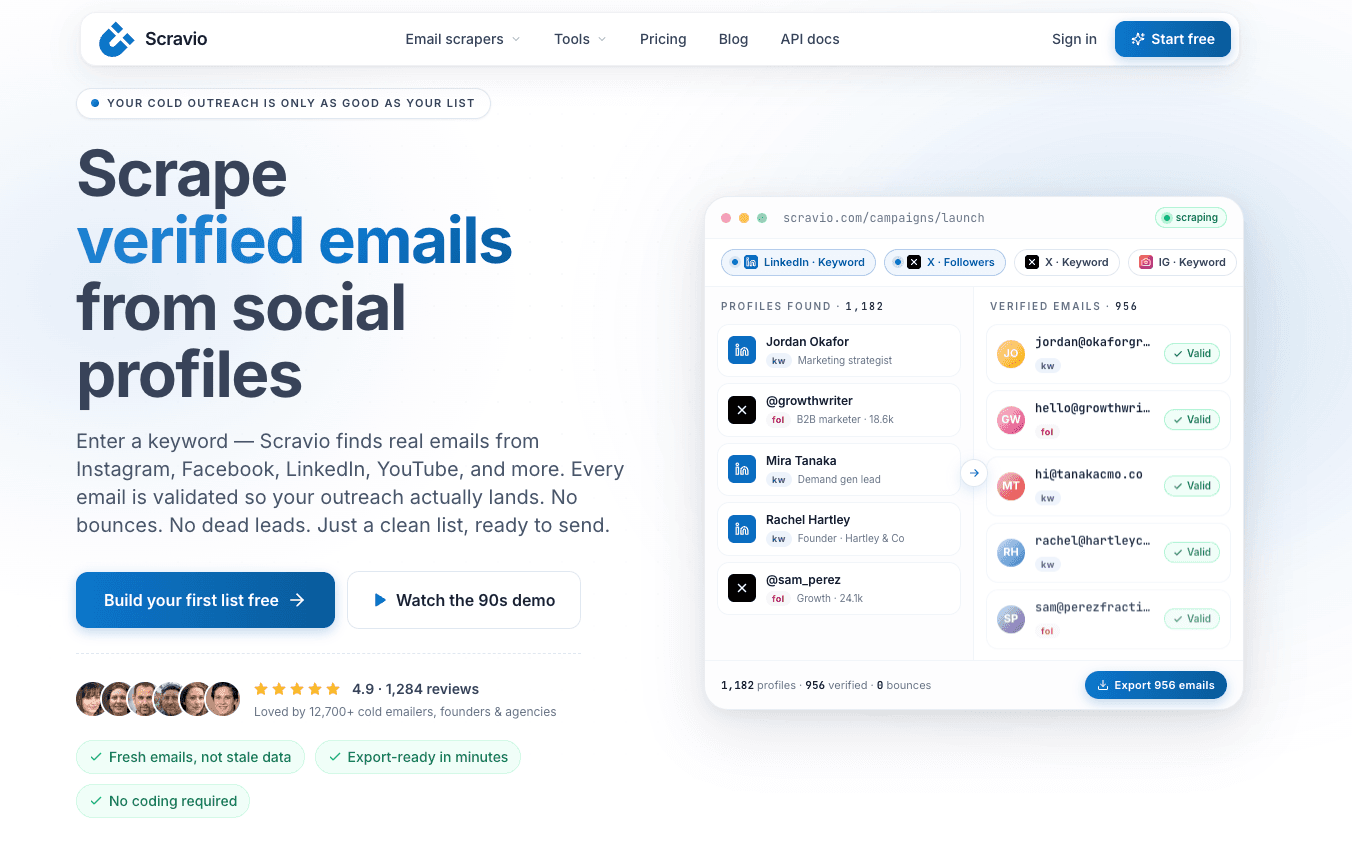
For teams that need discovery rather than one-by-one lookup, a structured workflow turns raw lead data into a more usable prospecting process.
Step 1: Define Your ICP and the Context You Need
Start with the target segment. Define the relevant industry, job title, company size, location, platform, or creator category. Decide which public fields will support qualification, such as company website, profile source, niche, or stated business role.
This prevents a team from collecting email addresses without understanding why those contacts matter.
Step 2: Discover Public Business Contacts at Scale
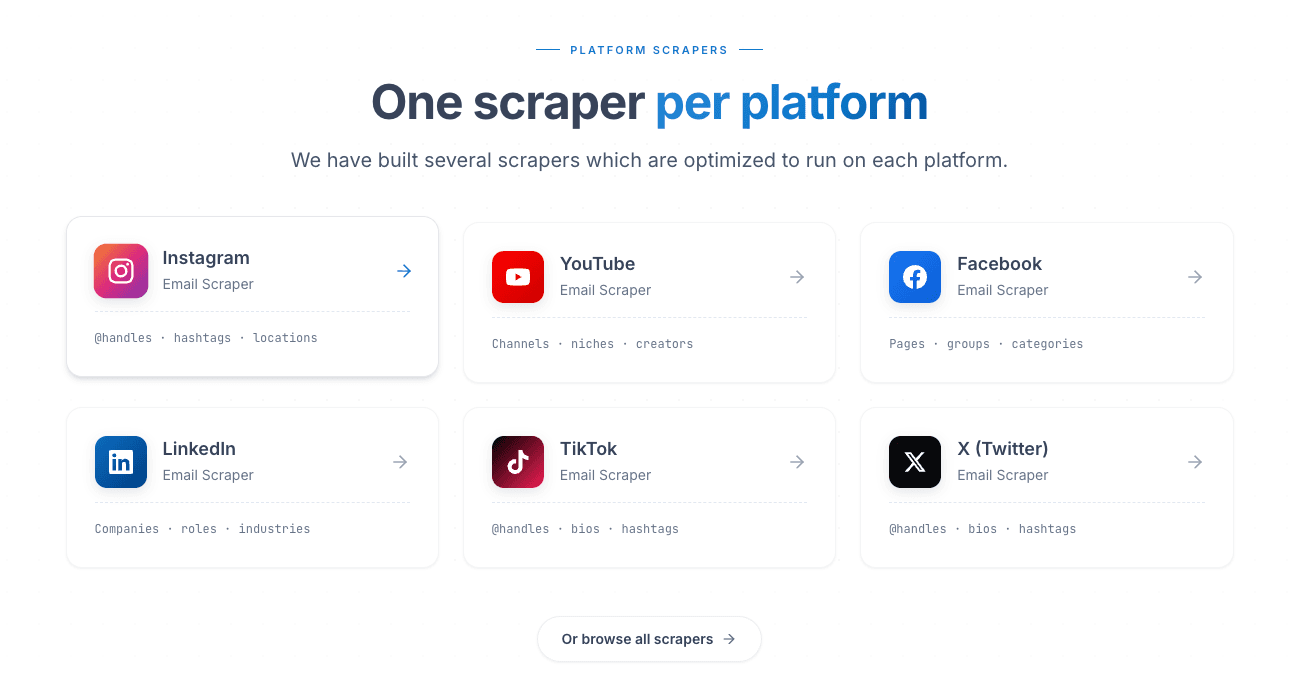
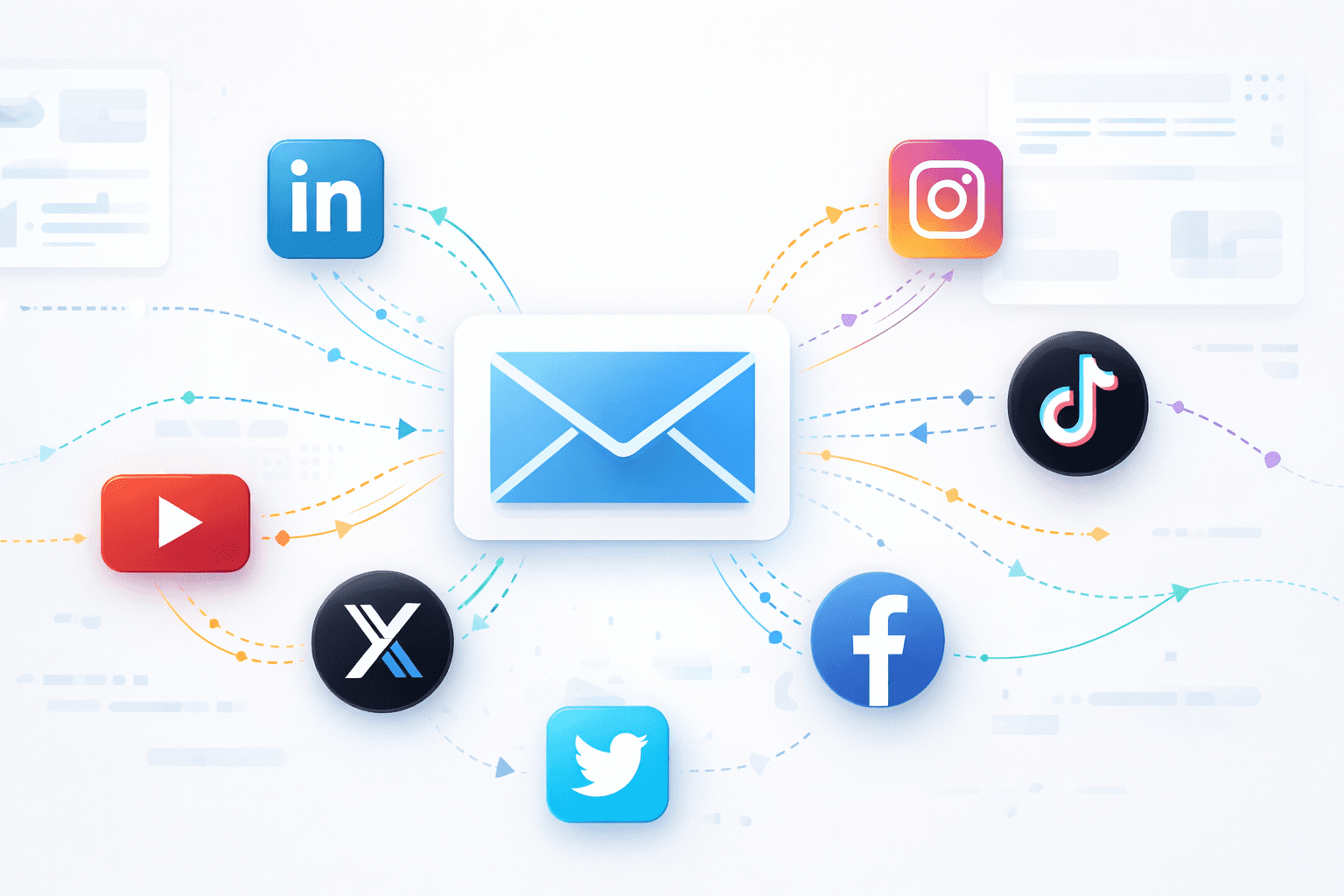
A social media email scraper can help teams identify publicly available business emails from sources such as LinkedIn, Instagram, Facebook, YouTube, TikTok, and X.
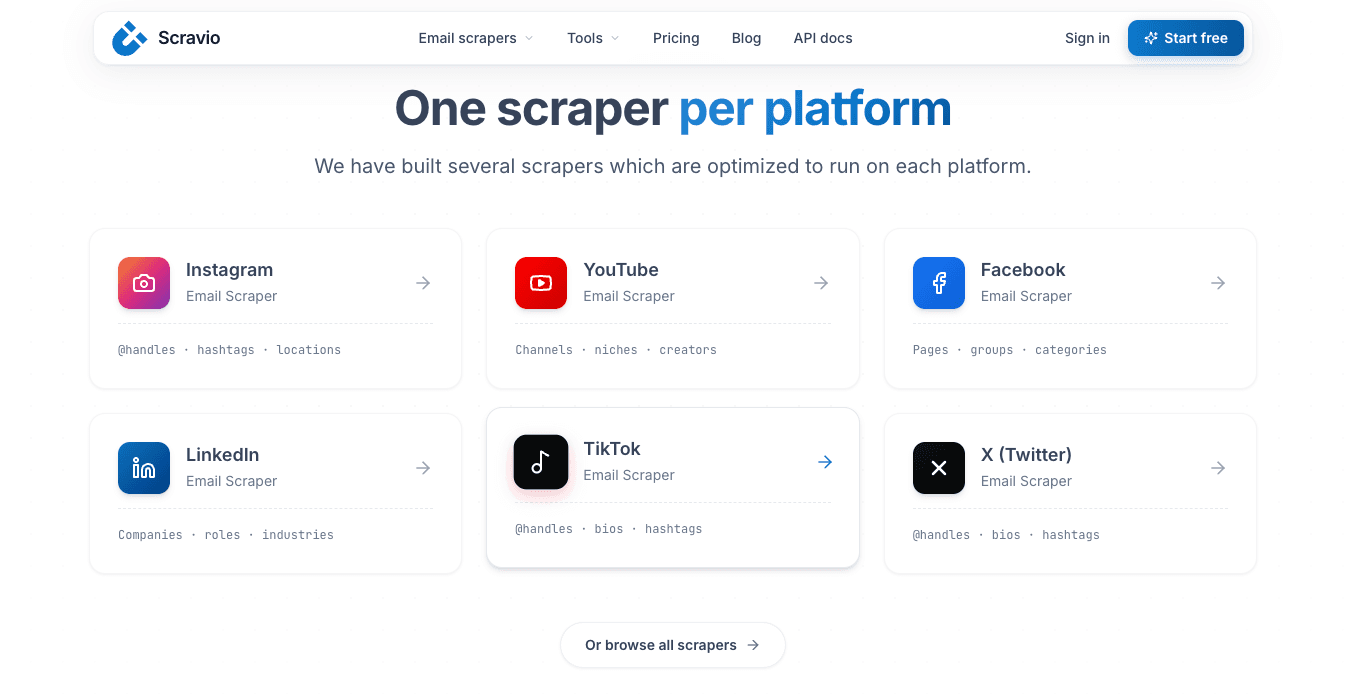
For a SaaS prospecting workflow, useful output is not limited to contact details. The team also needs source context that helps determine whether a contact belongs in a sales sequence, partnership list, or marketing campaign.
Step 3: Apply Verification, Deduplication and Qualification
Scravio supports in-product email validation and deduplication before export. Teams should review verification status, remove irrelevant records, and segment qualified contacts by source, role, company type, or outreach angle.
For transparency, campaign budgets can vary by selected Scravio plan and workflow; teams can review the exact estimate in-app before scaling a campaign.
Step 4: Export Clean Records Into Your Outreach Process
Once the list has been checked, export usable records into a spreadsheet, Google Sheets workflow, CRM system, or outreach process. Keep fields consistent so sales and marketing teams can track source, segmentation, outreach messages, bounces, replies, and opt-outs.
Start with a controlled segment of verified contact data. Review results before increasing volume. Data quality should guide scale, not the other way around.
Final Verdict: Choose Discovery or Lookup Based on Your Pipeline Gap
In the email scraper vs email finder decision, an email scraper is usually better when your pipeline needs new prospects connected to public business context. An email finder is usually better when your sales team has selected target accounts and needs contact details for known decision-makers.
A useful B2B list is not simply a large collection of email addresses. It is a relevant, current, verified, and responsibly used set of contacts that supports targeted outreach. Choose discovery for new opportunities; choose lookup for missing contact details.
Turn Public Business Profiles Into Verified Outreach Leads
Discover publicly available business emails, assess verification status, remove duplicates, and export cleaner leads for targeted outreach with Scravio.
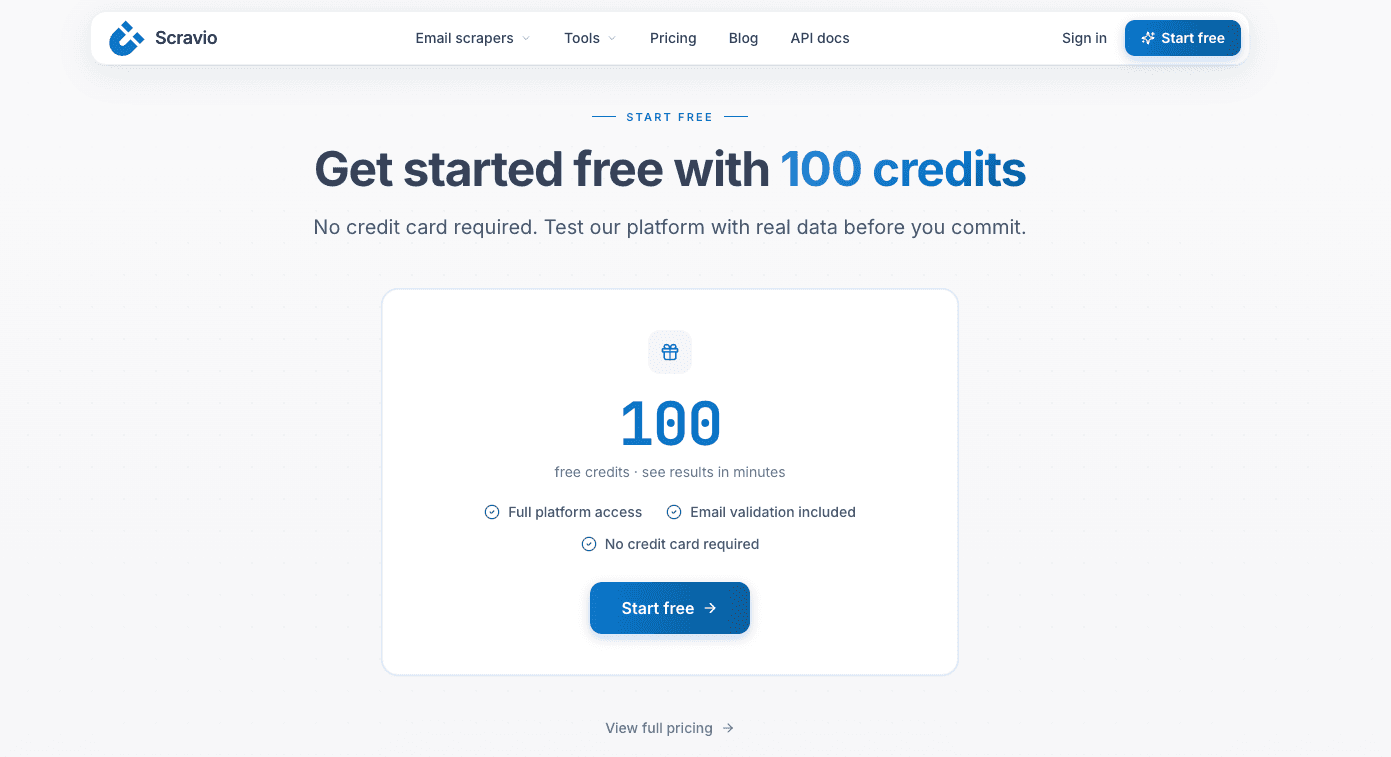
No credit card required.
Frequently asked questions
What's the difference between an email scraper and an email finder?
An email scraper starts with a public source or audience — a keyword, niche, social profile, or company page — and discovers new publicly available business contacts. An email finder starts with a known person, company, or domain and retrieves contact details for that specific target. Scrapers are built for discovery; finders are built for lookup.
Is an email scraper or an email finder better for B2B lead generation?
It depends on the gap in your pipeline. If you have an ICP but no target accounts yet, an email scraper is usually stronger because it widens discovery from public sources. If you already know which companies or decision-makers you want, an email finder is more direct for filling in missing contact details. Many mature workflows use both in sequence.
Do I still need email verification if I use a scraper or a finder?
Yes. Both scraped and found records can be outdated, mistyped, duplicated, generic, or risky, so verification matters either way. Verification reduces avoidable sending risk and supports list hygiene, but it cannot guarantee inbox placement, replies, or compliance — treat it as a safeguard, not a success metric.
Can I use an email scraper and an email finder together?
Yes, and a mature workflow often does. You discover suitable businesses with a scraper, qualify them, retrieve any missing contact details with a finder, verify the professional email addresses, remove duplicates, and then prepare controlled outreach. Discovery and lookup solve different steps of the same pipeline.
Is scraping emails from public profiles compliant?
Publicly available business contact information should be used responsibly, with relevant messaging and clear opt-out handling. Teams operating across markets should review obligations that may apply under GDPR, CAN-SPAM, or other regional requirements. Public activity is not proof of buying intent, so combine public context with restraint.
What data does an email scraper collect besides email addresses?
Beyond a professional email address, useful lead data can include the source URL, public profile context, company website, a role signal, or a job title. That context supports segmentation, lead scoring, and personalised outreach, helping teams qualify contacts instead of treating every address as equally valuable.
Start your first campaign with 100 free credits
Verified emails from Instagram, Facebook, LinkedIn, X, YouTube, and TikTok — all in one cloud workflow. No card required.