Free Email Scraper Tools in 2026: Cleaner Email Lists, No Upfront Cost
Compare free email scraper tools by free access, email checks, duplicate removal, setup needs and export options before choosing a suitable paid plan.

On this page (9 sections)
Free email scraper tools help sales teams, founders, marketing agencies and creator-partnership teams evaluate contact data before committing to paid plans. A useful free email scraping tool should not be judged only by how many email addresses it can extract. Teams also need to understand data quality, duplicate handling, setup requirements and whether the output is practical for a real prospecting workflow.
For teams researching public-source contact discovery, Scravio is one SaaS email scraper workflow designed to find publicly visible professional email addresses and prepare the output for further review. This guide compares free email scraping tools by free access, automatic data cleaning, email verification support, export options and practical limits before outreach.
Free Email Scraper Tools in 2026: Quick Comparison
Not every email scraper begins with the same source data. One workflow may identify prospects from public social context. Another may extract emails from company websites or a company domain list. A third may process web pages, TXT files or pasted content that the user already controls.
The table below compares what each workflow lets a team assess before paying.
| Tool | Primary Free Workflow | No-Upfront-Cost Access | Data Quality Support Stated on Product Page | Duplicate Handling | Setup Requirement to Note | Export Option | Limitation to Review |
|---|---|---|---|---|---|---|---|
| Scravio | Public-source social email discovery | 100 free credits for new users; no card required | Email-quality checks during scraping; bounce-risk screening | Automatic duplicate removal | No source-platform account login or cookie/session reuse for its public-source workflow | CSV / Excel | Credit limits apply; checks do not guarantee delivery |
| Outscraper | Domain-based email extraction from public business sources | Free tier for the first 500 contacts | Confirm the quality-check scope for the selected extractor workflow | Confirm before use | Account-based cloud workflow starting from domains | Structured downloadable output | Cleaning and verification scope should be checked before comparison |
| Mailmeteor | Extraction from public web pages and company websites | Free extractor; no signup or card required | Extractor does not verify scraped emails | Not stated for the extractor | Paste a publicly accessible website URL | Copy extracted results for use elsewhere | Requires a separate email verification step |
| Thunderbit | Email extraction from webpages, files or pasted text | Free tier available | Product page presents extraction and verification | Product page presents de-duplication | URL, file or text input; browser extension/free account for bulk workflow | CSV / Google Sheets / CRM | Different starting point from public social prospect discovery |
How We Evaluated Free Email Scraper Tools for Cleaner Email Lists
A fair comparison of email scraping tools starts with the task the user needs to complete. A marketer looking for new creators from public profiles has a different starting point from a sales team already holding a list of company domains. Likewise, a free plan may include extraction while requiring separate usage for email verification or automatic data cleaning.
Free Access, Credit Rules and No-Card Requirements
Free access can take several forms:
-
A free extractor that works without signup.
-
A free plan with renewable usage limits.
-
New-user credits for testing a SaaS workflow.
-
A free allowance followed by usage-based billing.
Before using a free email scraper, teams should check how many contacts they can process and what actually consumes usage. Extraction, email checking, deduplication, bulk search and export may not all be included in the same allowance.
This matters because “free” should let users review real output, not simply open an account without understanding the workflow.
Data Quality, Email Verification and Export Usability
An email scraper can locate email addresses visible in public sources. A cleaner-list workflow goes further by helping users assess whether extracted contact details are suitable for review.
Useful evaluation questions include:
-
Does the tool identify invalid addresses or provide quality signals?
-
Is built-in verification available during extraction, or is checking a separate step?
-
Are duplicate records removed automatically?
-
Is source data retained so the user can review why a contact was found?
-
Can results move into a CSV format, Google Sheets file or CRM integration workflow?
These checks do not prove that every address will remain active or that every contact is appropriate for a campaign. They help users judge data quality before sending.
Setup Requirements and Reported Limitations
Workflow friction also matters. Depending on the tool, users may need to provide:
-
A company domain or list of company websites.
-
Public web pages or online directories.
-
A browser extension.
-
Files or pasted text.
-
A tool account.
-
Source-platform account credentials or session data.
A practical comparison should describe these requirements without assuming that one workflow is automatically superior. The right choice depends on search criteria, available inputs and the team's intended outreach process.
Free Email Scraper Tools to Evaluate in 2026
The following tools are reviewed through the same four aspects: how the workflow starts, what quality support is available, how results move into a working process and what limitation a user should confirm before scaling.
Scravio: A Free Email Scraper Tool for Public-Source Social Discovery
Starting Point and Free Access
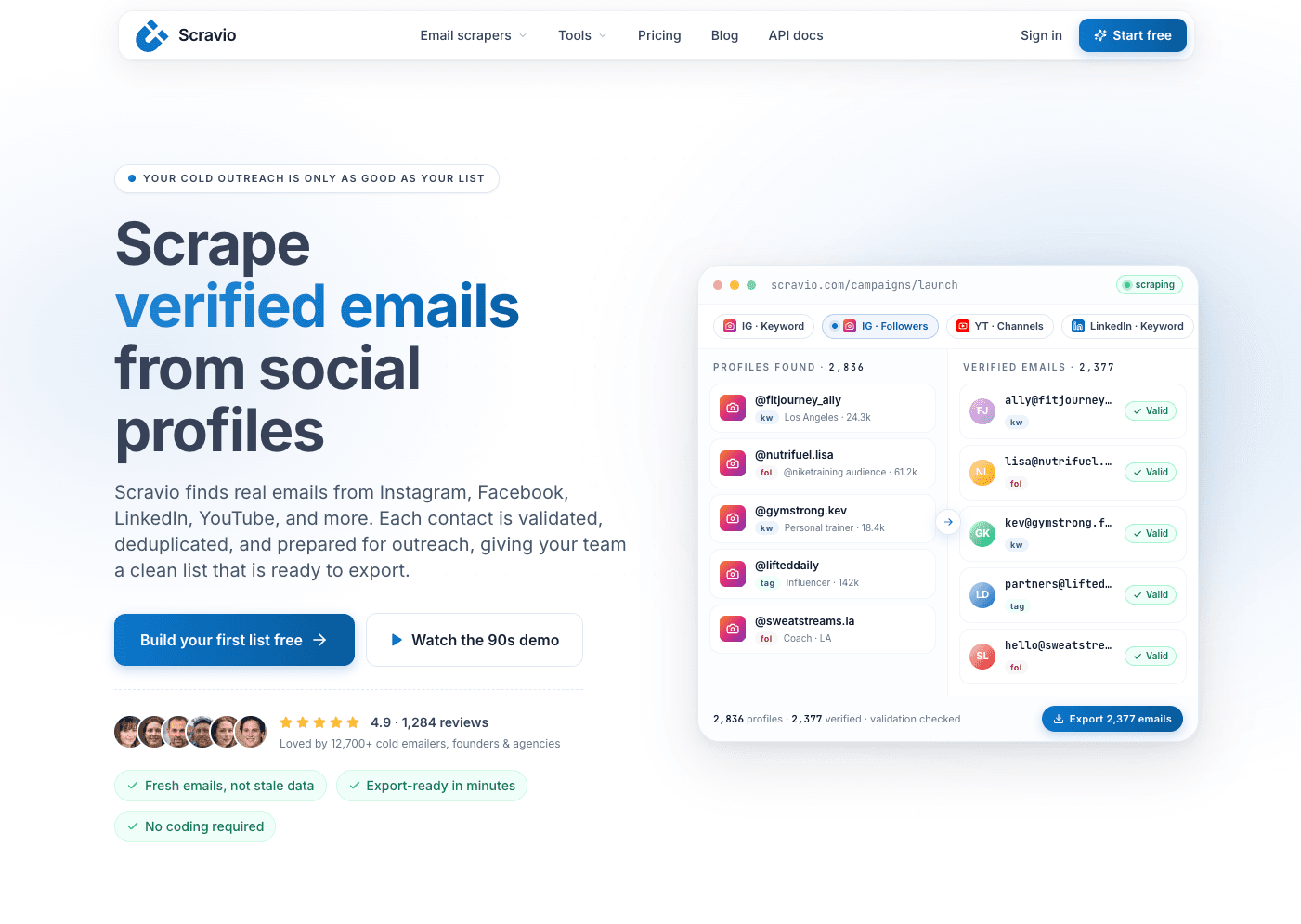
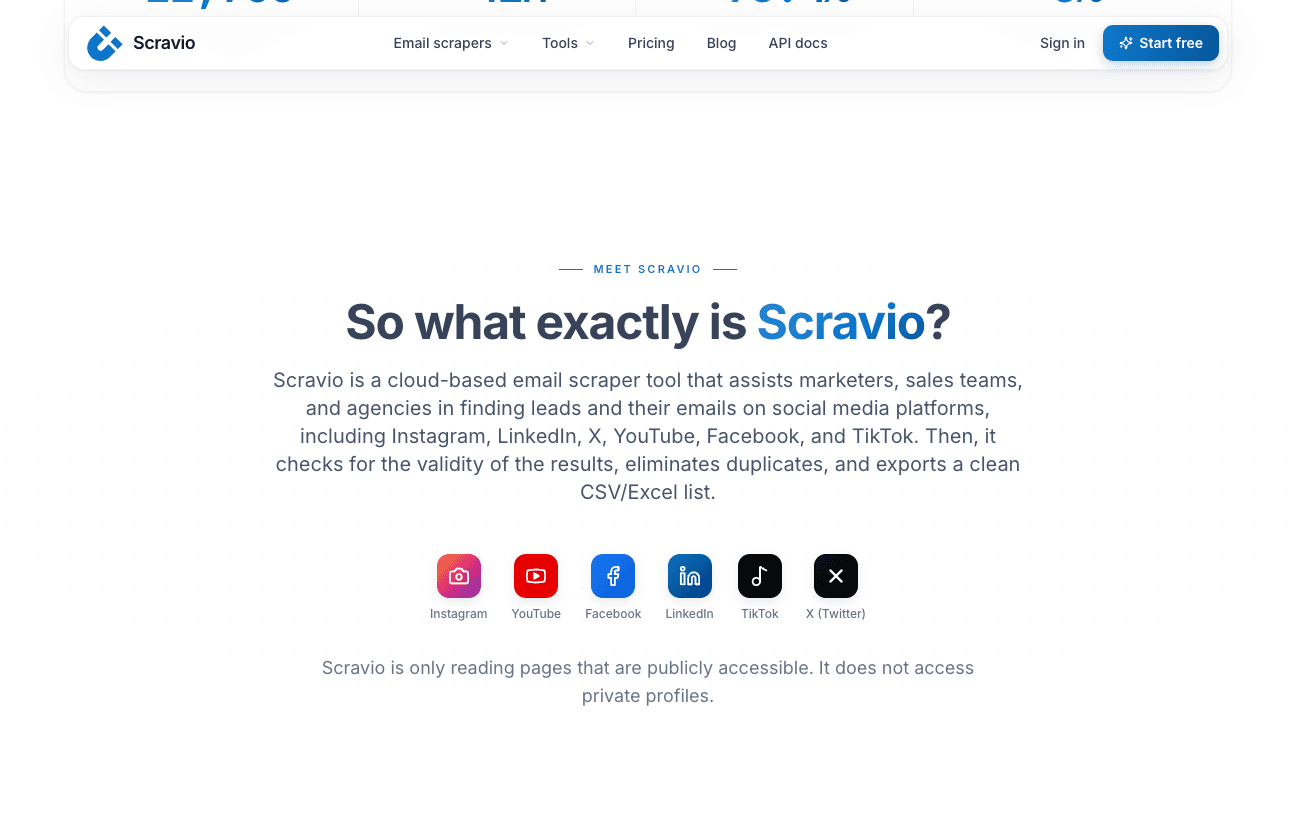
Scravio is a cloud-based email scraper for teams that need to identify prospects from publicly accessible social and web context. A user can begin with keywords, niches, creator categories, public business audiences or other relevant discovery criteria across supported platforms.
This workflow is relevant for marketers, sales teams and agencies that do not already have a complete target-account list or company-domain file. For example, a brand researching creator sponsorships may begin with a public niche rather than a known list of contact details.
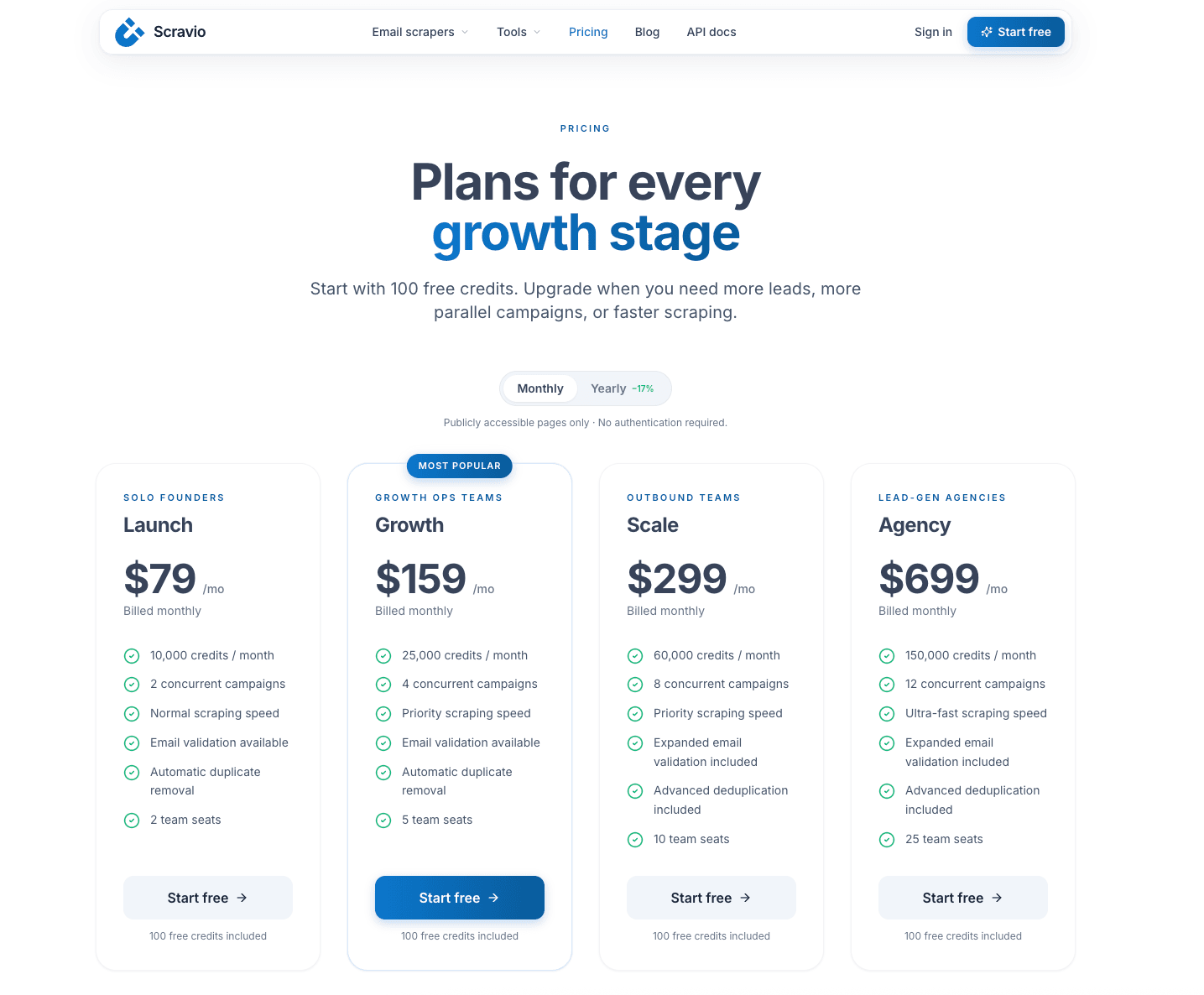
Scravio currently provides 100 free credits for new users, with no credit card required to begin evaluation. The free access is intended to let users examine the workflow and output before considering a paid plan.
Data Quality and Automatic Cleaning
Scravio presents email-quality checks as part of its scraping workflow. Results are checked for syntax and domain-related validity signals, with bounce-risk screening intended to help reduce avoidable invalid-address risk before export.
The workflow also includes automatic duplicate removal. This matters when the same professional email address appears across a public profile, company page or other visible source. Rather than forcing users to clean repeated records manually, the tool prepares a more usable set of unique contact data for review.
Scravio also retains source URLs, helping users confirm the context in which an email was found. This supports qualification and relevance checks before outreach.
Setup, Export and Workflow Fit
For its public-source discovery workflow, Scravio states that users do not need to provide source-platform account logins or reuse cookie/session data. Users still create a Scravio account to access the tool, but the source collection process is based on publicly accessible pages rather than private accounts or gated dashboards.
The output can be exported in CSV or Excel format, allowing teams to continue reviewing records, organize search criteria or move suitable contacts into their wider prospecting workflow.
Scravio may fit teams that need:
-
Public-source social prospect discovery.
-
Professional email addresses connected to visible source context.
-
Email checks and duplicate removal within the workflow.
-
A reviewable export before scaling outreach.
Limitation to Review
Scravio's 100 free credits are useful for evaluation, not unlimited bulk scraping. Its current pricing information states that campaign results consume credits and that email validation and deduplication may also use credits depending on the selected plan.
Email-quality checks may help reduce bounce risk and support sender reputation management, but they do not guarantee delivery, responses or campaign outcomes.
Outscraper: Domain-Based Extraction From Public Business Sources
Starting Point and Free Access
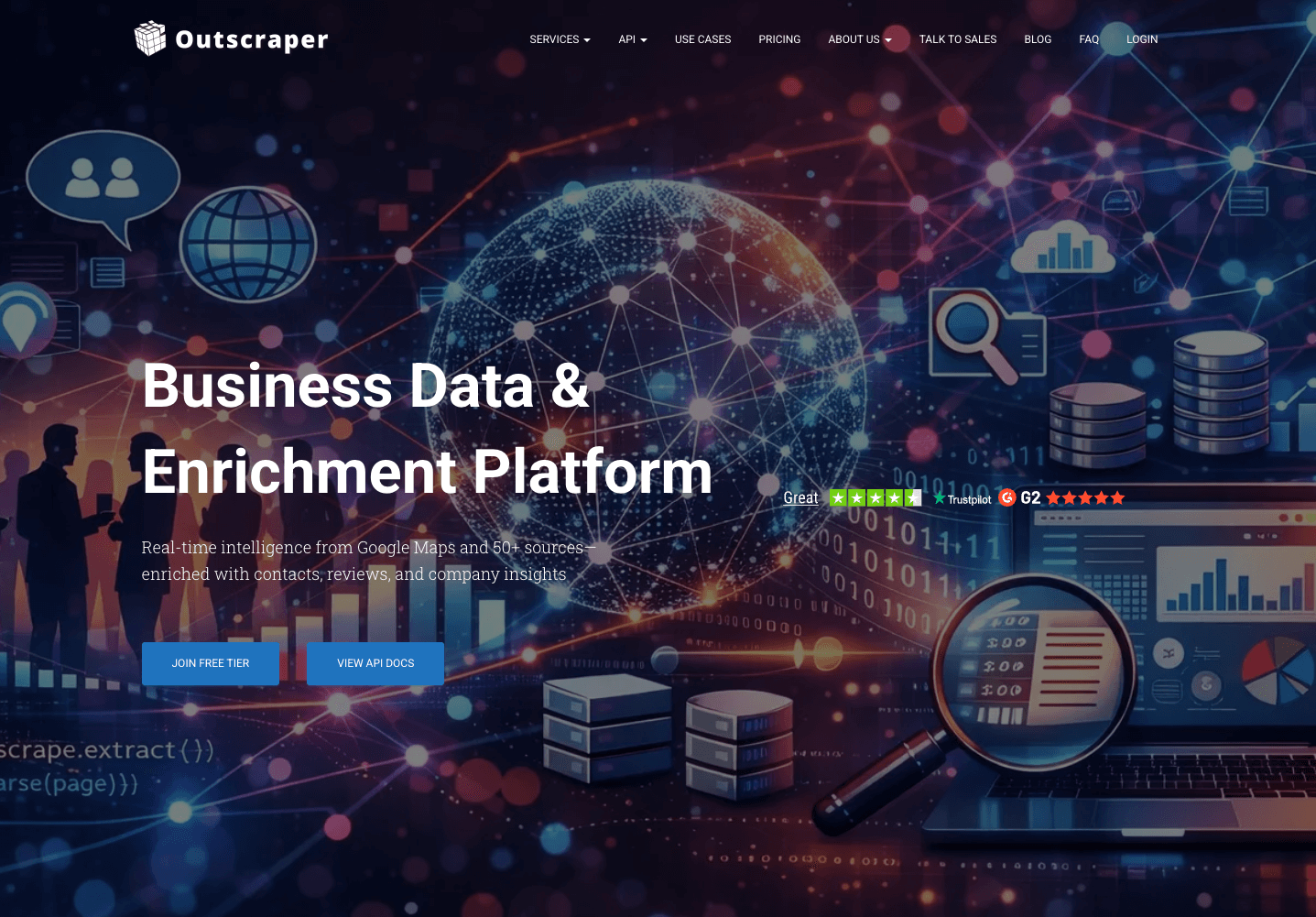
Outscraper's Email Extractor is designed around domain-based email search and public business-source extraction. Users can begin with company domains or lists of public company websites rather than searching for new prospects from social context.
Its product page currently presents a free tier for the first 500 contacts, followed by metered billing. The workflow may be useful for teams that already know which companies or web properties they want to inspect.
For example, a sales team holding a list of company domains may use this type of workflow to extract visible business contact details associated with those domains.
Data Quality and Automatic Cleaning
Outscraper presents extraction of email addresses, phone numbers and social-profile links from public sources. For teams concerned with data accuracy and list cleanliness, the next step is to confirm whether the selected extraction workflow includes verification or duplicate-removal features within the same free allowance.
That distinction matters. Finding contact details from public sources is not identical to checking whether an email should proceed to further review.
Setup, Export and Workflow Fit
The workflow starts from domains or an uploaded list of websites, such as a CSV or Excel file. This makes it suitable for users whose source data is already organized around companies or websites.
Outscraper provides structured downloadable output, making it relevant for domain-led collection and further data enrichment where a team may also need public company data, phone numbers or social links.
Limitation to Review
Before choosing Outscraper for a cleaner email-list workflow, users should verify:
-
How many contacts the free tier currently includes.
-
Whether validation is part of the same extractor workflow.
-
Whether duplicate handling is included.
-
Which output fields are available in the export.
Outscraper may suit teams whose starting point is a company-domain list rather than audience discovery from public social context.
Mailmeteor: Free Website Email Extraction With a Separate Verification Step
Starting Point and Free Access
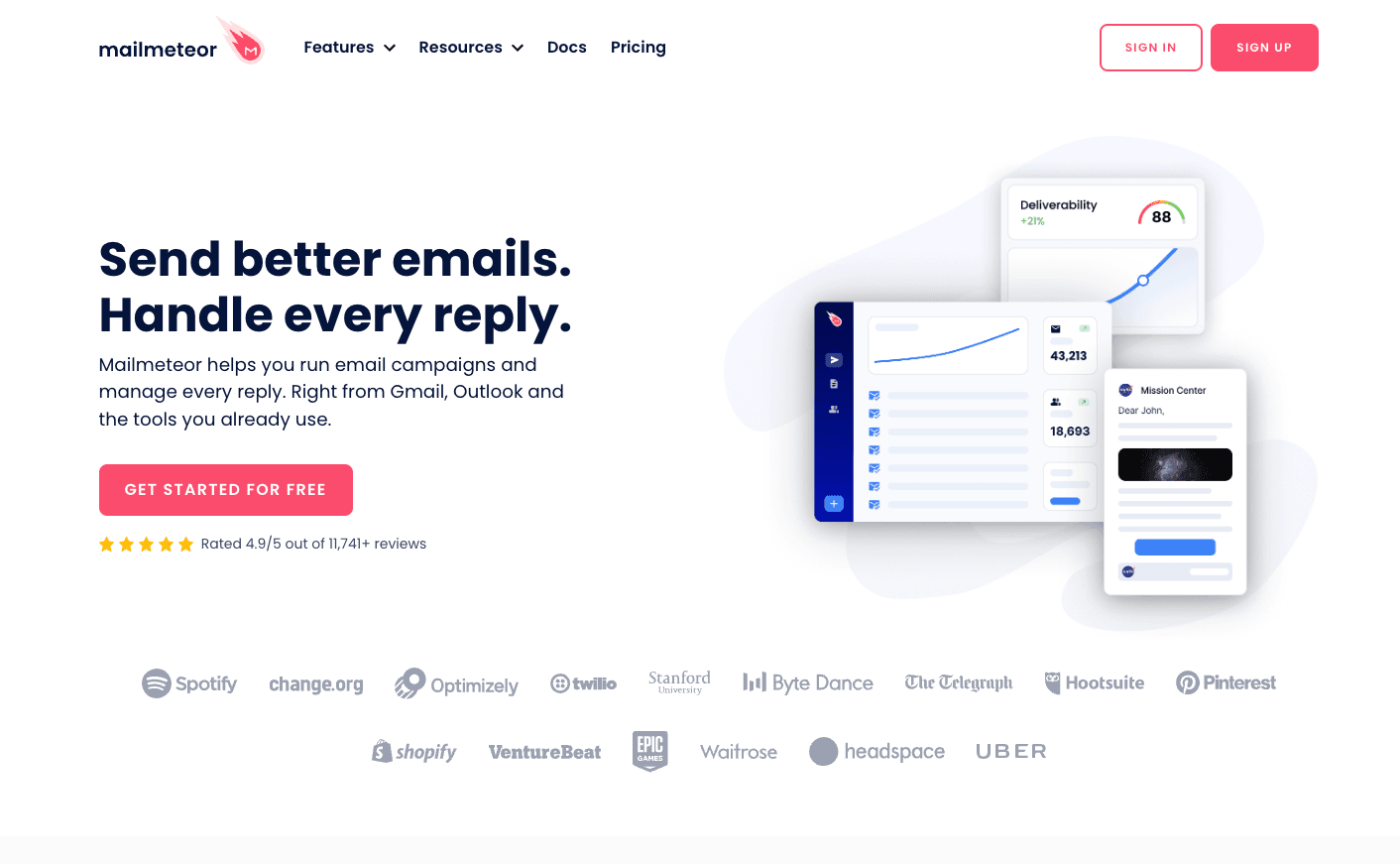
Mailmeteor provides an email extraction tool for browsing websites and collecting email addresses already displayed on public pages. Users paste a website URL, and the extractor scans accessible pages and internal links for visible addresses.
The extractor is currently presented as free to use, with no signup and no credit card required. This can be practical for quick research on company websites, online directories or public contact pages.
Data Quality and Automatic Cleaning
Mailmeteor is transparent that the extractor itself does not verify scraped emails. Instead, email verification is available as a separate checking workflow.
This distinction helps users choose accurately:
-
Extraction identifies visible email addresses.
-
Verification helps review whether addresses show signs of validity or risk.
-
Qualification determines whether a contact belongs in a campaign.
For a small, known website set, this separation may be acceptable. For a workflow that needs built-in verification and automatic data cleaning in a single step, users should account for additional processing.
Setup, Export and Workflow Fit
The tool begins with a publicly accessible URL and does not require a browser extension for its basic extractor. Users can copy extracted email addresses for use in a spreadsheet, another verification tool or an outreach preparation workflow.
Mailmeteor may fit users who already know the public websites they want to inspect and need a simple method to extract emails without setting up a larger platform.
Limitation to Review
Mailmeteor's free extractor does not combine extraction with email verification in the same workflow. Users looking to reduce invalid addresses before outreach need to run a separate checker and consider how duplicate records will be handled downstream.
It is therefore better suited to straightforward website extraction than to an integrated cleaner-list evaluation workflow.
Thunderbit: Webpage, File and Text Extraction With Export Options
Starting Point and Free Access
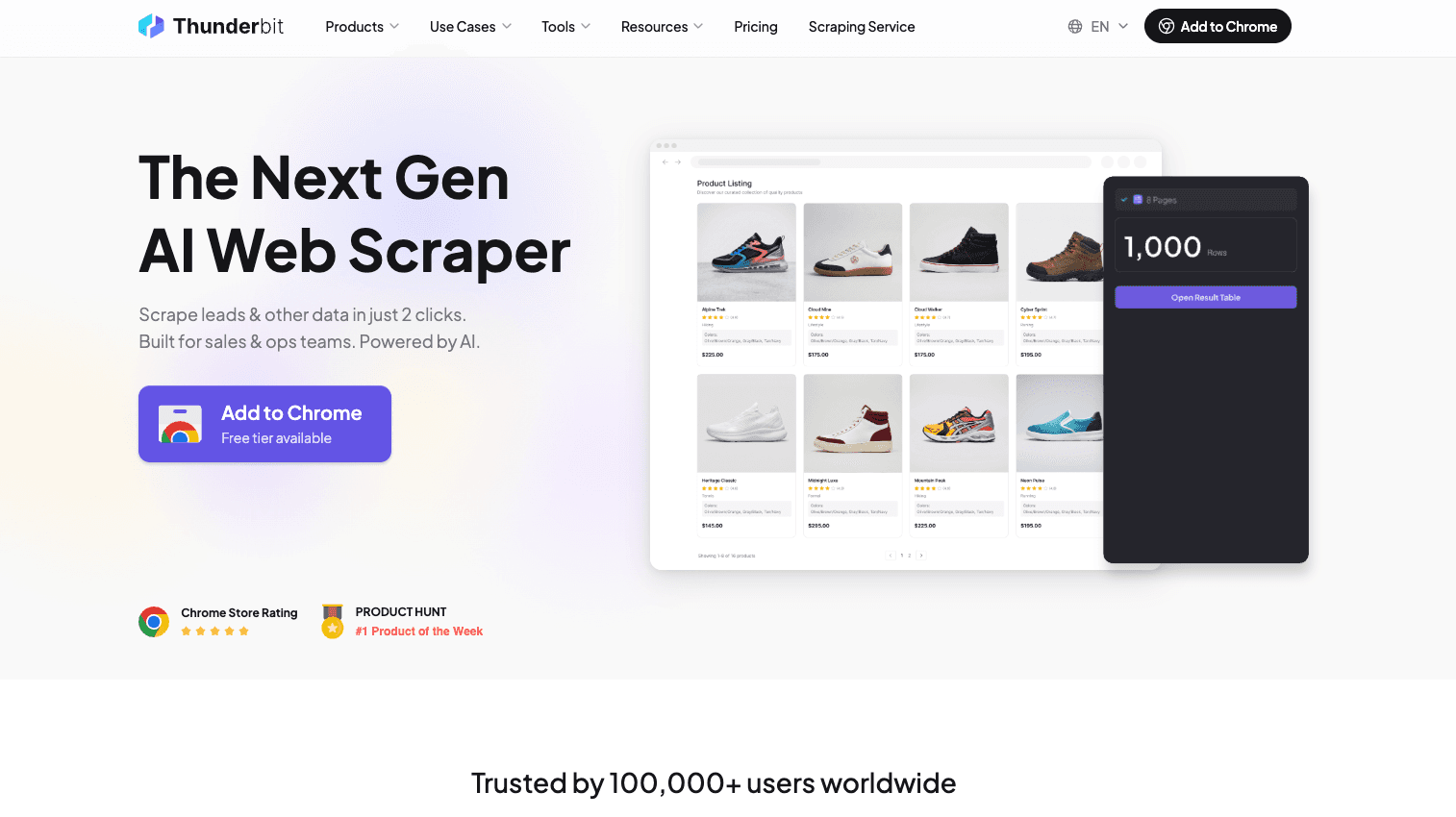
Thunderbit's Email Extractor and Verifier begins with user-supplied inputs such as webpages, TXT files, uploaded documents or pasted text. This workflow is suitable when a team already has source materials and wants to transform them into structured contact data.
The product page currently presents a free tier and supports broader bulk scraping through a browser extension workflow.
This can fit researchers, marketing teams or sales operations users working with collected source material rather than beginning with social audience discovery.
Data Quality and Automatic Cleaning
Thunderbit presents email extraction and verification together with de-duplication capabilities. These features can support data cleaning where source files or webpages contain repeated email addresses or records that need review.
As with any email verification workflow, users should avoid interpreting checked results as guaranteed delivery. The practical value is in making the output easier to inspect before it enters a campaign or CRM process.
Setup, Export and Workflow Fit
Thunderbit accepts URLs, files or pasted content. For larger extraction workflows, its product materials reference a Chrome extension and a free account.
The platform presents export options including:
-
CSV format.
-
Google Sheets.
-
CRM integration.
This may fit teams that already have defined web or document sources and want to move structured contact data into downstream marketing tools.
Limitation to Review
Thunderbit begins with specified input content. It is therefore different from a workflow designed to identify prospects through public social signals, keywords or niche audience discovery.
Users should confirm the current free-plan limits, the volume permitted for bulk extraction and the scope of verification before relying on it for a larger data-cleaning workflow.
What “Cleaner Email Lists” Means in a Free Scraping Workflow
Cleaner email lists are easier to review than raw exports. They may contain fewer duplicate records, better source context or additional email-quality signals. They should not be confused with guaranteed deliverability or fully qualified leads.
Email-Quality Checks Can Help Reduce Invalid-Address Risk
A basic scraper extracts email addresses from available public content. A workflow with email verification support may also assess syntax validity, company-domain signals or indicators of bounce risk.
This can help teams identify records that deserve further review before they are placed into a cold email campaign. It may also help teams avoid sending to some clearly unsuitable addresses, which is relevant to sender reputation.
However, data quality has limits. Mailbox status may change, catch-all domains may be difficult to assess with certainty, and sender setup can influence bounce rates independently of list preparation.
Email-quality checks can help reduce avoidable risk before outreach, but they do not guarantee delivery, relevance or campaign performance.
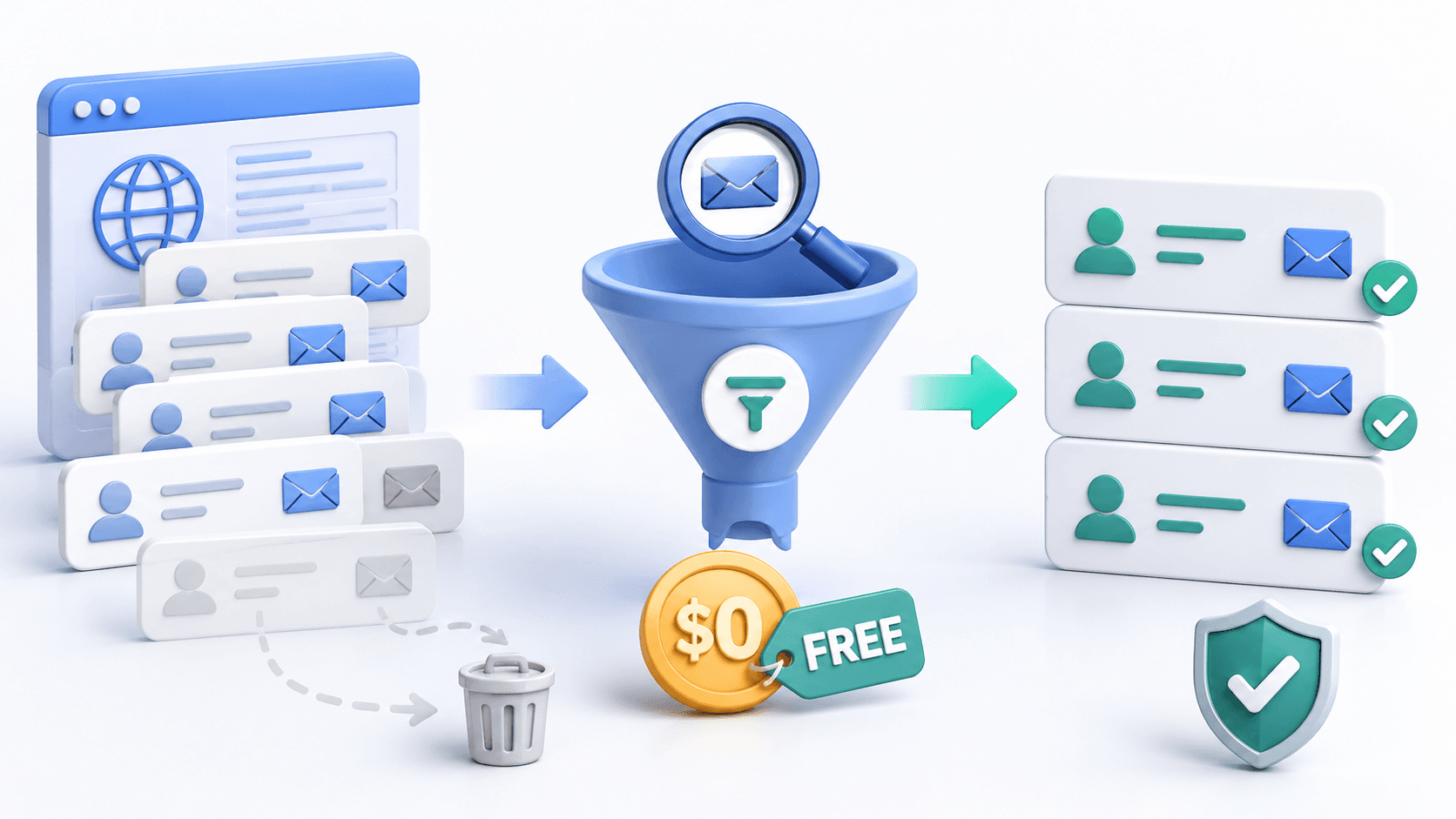
Automatic Data Cleaning Makes Free Evaluation More Practical
Free usage is more meaningful when the output represents unique, reviewable records. Duplicate email addresses can arise when the same contact appears on public profiles, company websites or multiple source pages.
Automatic data cleaning through deduplication can help teams:
-
Avoid inflated counts of how many contacts were actually found.
-
Reduce manual spreadsheet cleanup.
-
Prevent repeated review of the same address.
-
Prepare a more practical CSV export for qualification.
This is especially relevant for free plans, where limited usage should help evaluate the real quality of a workflow rather than repeat the same contact data.
Cleaner Contact Data Still Requires Human Qualification
A professional email address is not automatically a qualified prospect. Even after email checking and duplicate removal, teams should assess:
-
Whether the role matches the intended buyer or partner profile.
-
Whether the company data or creator niche is relevant.
-
Whether the source context supports a reasonable outreach message.
-
Whether the contact belongs in the selected campaign.
A cleaner list improves the starting point. It does not replace judgement, personalization or responsible decision-making.
Which Free Email Workflow Fits Your Starting Point?
The suitable email scraping workflow depends on the source data you already have and the type of prospect you need to identify.
Choose Public-Source Scraping When You Need to Identify Prospects
Public-source discovery can fit teams starting with market signals rather than named accounts. Examples include:
-
Finding creators within a public niche.
-
Discovering business profiles related to a keyword.
-
Researching potential affiliate or sponsorship partners.
-
Identifying prospects from visible social context.
Scravio aligns with this type of workflow because it begins with public discovery signals and prepares extracted contact data for review.
Choose Domain-Based Email Search When You Already Know the Companies
If your team already has company domains or company websites, domain-based extraction may be more direct. This starting point is common for account-based prospecting, local business research and list building from known company sources.
Outscraper aligns with this workflow because it begins with domains and public business sources. Mailmeteor can support simpler extraction when the task is to locate visible addresses from specific websites.
Choose File, Text or Browser-Based Extraction When Sources Are Already Defined
If your source material already exists in files, public web pages or copied text, a tool that converts input content into structured records may reduce manual work.
Thunderbit aligns with this workflow through URL, file and text extraction, browser-extension support and exports to spreadsheets or a CRM.
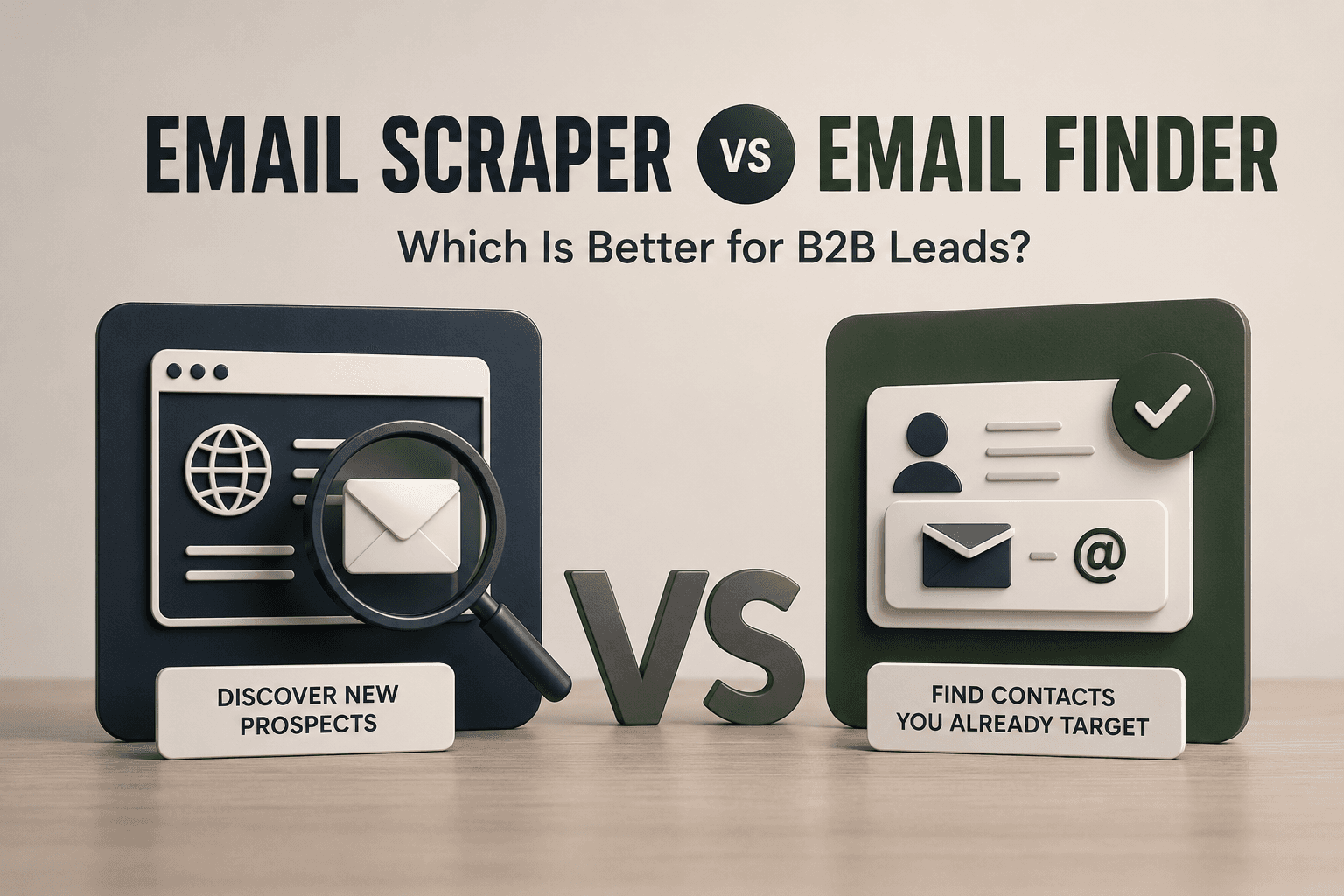
An email finder addresses a related but distinct task: locating a contact for a known person or company, rather than extracting contact data from existing public source material.
Common Limits of Free Email Scraper Tools
Free Plans Are Usually Better for Evaluation Than Scaling
A free plan is often useful for testing practical questions:
-
How many contacts can be processed?
-
What source data does the tool need?
-
Does it extract emails in a usable format?
-
Does it address duplicate records?
-
Is email verification built into the workflow or handled separately?
-
Can the results move into a spreadsheet or CRM?
Those answers help teams decide whether advanced features or paid plans are worth reviewing later. They do not mean a free tier will support ongoing bulk email prospecting at scale.
Data Coverage and Accuracy Depend on Available Sources
Scraping tools can only work with the public information available in their input sources and the workflow they are designed to process. A tool scanning company websites may find different contact data from one beginning with social profiles or text files.
For this reason, users should not compare data coverage only by raw record count. They should compare whether the source type, search criteria and output fields match the prospecting workflow they actually need.
Product Terms and Features Can Change
Free credits, bulk-search limits, validation availability, duplicate handling and export options can change over time. The tool details in this guide were checked in June 2026.
Before running a larger evaluation, users should confirm the current free-plan terms and feature access on each provider's official product pages.
Responsible Use of Publicly Available Business Contact Data
Publicly visible contact data still needs responsible handling. A professional email address displayed on a public web page does not automatically make every marketing message appropriate.
For U.S. commercial email, the CAN-SPAM Act applies to business-to-business messages as well as consumer-facing promotional messages. Teams should use accurate sender information, an honest subject line, a valid physical address and clear opt-out mechanisms, such as a working unsubscribe link. Requirements can differ by region, and some jurisdictions may require a lawful basis or prior consent for certain outreach activities.
Teams should also review source context, confirm business relevance and avoid treating bulk email as a substitute for thoughtful targeting. Scravio explains its public-source approach in more detail in how Scravio obtains public contact data.
Related Guides for Understanding Email Scraping Workflows
Teams still defining the role of extraction in their lead-generation process can begin with what email scraping is and how it works. When the main question is whether to discover new prospects or locate contact details for known targets, email scraper vs email finder explains the difference between those workflows.
Final Takeaway: Evaluate Cleaner Email Lists Before You Commit
The right free email scraper depends on the input you already have and the output you need to assess: public-source prospect discovery, domain-based email search, website extraction or file-based processing. Before choosing a workflow, compare free-plan limits, setup requirements, data quality support, automatic cleaning and export usability.
For teams evaluating public-source social email discovery with cleaner contact data for review, Scravio provides a practical workflow to examine before scaling.
Evaluate the workflow before you pay. Start with 100 free Scravio credits to find publicly available business emails, check contact quality during scraping and remove duplicate results automatically — with no credit card required. Email-quality checks can help reduce avoidable risk, but you should still review relevance before outreach.
Frequently asked questions
Are Free Email Scraper Tools Useful for B2B Lead Generation?
Yes, when the objective is to evaluate a workflow before paying. A free tool can show whether its source data fits your search criteria, whether output fields are useful, whether duplicates are addressed and whether professional email addresses can be reviewed in a practical format. Free access should not automatically be treated as enough for large campaigns, bulk enrichment or continuous prospecting operations.
Does Built-In Verification Mean Every Email Address Is Valid?
No. Built-in verification or email-quality checks may help identify some invalid addresses and reduce avoidable bounce risk. They do not guarantee that a mailbox will remain active, that a catch-all domain can be assessed with certainty or that every email will be delivered.
Can Cleaner Email Lists Help Protect Sender Reputation?
Cleaner list preparation can support better outreach hygiene by reducing some obvious invalid-address and duplicate-record risks before sending. Sender reputation still depends on additional factors, including authentication, message relevance, complaint rates, volume management and opt-out handling.
Does Scravio Require Source-Platform Account Credentials or Cookies?
For its public-source contact discovery workflow, Scravio states that it does not use source-platform account logins or cookie/session reuse. It accesses publicly visible pages and retains source context for review. Users still need a Scravio account to use the product; this is not a “no login required” claim.
How Can Users Confirm Scravio's Current Free-Credit Terms?
Scravio currently presents a 100-free-credit starting option with no credit card required. Because campaign results, email validation and deduplication can involve credit usage depending on the plan, users should review the current pricing and credit details before planning a larger evaluation.
Start your first campaign with 100 free credits
Verified emails from Instagram, Facebook, LinkedIn, X, YouTube, and TikTok — all in one cloud workflow. No card required.